
Preview Meta VR Glasses’ Field of View on Your Quest 3
Duuro Plays’ free simulator puts the comparison inside your headset. We tried it on Quest 3 and recorded a look at how it works.
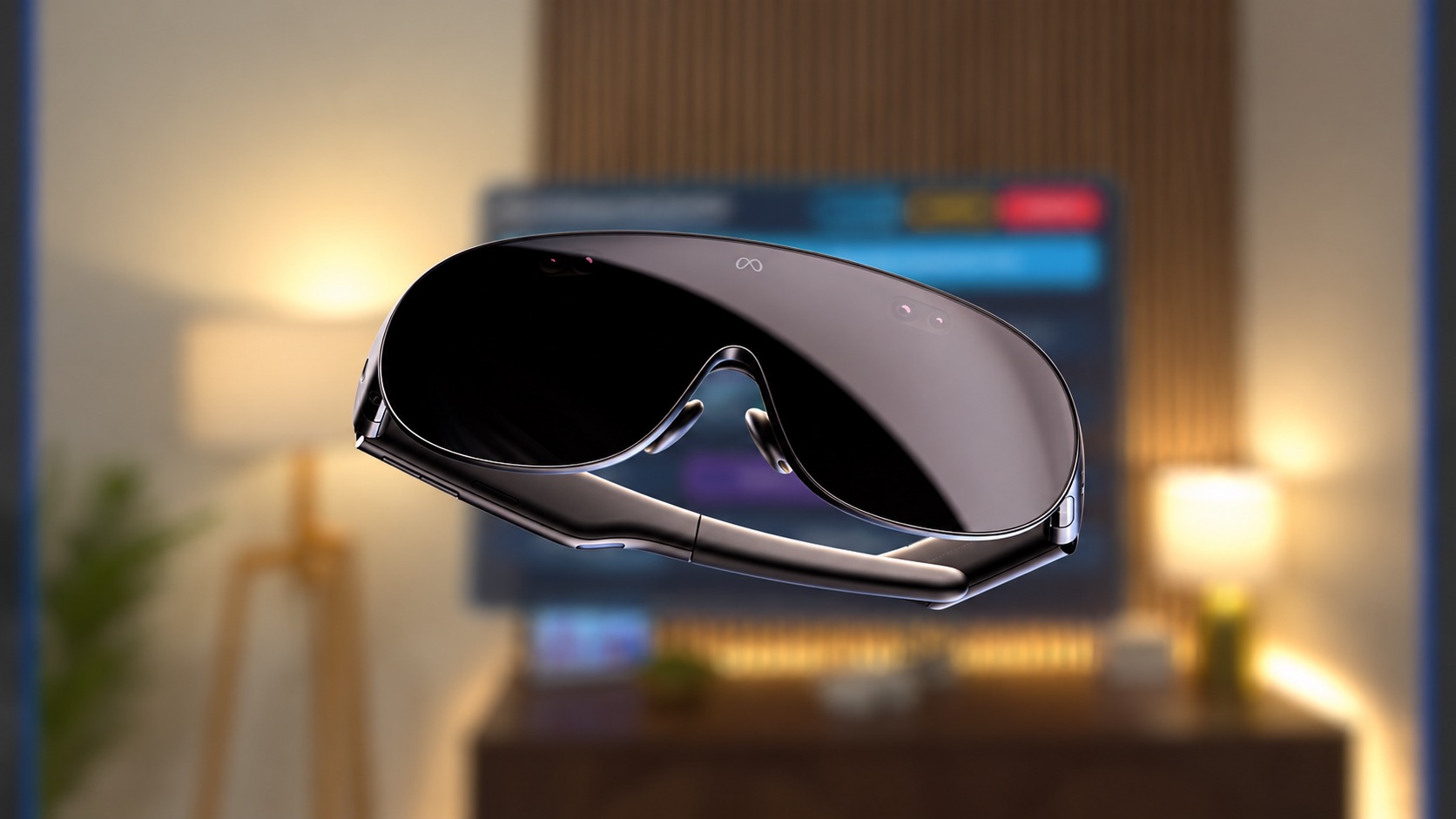
Curious how Meta VR Glasses’ field of view compares with your Quest 3? Duuro Plays built a free simulator (opens in a new tab) you can open right in Quest Browser. No app to install.
I tried it on my Quest 3, and it’s pretty cool to be able to check this out before trying the actual glasses. Here’s my recording.
One thing my video doesn’t fully show is the blacked-out area around the simulated view. You see more of it inside the headset than the Quest recording captures.
Meta lists a 70° horizontal by 66° vertical field of view for the glasses, compared with 110° by 96° on Quest 3 (opens in a new tab). The simulator lets you switch between the two with the A button, keeping the same scene in front of you.
To try it, open duuro.net/fov (opens in a new tab) in Quest Browser, select Enter VR, then press A on your right controller to switch views. You can choose from a workspace, cinema, and outdoor scenes.
This gives you a preview of the viewing area, not the glasses’ actual display quality. Meta also notes that the visible field of view varies (opens in a new tab) with fit, eye position, and where you look.
More from Glasses & Headsets.
Browse all stories
XREAL Aura · 2 min read
XREAL Announces Aura Android XR Glasses Pricing Starting at $1,279
Existing reservation holders can now complete their orders, with two configurations and priority shipping expected before the holidays.

Immersive Film · 2 min read
Open Season Brings Draymond Green’s Therapy Sessions to Meta Quest
Meta Presents’ first series follows the NBA champion through trade rumors, family life, and career uncertainty in immersive 180-degree video.

VR gaming · 2 min read
Half-Life Alyx Runs on Vision Pro Without a Gaming PC
Udi Wertheimer used Valve’s ARM port, Klepton, and Claude to get Alyx running locally on his M5 headset at roughly 3K per eye.