
Search & filter
Show
All Apps
Genre
All Genres
Fresh Apps.
Recent visionOS releases we’ve tried.
 RecommendedCassette: Home Video PlayerWatch home videos from Photos in a cozy virtual living room with a retro TV and VHS tapes.
 RecommendedSpatial Shooting RangeBuild a virtual shooting range with reactive targets, immersive settings, and timed drills.
 RecommendedFlow ChaserTurn songs into rhythm challenges, hitting orbs with your hands or slicing cubes inside music-reactive worlds.
 RecommendedFoviiWatch immersive films and explore the cast, crew, and spatial behind-the-scenes stories that bring them to life.
 RecommendedSTARCLASHStep inside a 33-minute animated experience where the characters welcome you back as the star of their world.
 RecommendedKooboori: Cube Building GameBuild little structures, characters, and worlds from textured cubes on a table in your space.See more recent releases.Browse the hands-on catalog by release date.
Top Picks.
The best apps we’ve tried on Apple Vision Pro.
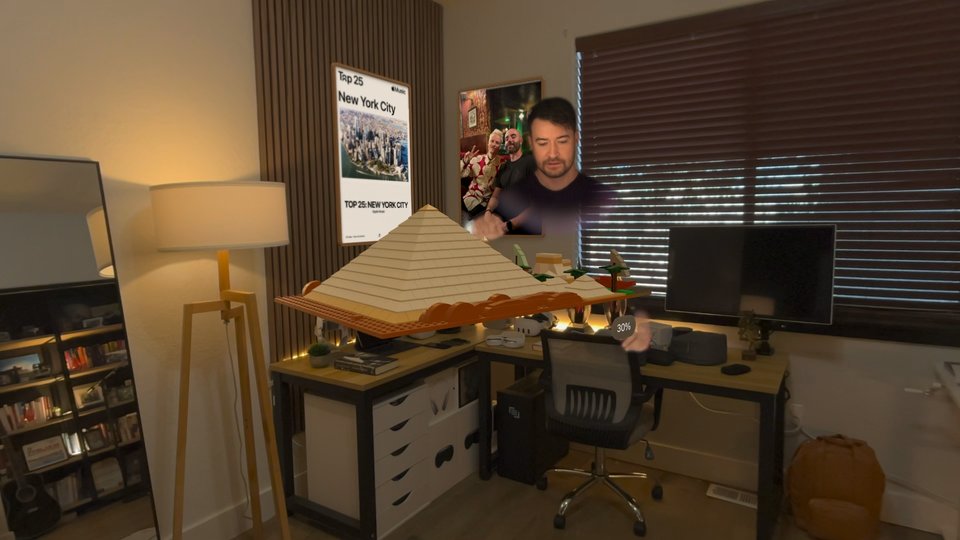

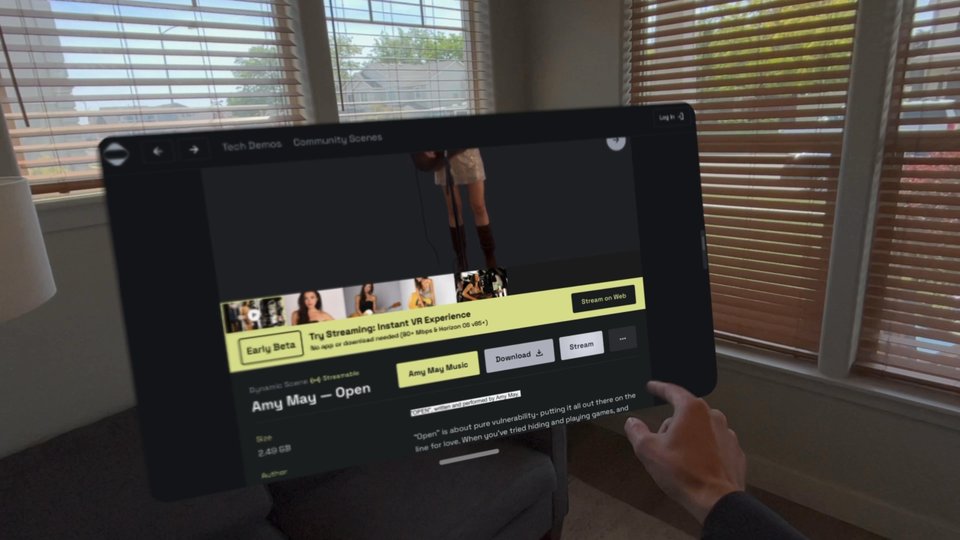











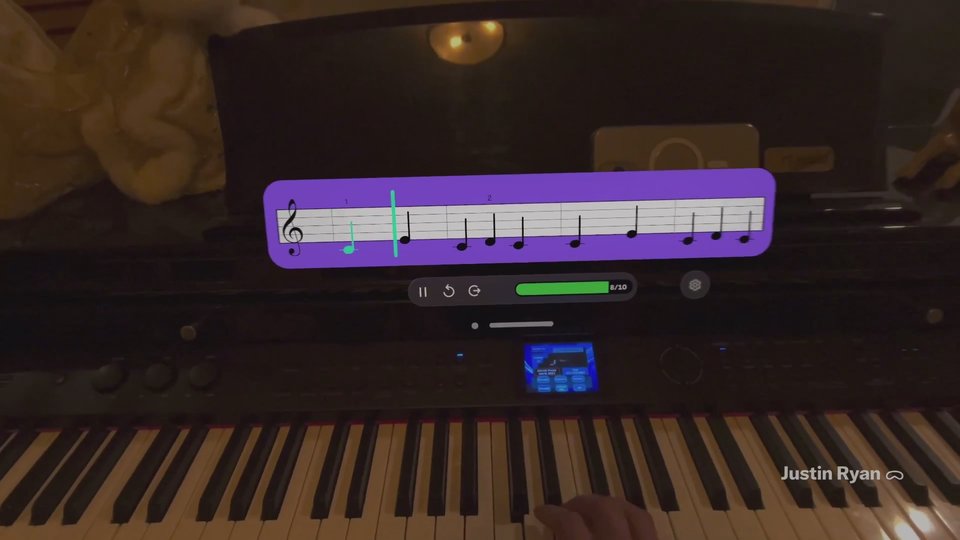


Use with Logitech Muse.
Apps we’ve tried with Logitech’s digital pencil for Apple Vision Pro.
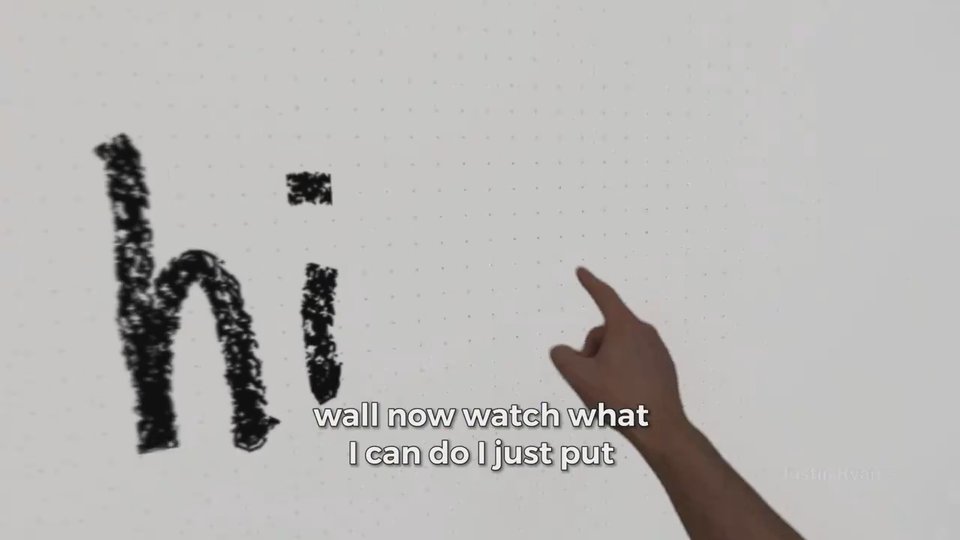
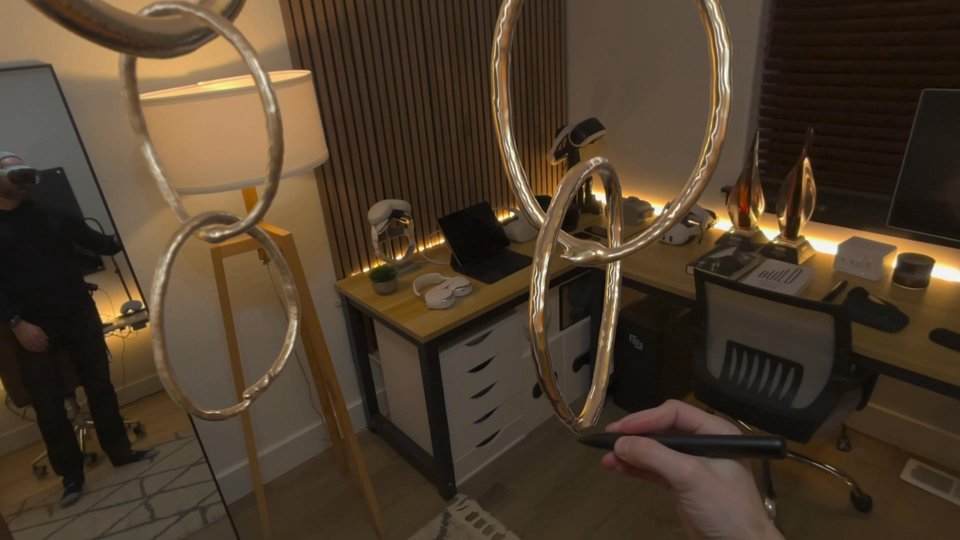
 AirDrawPair AirDraw with Logitech Muse, turn on gravity, and your drawings come to life around you. It is not perfect, but this part feels like magic.Entertainment · $4.99
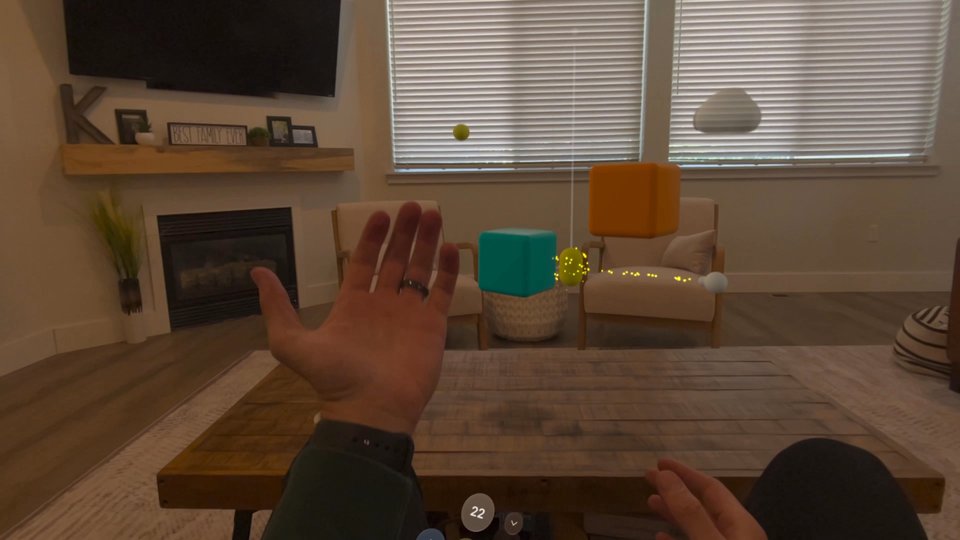
 Wild StylusUse Logitech Muse to draw and paint with more control in 3D.Graphics & Design · $1.99Kooboori: Cube Building GameA calming, playful way to build little structures on Vision Pro, with welcome support for Logitech Muse.Games · $4.99 until Sep 9 · Regularly $9.99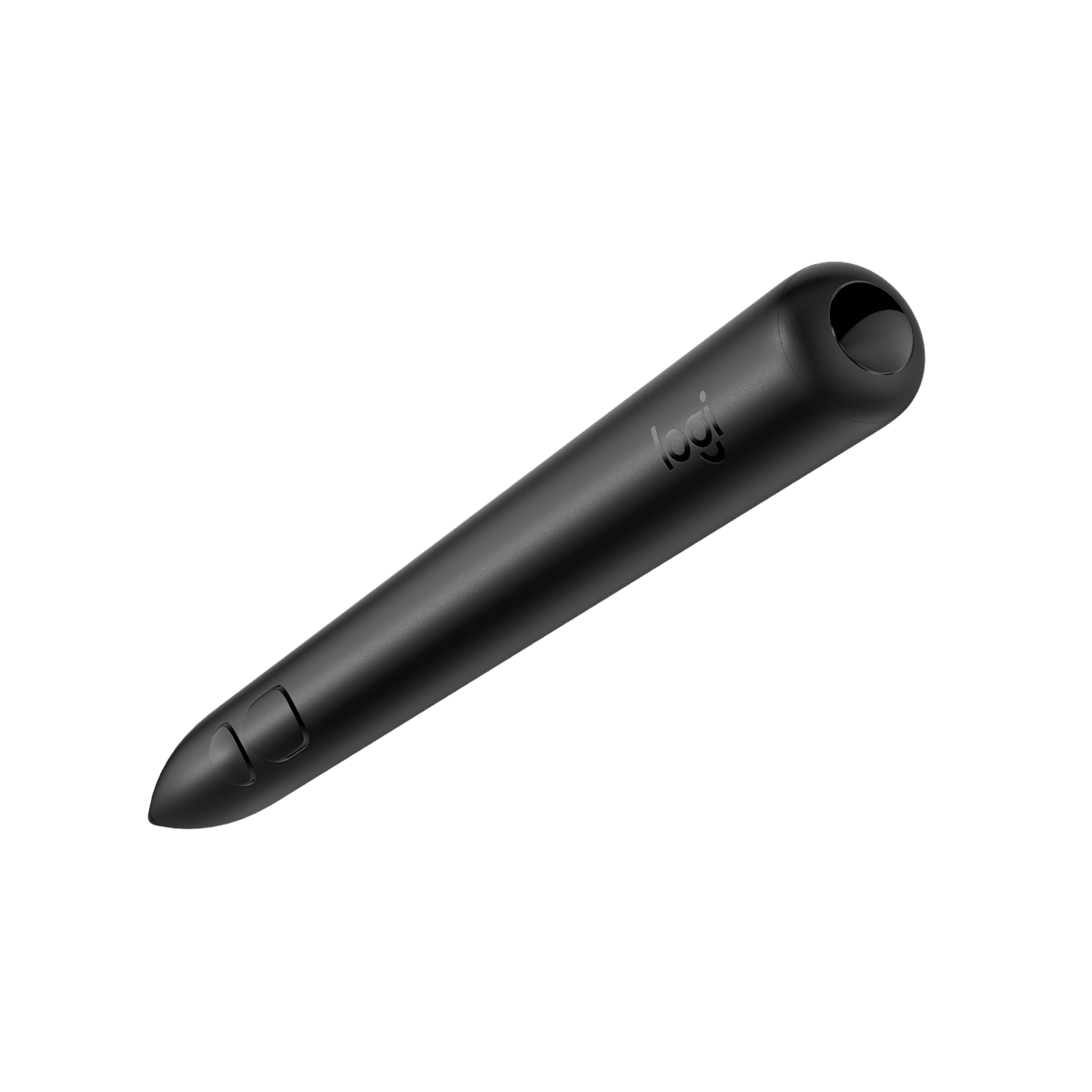
Logitech MuseA precise digital pencil for drawing, annotating, and shaping ideas in 3D.
 TouchDesk - Desktop CanvasOne of the first Vision Pro apps we fell in love with; writing across a real surface with a finger or Logitech Muse remains incredibly satisfying.Productivity · Free · In-App Purchases
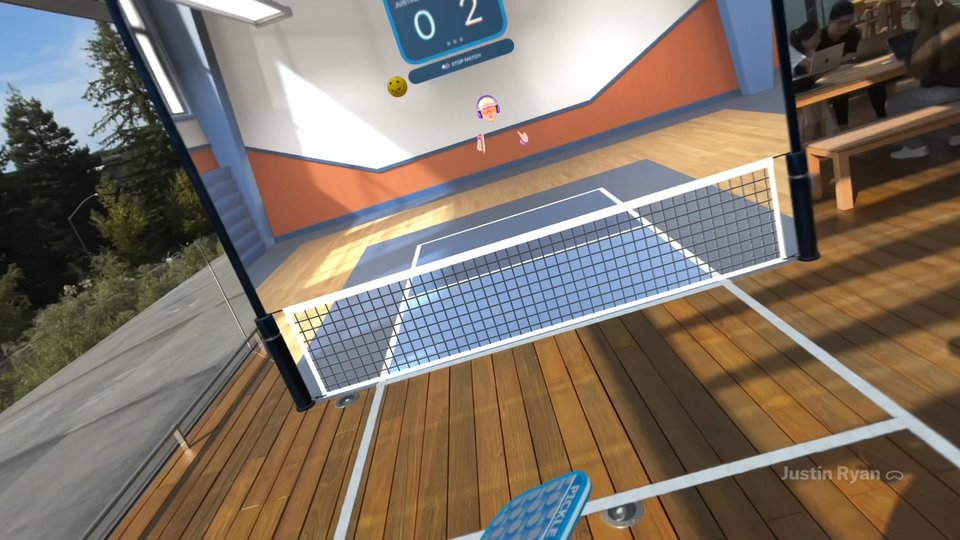
 Ping Pong ClubTables and environments can be customized, while supported spatial controllers such as PS VR2 Sense or Logitech Muse provide more precise paddle movement and haptic feedback. Apple Health integration can record the activity created by longer, more energetic rallies.Sports · Free
 Spatial AnalogueBuilding scenes with 3D objects and inviting other Vision Pro users inside is incredibly cool. With Logitech Muse, you can also leave notes right on the objects.Productivity · Free
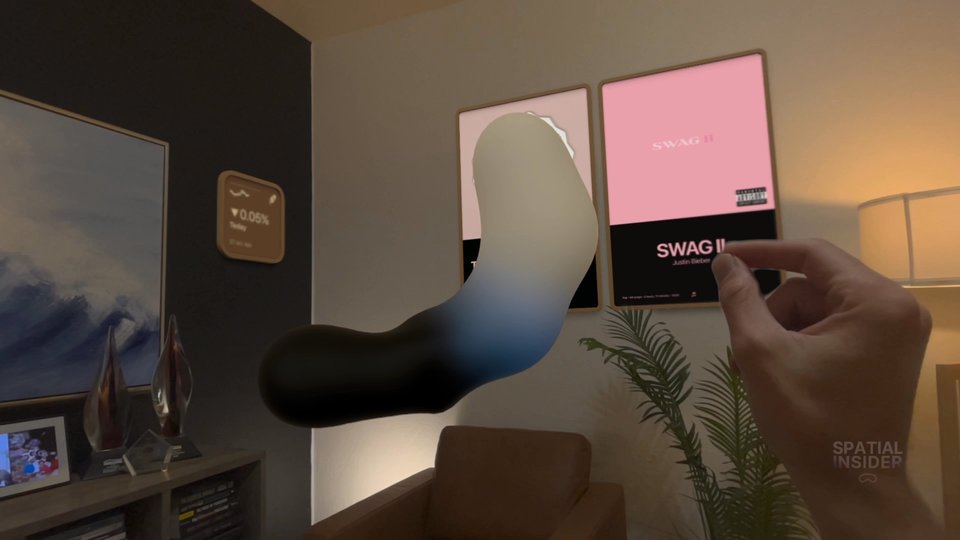
 Crayon: 3D SketchingCrayon is a spatial sketching and modeling tool that works with hand gestures or Logitech Muse. Lines, shapes, and sculpted forms can be created directly in three dimensions, making it possible to develop an idea at the scale where it might eventually exist.Graphics & Design · Free
 Spray Paint SpatialTurn Logitech Muse into a spray can for mixed reality graffiti.Entertainment · Free
More apps we’ve tried.
Sceno
Nanboqi Technology Co., Ltd.
Sceno made us smile by placing old memories back where they happened. Its immersive panoramas turn a photo library into places you can revisit instead of a grid you scroll.

Virtual Pool IRL
Celeris, Inc.
Virtual Pool IRL is immediately convincing. The table holds up when you walk around it, and each shot has enough weight that we instinctively lean over the cue.
SailGP RaceScape XR
SailGP
RaceScape XR untangles a fast, confusing sport without draining away the excitement. The whole experience feels designed around how a fan thinks, not around adding more windows.

OmniCards
Pixeland Technologies, Inc.
OmniCards makes a spatial FaceTime call feel like friends gathered around a real table. The games remove the awkwardness of simply staring at one another, and the polish is excellent.

Crossy Road Castle
HIPSTER WHALE
Crossy Road Castle is inventive, polished, and hard to stop playing. Hands become the controller, levels keep changing, and the whole game feels thoughtfully adapted for Vision Pro.

Homerise
MATTERFUL STUDIOS
Homerise is one of the most polished smart-home apps we have tried. Its controls feel quick enough for daily use, and the visual care makes it feel like part of the home rather than a dashboard floating in it.

Story: Spatial Storytelling
ILLUSION Tech
Story is one of the most complete creative tools we have seen for spatial storytelling. It combines accessible building tools with a community library that keeps the app from feeling empty.

INSIGHT HEART
ANIMA RES
INSIGHT HEART is a powerful example of spatial education. The model is beautiful, easy to understand, and detailed enough to reward close study.

Containment Unit
Bzor Systems, Inc.
Containment Unit is one of the wildest and most creative Vision Pro experiences we have tried. Designing digital DNA and watching strange creatures react to the room feels polished, playful, and full of room to grow.

Rebuilding Notre Dame
TARGO
Rebuilding Notre Dame is one of the most compelling ways we have experienced history. Its beautiful 8K 3D images and human stories make the cathedral’s loss and restoration feel immediate.
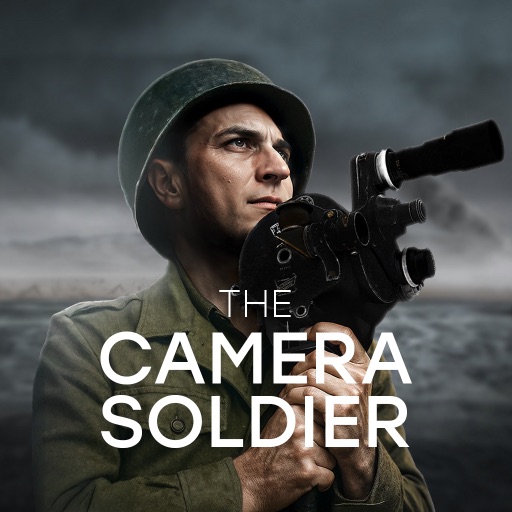
D-Day: The Camera Soldier
TARGO
D-Day: The Camera Soldier is the most compelling and beautiful way we have experienced this history. It uses presence with purpose and earns its place as a must-try Vision Pro story.

Reload - Shooting Range
abedalkareem omreyh
Reload is focused and satisfying. The drills feel purposeful, and the competitive layer gives us a reason to sharpen another run.

Spatial Web Shooter
镜州 陈
Spatial Web Shooter delivers the Spider-Man fantasy with playful mixed reality interactions. Regular updates, new props, and added modes have helped it grow beyond a quick demo.

Doggy Dogfight
Bristol Bay Code Factory Limited
Doggy Dogfight is a cheerful aerial game with a surprising amount of content. Fifty levels and power-ups keep it moving, and a controller makes the vintage planes much easier to handle.

Out There
Wilkins Avenue Immersive
Out There is an excellent showcase for immersive media. It is the kind of app we want a new Vision Pro owner to try because the sense of presence explains the format immediately.

Pocket Rocket
Voyager Space Systems, LLC
Pocket Rocket is a space fan’s dream, combining practical launch tools with 3D models and immersive footage. It gives both casual viewers and serious fans plenty to explore.

Lungy: Breathing Exercises
Pi-A
Lungy turns breathing into a beautiful visual interaction. The fluid simulation is fun to touch, and the calm, responsive design gives each exercise a clear sense of feedback.

Beautiful Things : 3D Capture
Matthew Hoerl
Beautiful Things lives up to its name. Browsing, collecting, and placing thousands of 3D objects is a joyful Vision Pro experience with an inviting sense of discovery.

PhotoDome
Torn Metal LLC
PhotoDome makes a photo library feel like a scene from Minority Report. Tossing and arranging images with hands and eyes is beautiful, fast, and much more playful than scrolling a grid.

Fyta: Spatial Media
BJ Feitan Technology
Fyta makes spatial media feel social instead of stuck in a personal library. The cross-platform upload path is especially helpful for people capturing on iPhone.

Red Bull TV: Watch Live Events
Red Bull
Red Bull TV pairs action sports with Vision Pro’s scale beautifully. A live event inside an immersive environment can feel like a video game brought to life.

Spatial Flow Runner
David Seeler
Spatial Flow Runner is far more fun than we expected. The speed and free price make it easy to jump into, and the Sonic-like flow can become quietly addictive.

Vimeo
Vimeo.com, Inc.
Vimeo gives spatial creators a respected place to publish and watch their work. Native MV-HEVC support makes the app a useful bridge between creation, hosting, and viewing.
Frost Loop
Genisense Co., Ltd.
Frost Loop creates the kind of visual presence an escape room needs. Its puzzles can be genuinely challenging, and the atmosphere is convincing enough to make the mystery feel close.

The Masters Tournament
Augusta National, Inc.
The Masters app understands how golf fans follow a tournament. It keeps several stories in view without becoming confusing, and the familiar leaderboard still anchors the experience.

Fishing Haven
Devs United Games, Inc.
Fishing Haven creates a beautiful place to cast a line without leaving home. Hand tracking still needs polish, but the setting and sense of calm make the rough edges easy to forgive.
Mirage: Reimagine Your Room
1984 LLC
Mirage can transform ordinary walls, floors, and ceilings into a completely different mood. The effects are playful, and drifting through clouds is a strong reminder that the room can become the canvas.

HBO Max
WarnerMedia Global Digital Services, LLC
HBO Max is a strong way to watch premium shows and movies on Vision Pro. The Harry Potter and Game of Thrones environments add the kind of atmosphere a headset can do better than a television.

Solitaire Stories
RED GAMES CO, LLC
Solitaire Stories is a beautiful, relaxing version of a classic card game. The stories and customization give it more personality than a basic deck, despite some recent complaints about AI-made card art.

OPERATOR: XR Music Creation
Fun and Awe
OPERATOR makes music production visual, friendly, and fun. Building a beat from cubes is easy to understand, while voice recording and effects leave room for real experimentation.

Spire Blast
Orbital Knight sp. z o.o.
Spire Blast takes the satisfaction of stacking and turns it into an addictive puzzle. It is easy to learn, pleasant to play, and polished enough to keep us coming back.

Status Bar Builder: Widget Kit
Vladislav Shtefanko
Status Bar Builder makes the open space around a desk useful with a clean, customizable row of time, battery, calendar, shortcuts, and other glanceable controls.

Flight Sight: Pilot Training
Rogue Labs VR LLC
Flight Sight places helicopter lessons inside the cockpit with impressive clarity. Interactive models, real coaching, and immersive Southern California footage make the training feel focused and memorable.

FormaXR
METARKTKS S.R.L.
FormaXR gives architects and developers a convincing way to present work before it is built. Full-scale rooms, aerial views, and clear materials can make a client meeting far more useful.

ReelRoom
Jason Norris
ReelRoom lovingly rebuilds the Friday-night video store. Posters, shelves, and trailers capture the feeling well enough that browsing becomes the experience, not just the step before watching.
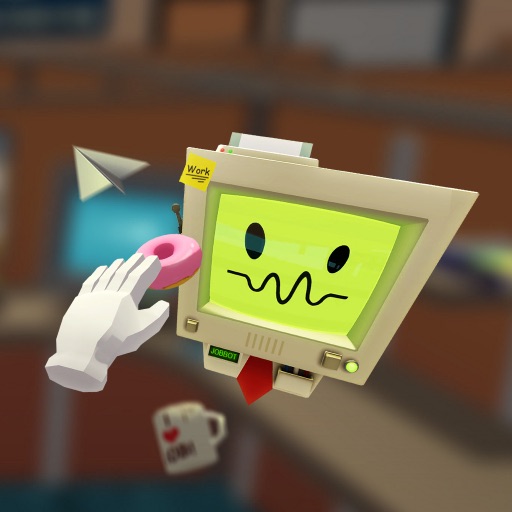
Job Simulator
Owlchemy Labs
Job Simulator runs well and gives Vision Pro owners a polished, proven room-scale game. Its humor and physical interactions make it a great showcase for first-time players.

MetalSplatter
Quantum Cogs
MetalSplatter can display impressively large Gaussian splats without outside computing. Heavy files may still cause crashes, but its local performance makes it a valuable tool for spatial creators.

Porsche 911 Spirit 70 App
Porsche Cars North America, Inc.
Porsche’s 911 Spirit 70 app treats the car with the care of a museum piece. The spatial model is detailed, polished, and a strong companion to the brand’s real history.

Alive AR Experience
Jack Finnis
Alive makes a normal workday feel wonderfully strange. Fish, sharks, spiders, and butterflies react to the room while other apps stay open, creating a mixed reality layer that feels genuinely alive.
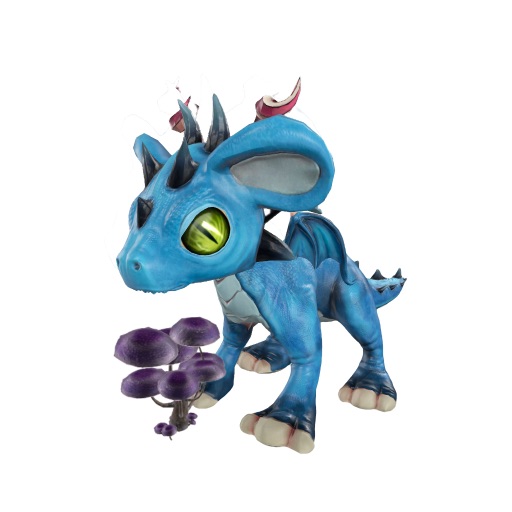
Imagipets - Dragon Games
Gil Nakache
Imagipets makes a tiny dragon feel like a welcome guest in the room. Feeding it, raising it, and guiding it through missions with hand gestures is charming and easy to understand.

Preshow Theater
Aaron Brannan
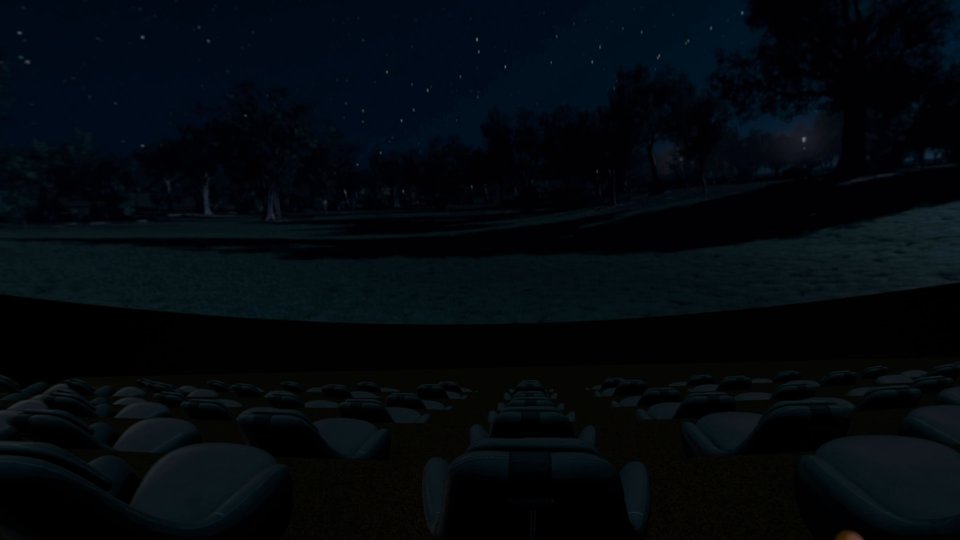
Preshow Theater has one of the most charming free environments on Vision Pro. Watching trailers at a drive-in, complete with light reflecting on the car hood, shows real attention to detail.

Warped Kart Racers
Electric Square Ltd
Warped Kart Racers makes imaginary steering feel better than expected. Familiar characters, 16 tracks, and eight-player races give it enough depth for more than a quick novelty.
A Bunch of Things
Things, Inc.
A Bunch of Things is wonderfully easy to lose time in. Placing and combining thousands of community-made objects is relaxing, creative, and completely free.

AirVis
Rockland Technologies Inc
AirVis is one of the better ways to explore Gaussian splats on Vision Pro. Its companion apps also make it easier to move between devices.

LightTable: Photos & Videos
Gary Law
LightTable is a smart companion to Photos. Multiple videos, side-by-side images, and transparent media make it easier and more fun to compare a library than Apple’s single-window view.
Piano: Flowing Tiles
Gregoire Lemoulant
Piano: Flowing Tiles makes learning feel colorful and immediate. Better hand tracking and MIDI imports give both beginners and experienced players room to experiment.
Posters 2.0
Cihat Guenduez
Posters 2.0 is a clever, low-effort way to make movie discovery part of the room. The widgets stay useful without demanding attention, and the 3D cast images add a small surprise.

BP Explore Sampler
Blueplanet VR, Inc.
BP Explore is a strong free introduction to Blueplanet VR’s location library. The places feel convincing enough to encourage slower exploration instead of a quick look and exit.

TheDeskScape: Episode 01
ANTHONY STEEVE ROUX
TheDeskScape builds a tiny Egyptian escape room with excellent art and immersive audio. Even people who do not usually love escape rooms may get pulled in by how alive the desk-sized world feels.
Arcade Arena
Pivot Play Games
Arcade Arena turns basketball feedback into a spectacle. Fire when you get hot and falling bricks when you miss make every streak visible, while one shared leaderboard gives the game a wider competitive life.
Camo Studio – Stream & Record
Reincubate
Camo Studio is a serious creator tool, not a quick camera demo. Persona and point-of-view recording, scene building, streaming, and 4K capture make its free price especially impressive.
Television: The Future of TV
Sandwich Vision
Television is more charming than it has any right to be. Watching a video on the right TV for its era feels nostalgic, playful, and surprisingly comfortable.

DreamSpace: Virtual Windows
Pranay Garg
DreamSpace creates the kind of virtual window we always hoped Vision Pro would have. The ocean moves from day to night and stays on the wall while other apps are open, making it feel like part of the room.

Sardo
Immerse it LLC
Sardo is a charming mixed reality robot that understands the room and uses it well. The modes are fun, but the app needs a deeper loop to keep us returning.

Spatial Menu Bar
Andrew Todd
Spatial Menu Bar is a polished little dock that makes useful information feel at home in the room. Its customization helps it work as both a shortcut tool and a piece of the workspace.

AR Helicopters
illumie AS
AR Helicopters turns the room into a convincing RC flight space. A compatible controller and clear space are required, but steering around real furniture is immediately fun.

Immersive India
Parjanya Creative Solutions
Immersive India creates a convincing sense of travel with sharp 16K stereoscopic footage. The small team’s care shows, and we hope its tour keeps expanding to more places.

Moon Player: AI-Enhanced 3D
MOON XR
Moon Player makes a private theater useful for more than movies. Pairing an immersive room with Mac Virtual Display is so comfortable that it can become an addictive place to work.

Spatial Earth
Ateo
Spatial Earth is smooth, personal, and easy to wander through. Revisiting an old home or planning a future trip in 3D makes the globe feel more meaningful than a normal map.
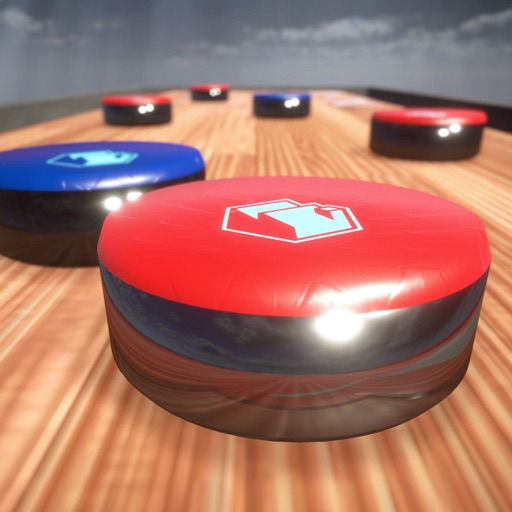
Tabletop Shuffleboard
Reality Mint LLC
Tabletop Shuffleboard feels impressively close to the real game. Smooth movement and careful details make it especially easy to recommend to shuffleboard fans.

Sandblox : The marble game
SCALE-1 PORTAL
Sandblox makes building marble runs in the living room easy and satisfying. Watching a finished track work, then sharing it with friends, gives the creation a real payoff.
Spatial Media Toolkit
Strange Mesa
Spatial Media Toolkit gives ordinary footage a convincing sense of depth with very little effort. It is a practical bridge for creators who do not own a spatial camera.

Supercut – Streaming Hub
Christian Privitelli
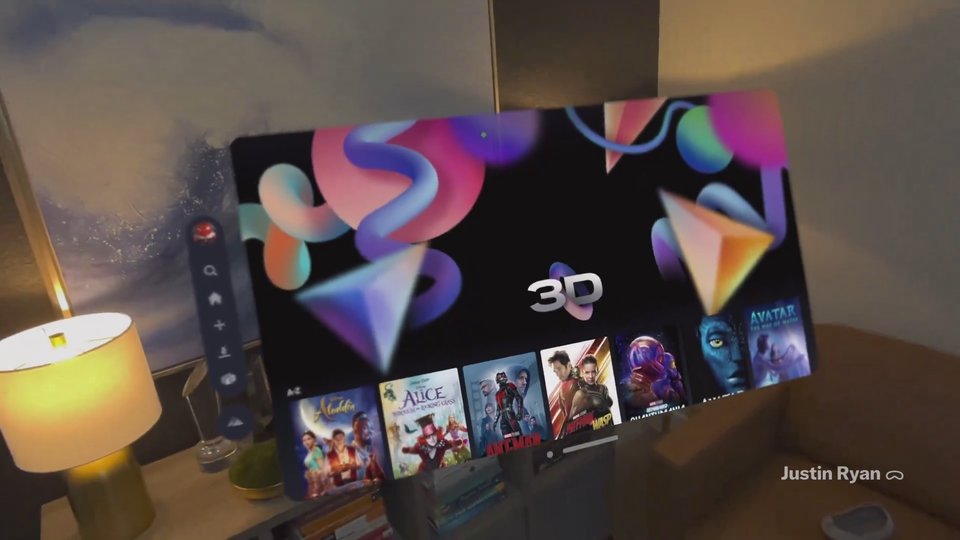
Supercut feels much closer to a native streaming app than opening Netflix or Prime Video in a browser. It removes enough friction that Vision Pro becomes a believable everyday television.

PhotoSplat 3D
Hangzhou Ninglin
A great viewer for stepping inside 3D captures. Insta360 share-link support makes it especially useful for exploring places we’ve recorded.

AR WiFi&5G
Sergey Kolodinskiy
AR WiFi&5G is peak useful geekery. Seeing signal strength mapped through a room is clever, though the experience can be uneven and remains fairly specialized.

Talking Heads: 3D History
Matthew Hoerl
Talking Heads creates a surreal conversation with a young Steve Jobs. The historical idea is fascinating, though AI recreation needs clear sourcing and careful expectations around what the person truly said.

Guitar Tuner & Metronome App
MattPfeiffer Apps LLC
Guitar Tuner & Metronome is simple, free, and thoughtfully made for visionOS. It will not transform music practice, but placing the tools wherever you need them is genuinely useful.

ImmersiX
ImmersiX
ImmersiX makes older cinematic scenes feel newly alive, using cloud-rendered 6DoF to place details like Sharkarma’s underwater anchor chain convincingly within reach.

Primary: News in Depth
Primary
Primary brings news closer through spatial video captured by journalists on the ground, and its strong start leaves us hoping the library grows much larger.

Flamboyant - Residencial
Caio Jahara
Flamboyant Residencial is a beautiful full-scale apartment showcase with impressive materials and changeable floors. It is limited to one property, but the quality makes the idea easy to understand.

Bezel: Spatial Phone Mirroring
Nonstrict B.V.
Bezel makes an iPhone or iPad feel enormous inside Vision Pro. Wireless mirroring is useful and fun to test, but the experience still needs more polish before it can replace a direct app.

Holoport Vision
Gazellia Ventures
A cool way to bring people from regular video files into your space. We like how it cuts them out of the background and displays them as 2D holograms on Vision Pro.

Pop Goes The Weasel Game
Preston Platt
Pop Goes the Weasel is a goofy, energetic mixed reality game with a clear goal and plenty of personality. It is small in scope, but smacking dynamite-carrying weasels is hard not to enjoy.

Cueva de las Manos
Philipp Stollenmayer
Cueva de las Manos makes your room and hands part of a playful puzzle world while connecting every interaction to real history.

Starship Drift
Mark Kinoshita
Fly through a wall-sized space scene, dodge asteroids.

Waddle: Street View Explorer
Waddle
Waddle makes exploring Earth and Mars feel wonderfully immediate, turning real panoramas into places you can stand inside.

Amplium
Amplium
Beautiful immersive content with a growing library, though needing to download a video before watching makes discovery slower than it should be.

STAK! – Spatial Stacking
Grant Gliner
STAK! is a calm, satisfying spatial stacking game with enough shapes and difficulty modes to keep the basic idea fresh. It is small in scope, but it knows exactly what it wants to be.

QioBo
上海隆匠网络科技有限公司
QioBo is a polished little score-chasing game that is easy to understand and hard to put down. Its focused design makes it fun, even if the experience is modest.

Sila for Twitch
Adam Gastineau
Sila turns Twitch into a wall of live streams and handles several at once surprisingly well. It is great for power viewers, even if five conversations can become a lot to take in.

MLB
MLB
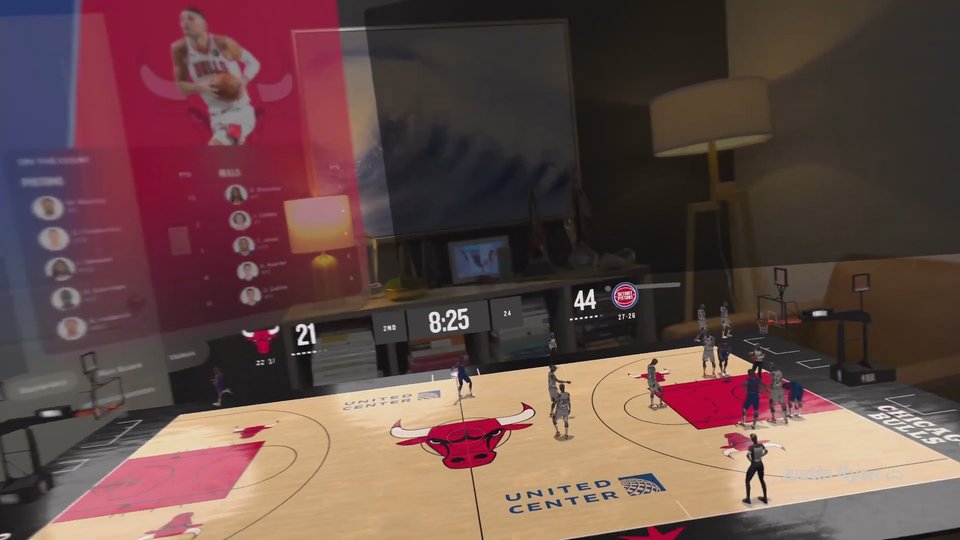
MLB Studio and live 3D game tracking make this one of the most compelling ways to follow baseball on Vision Pro.

SpatialGram
Bruno Goncalves
Spread an Instagram-style feed across several windows in your room.

Adobe Premiere
Adobe
Premiere makes spatial clips and depth-based text surprisingly approachable, even if it is not yet a full replacement for a desktop editor.
Craftrium
Graffity Inc.
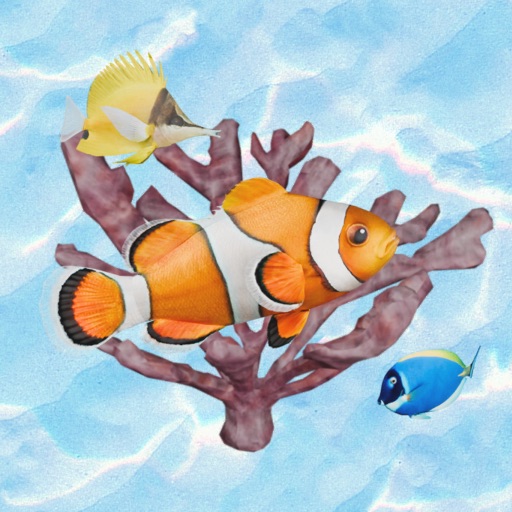
Craftrium is a pleasant virtual aquarium with detailed fish and a calm mood. It is not a deep experience, but it is free, relaxing, and easy to leave running nearby.

choclift
Shaped Agency
Made by SpatiallyPhil from the Apple Vision Pro community, choclift makes Mac Virtual Display more useful. It is beautiful, clever, and fun to use.

Lamborghini
Lamborghini
Lamborghini’s official Vision Pro app gives its supercars the scale and detail they deserve. The full-size models and layered engineering stories make it more than a digital brochure.

Orbble
Authencity
A cool take on social updates. Grabbing photo and video orbs around the room feels naturally spatial, the audio works well, and even the exit animation has personality.
Tubular Pro
Aaron Brannan
A great way to watch YouTube on Apple Vision Pro, with more features than Google’s native YouTube app.

YouTube for visionOS
YouTube finally has a native Vision Pro app. Watching 8K 360° videos from inside the headset is amazing, but key features like posting comments are still missing.

Control Ultimate Edition
Remedy Entertainment
We are not the biggest gamers, but Control has us hooked. The flat-window presentation sounds ordinary until you see its scale, detail, and lighting on M5 Vision Pro. It is the rare compatible iPad game that feels like a genuine showcase for the headset.

XR Putt
Michael Himelstein
More addictive than expected, with a developer who keeps building on a simple mixed-reality putting idea.

INSIGHT LUNG
ANIMA RES
A beautiful way to learn how lungs work. It would feel more complete if the Insight apps were together, and you need an account to unlock everything.

Spatial Gallery
Apple
Spatial Gallery promises a simpler way to discover Apple’s growing spatial photo and video collection. We like the direction, but our notes do not yet support a final rating for the experience itself.

CONNECTOME: A Game of Points
Parietal Lab
CONNECTOME turns a simple connect-the-dots idea into a hypnotic spatial puzzle, with bold rooms, color-changing hands, and an excellent ambient soundtrack that keep each reveal satisfying.

INSIGHT KIDNEY
ANIMA RES
A beautiful way to learn how kidneys work. It would feel more complete if the Insight apps were together, and you need an account to unlock everything.

Taobao
Taobao
A cool look at what shopping in 3D can feel like on Apple Vision Pro.

Aegis Core
SideResult Software
Aegis Core is a fun room-scale shooter with robots that understand your furniture. The action grows nicely, though it could use a stronger reason to keep coming back.

Lisa: 3d Camera & Point clouds
Adam Roszyk
Convert standard photos into explorable point clouds or Gaussian splats.
CubicLayer
Industrial Volumetrics
CubicLayer turns voxel building into a room-scale creative playground; making a life-size village and returning to it later feels wonderfully natural.

Museas
Augmenos
Explore art history through immersive paintings, spatial artifacts, and museum environments.

ActionDeck
William Hass
ActionDeck is a clever early utility for Mac Virtual Display. Eye-and-hand shortcuts for windows could become a real productivity boost, but the app still needs time to mature.

Astronoma
Miguel Garcia Gonzalez
Astronoma makes learning about space feel immediate, with beautiful 3D models, immersive environments, and thoughtful ongoing updates.

Mexico Vision
Miguel Garcia Gonzalez
Mexico Vision is a polished, thoughtfully designed way to learn through immersion, making Mexican culture and history feel immediate and memorable.

PlankWalk
Adam Roszyk
Walk onto a virtual plank that feels high above the floor.

PlayStory Immersive
ILLUSION Tech
Watch VR180 films, spatial videos, and explorable stories from immersive creators.

X-Plane Streaming Link
Laminar Research
X-Plane on Vision Pro is extraordinarily immersive when paired with NVIDIA CloudXR, though the required PC hardware makes it an experience for enthusiasts.

CellWalk
Ako Biotica
CellWalk is the kind of educational experience Vision Pro was made for, turning complex biology into something students can explore at human scale.

Hand Physics Lab
Holonautic
Hand Physics Lab is one of the clearest demonstrations of Vision Pro’s hand tracking, packed with playful challenges that make the technology easy to appreciate.

FunFitLand
DelightScape
FunFitLand was an early, energetic example of Vision Pro fitness, pairing immersive environments with guided coaching, though headset comfort remains the limiting factor.

Coffey & Sons
Coffey & Sons
Coffey & Sons puts stunning full-size hypercars in the living room with impressive detail. The TestFlight looks promising, but we want to judge the complete public release and its lasting content.

THRASHER: Remastered Edition
Puddle
THRASHER’s Vision Pro rebuild is a substantial upgrade, giving its strange audiovisual arcade experience the polish and responsiveness it deserves.

Lowe’s Style Studio
Lowe’s
Lowe’s Style Studio is a polished proof of concept for immersive home planning, though it still feels more like a demo than a complete project tool.

Spatial Rifts
Brian Corrieri
Spatial Rifts has creepy characters, satisfying upgrades, and a fun room-scale premise, though its wave-based combat grows repetitive over time.

Pulse of Time
Elie F. Gebran
Pulse of Time is a promising use of Vision Pro for historical storytelling; the concept already works, and richer visuals and more stories could make it exceptional.
EasyBall-AirShot
EasyBall-AirShot
Shoot hoops anywhere with a virtual ball that reacts to the room around you.

STAGEit
Spatial Creative
STAGEit is a great tool for all kinds of 3D projects. It looks like a dream for film directors planning scenes, and the team keeps expanding what you can make with additions like Gaussian splats.