
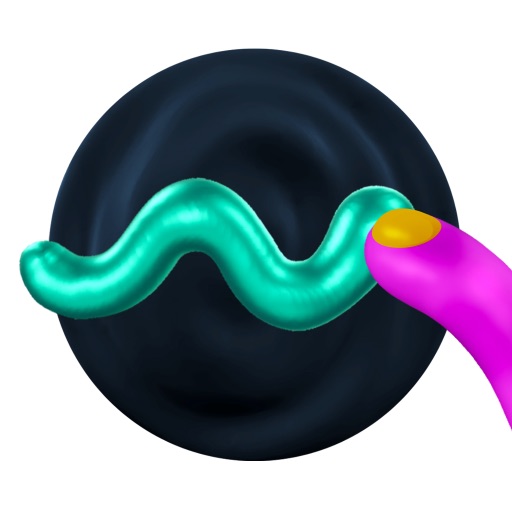
About the app.
AirDraw turns the space around you into a canvas for three-dimensional finger painting. A line stays where you place it, so you can draw across a wall, build a shape in open air, and walk around the result to see how the marks connect from another angle.
The finger-first controls make it easy to start doodling without learning a traditional modeling tool. Sculpt mode behaves more like soft digital clay, cube mode builds with voxels, and physics can make finished strokes fall and move through the room. Logitech Muse adds a more precise drawing tool.
Not every mark behaves perfectly, but the best moments feel playful and surprisingly physical. Scenes can be saved, reopened, and shared as USDZ files, giving AirDraw a useful path from quick spatial sketch to something another person or app can view.
Spatial Insider video
See it in use.
App information
Details.
- Price
- $4.99
- Vision Pro support
- Made for Vision Pro
- Developer
- Laan Consulting Corp
- Last updated
- Jan 5, 2026
- First featured
- Mar 11, 2024
- Last covered
- Jan 27, 2026

More Entertainment apps.
Browse all apps


Follow Spatial Insider.
Stay up to date.