
AirVis Studio Creates Gaussian Splats Locally for Free
AirVis Studio processes photos, standard video, and 360 video into 3D scenes directly on Apple-silicon Macs and Windows PCs.
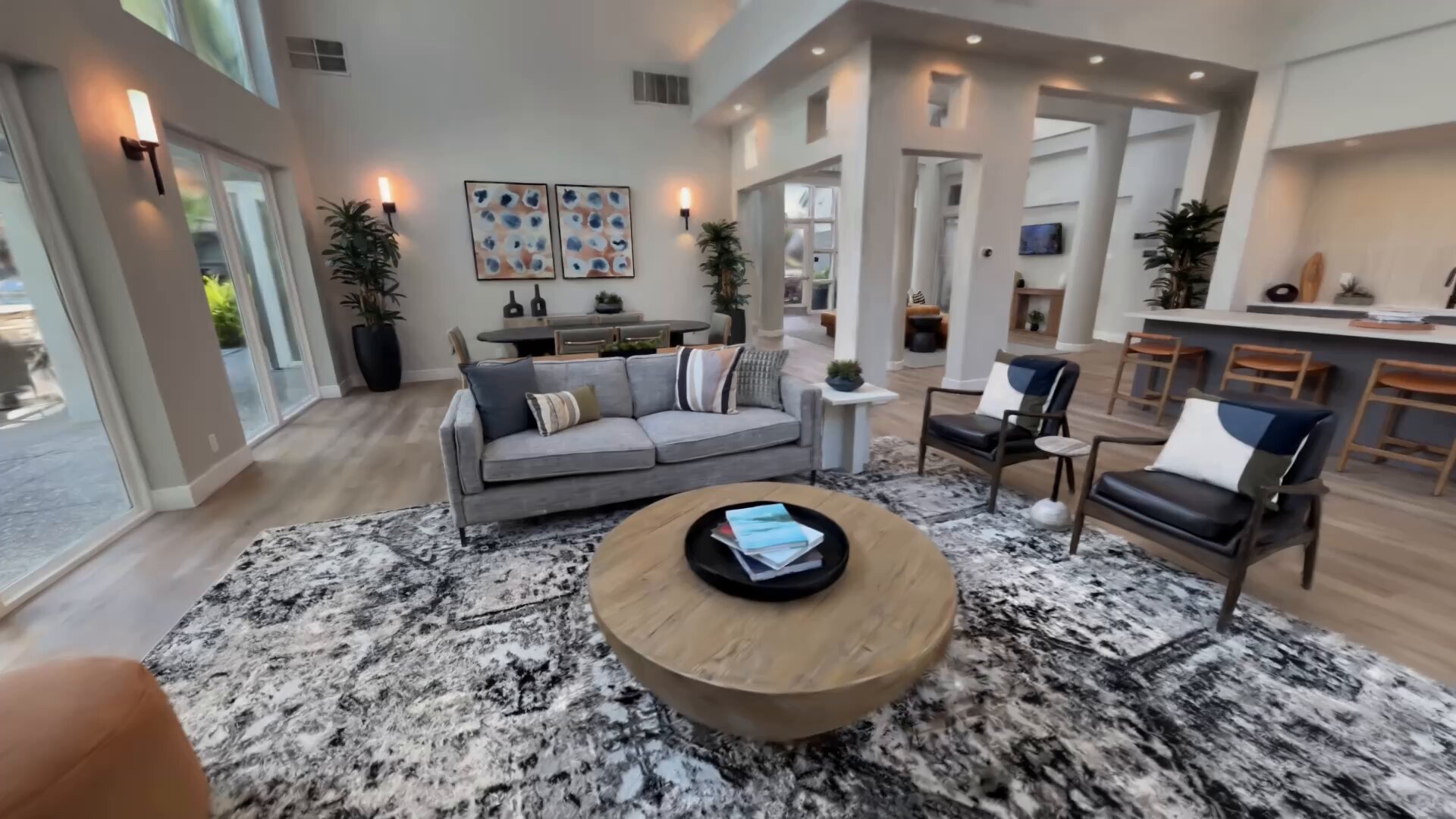
AirVis Studio is now available as a free standalone app for Apple-silicon Macs and Windows PCs. It needs no account, upload, subscription, or daily processing limit.
Source files stay on the computer from input through export. The creator decides whether to publish a finished scene to AirVis.
How it works
A creator can start with photos, standard video, 360 video, or COLMAP data, which already contains estimated camera positions and source images.
Studio estimates camera positions when needed, then uses the computer’s graphics processor to train a Gaussian splat. Millions of small, colored points make the scene viewable from new positions.
Studio can mask people or isolate an object before training. It can also make scenes load in stages and give floors, walls, and stairs solid boundaries.
A finished scene can stay on disk or be published through AirVis (opens in a new tab). The wider AirVis app can open shared scenes across phones, computers, Apple Vision Pro, Meta Quest, and Android XR.
Hardware
The Mac version requires macOS 26 or later, Apple silicon, 16 GB of unified memory, and 100 GB of storage for project data.
On Windows, Studio supports 64-bit Windows 10 and 11 with a Vulkan 1.1 graphics processor. AirVis recommends 8 GB of video memory, 32 GB of system memory, and 100 GB of storage. The company says the app does not require a graphics card from one specific vendor.
Larger scenes still need more memory, processing time, and graphics power. AirVis has not published training times or performance comparisons across Intel, AMD, NVIDIA, and Apple hardware.
Availability
AirVis Studio has no capture credits or scene limit, and storage is limited only by the creator’s disk. It is separate from the broader AirVis app, where cloud processing, sharing, and a paid Pro plan remain optional.
More from Capture & Create.
Browse all stories
VR gaming · 2 min read
Half-Life Alyx Runs on Vision Pro Without a Gaming PC
Udi Wertheimer used Valve’s ARM port, Klepton, and Claude to get Alyx running locally on his M5 headset at roughly 3K per eye.
Tripo AI · 4 min read
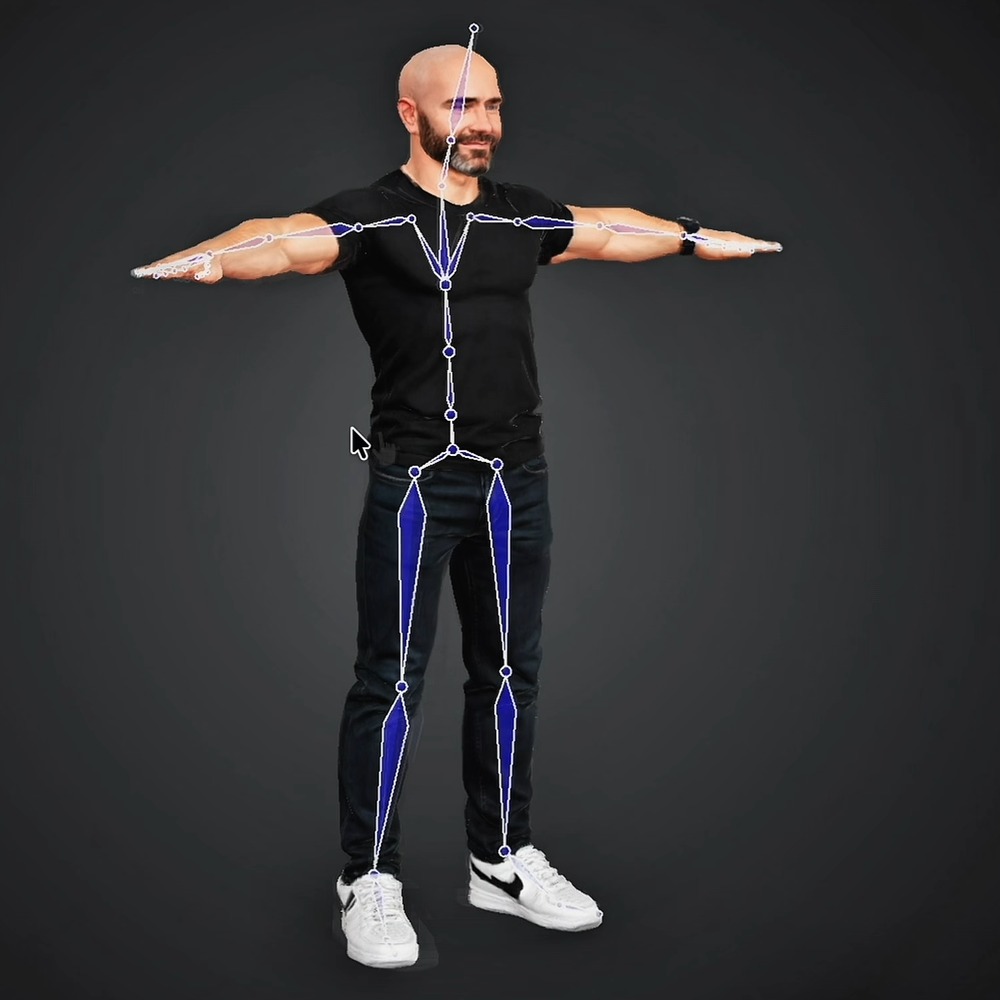
Tripo Adds 3D Animation From Text Prompts
Creators can generate short actions from prompts and combine up to five motion segments, with skeleton options for Unreal Engine, Unity, and avatar workflows.
Apple Immersive · 1 min read
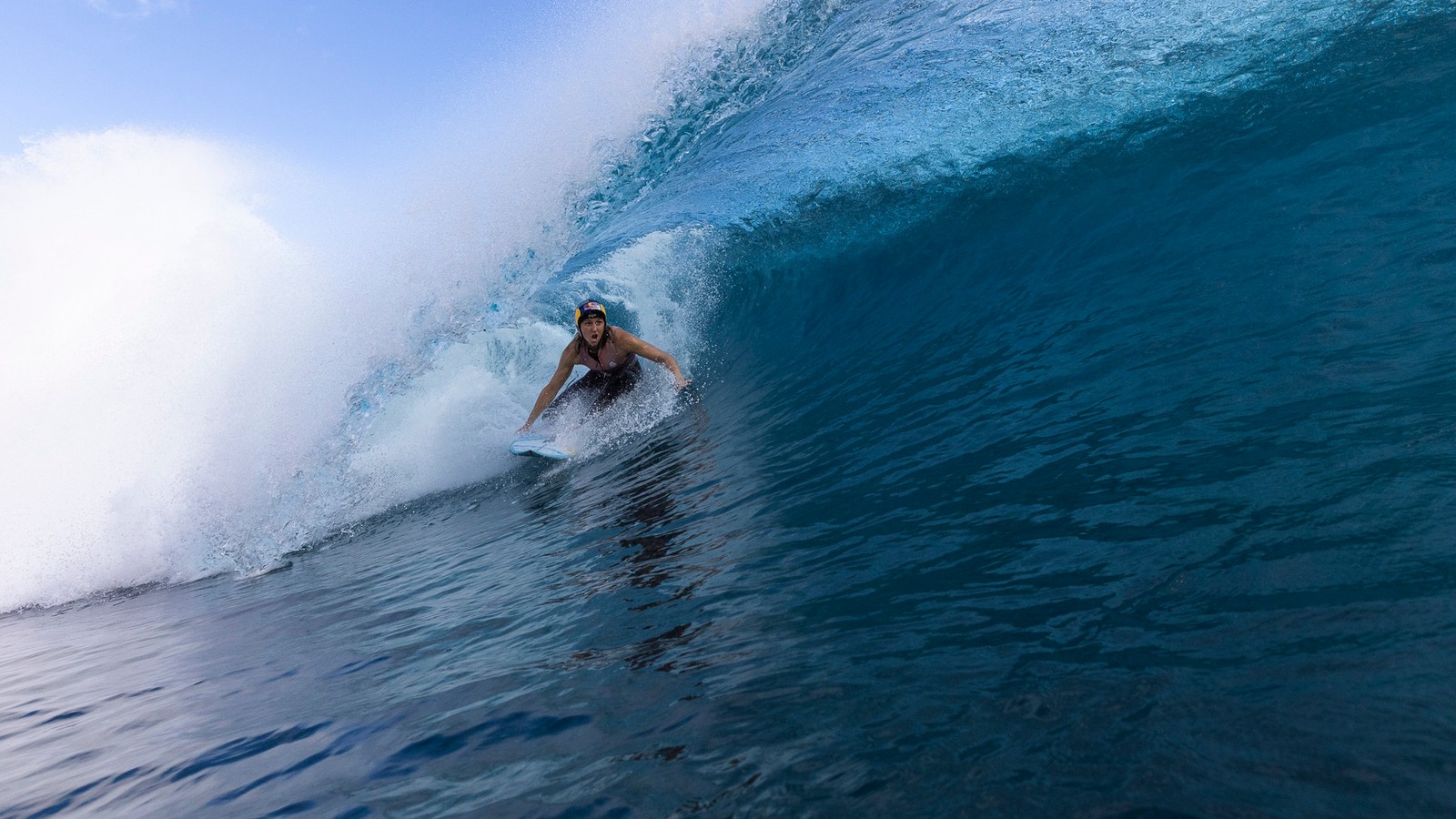
Red Bull’s Big Wave Surfing Is a Must-Watch on Apple Vision Pro
Red Bull’s eight-minute Apple Immersive film takes you above and below Tahiti’s massive waves, with crystal-clear underwater slow motion and incredible cinematography.