
Apple’s First Live Immersive MLB Game Was a Home Run
I had not watched a full baseball game in years. Then Vision Pro put me beside the dugouts for Red Sox–Yankees, and I did not want to leave.
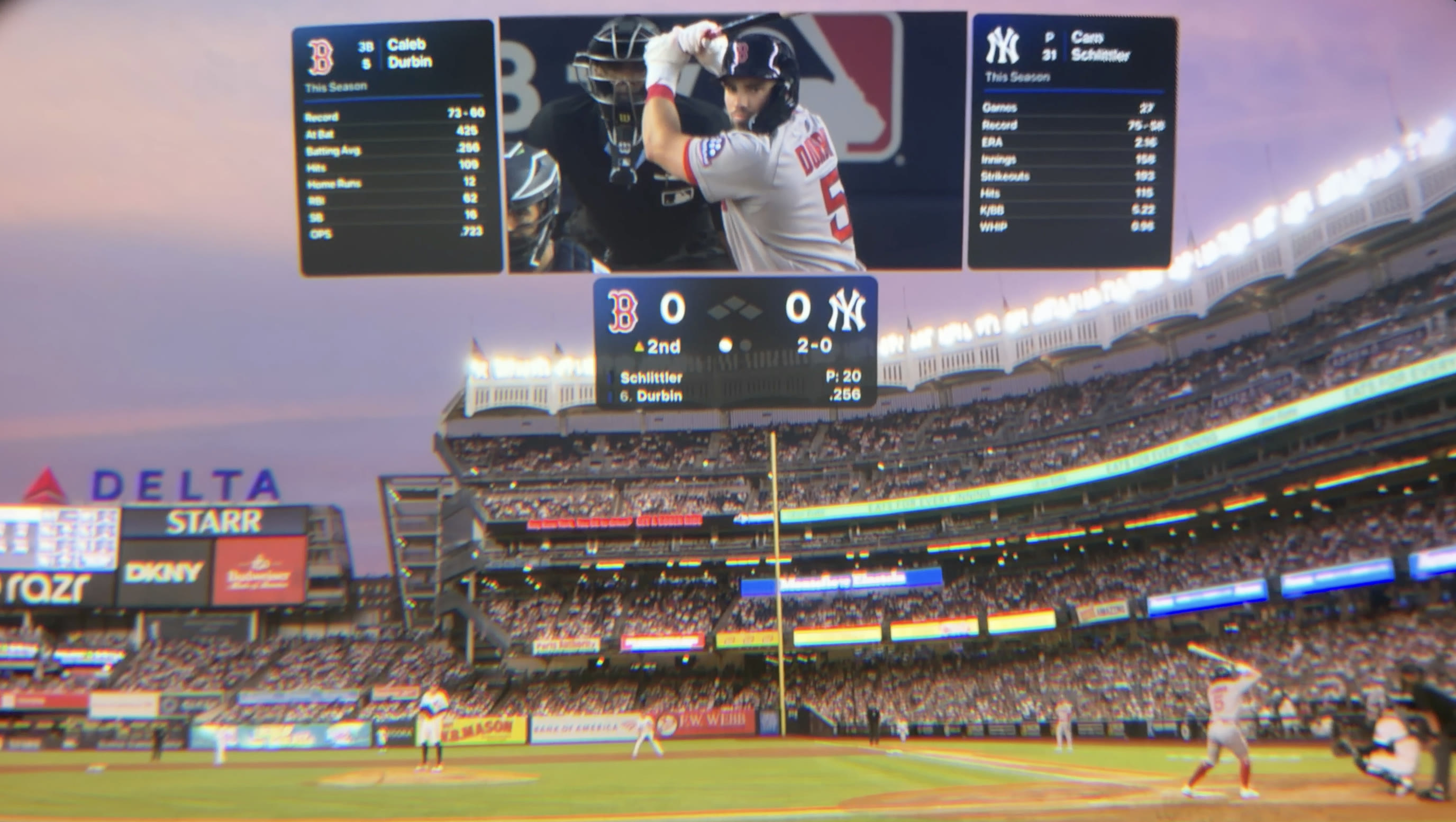
A Red Sox player came around the camera holding a bat, and it honestly creeped me out for a second.
My first thought was, who is standing next to me with a bat? Then I remembered I was sitting in my office with Vision Pro on. That’s how immersive it felt.
I need to be honest. This was probably the first full baseball game I’d watched in years. I expected to check out the technology. I didn’t expect to want to keep watching.
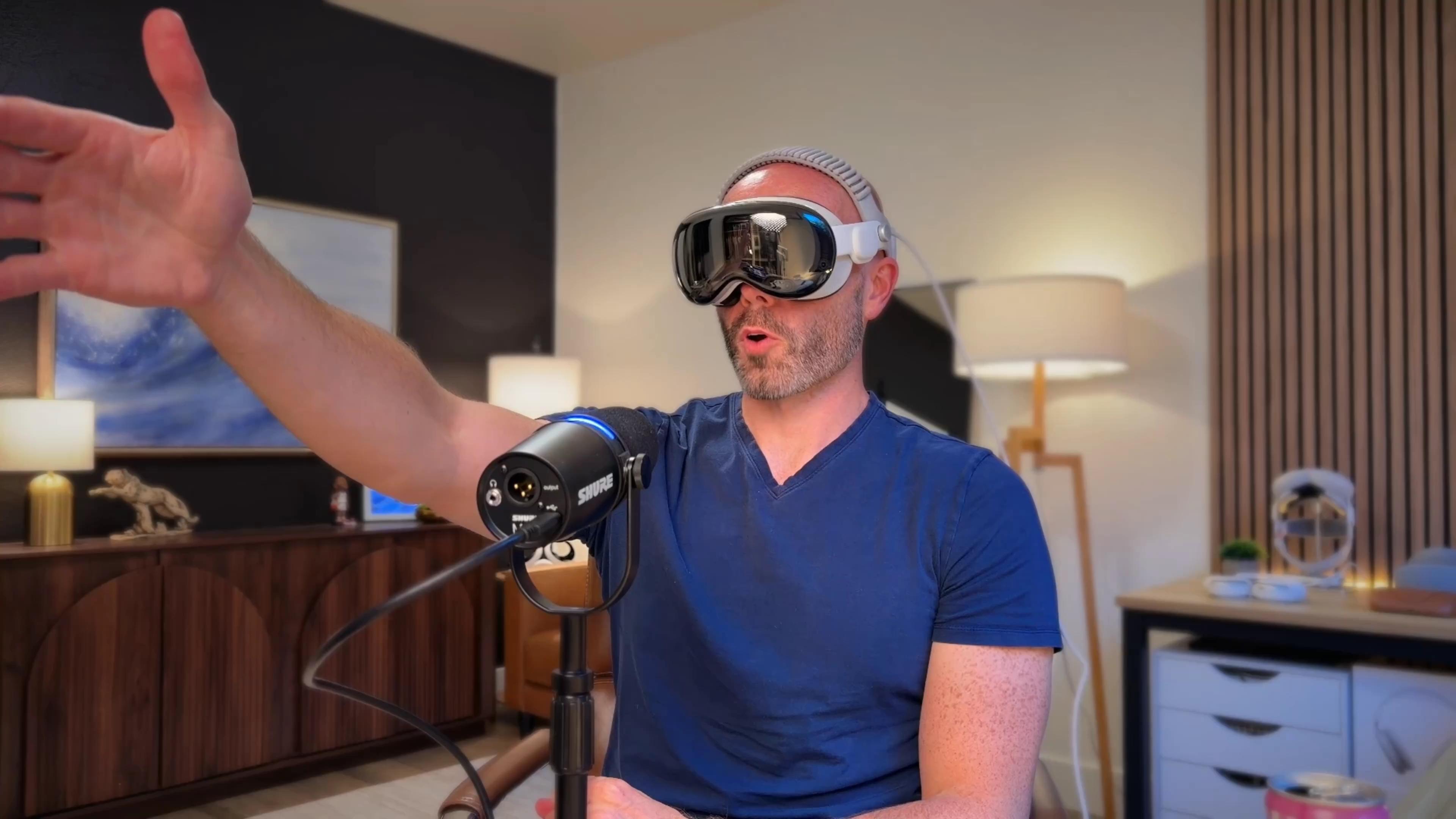
One minute I was in the dugout
Before the first pitch, Apple moved me all around Yankee Stadium. One minute I was looking into a dugout as players talked and warmed up. Then I was in the outfield looking toward home plate. Another camera put me high above the field with the crowd.
I’ve never been to Yankee Stadium, so I loved this. In a few minutes, I had seen it from places most fans could never stand.
Once the game began, the camera changes slowed down. When Boston batted, I watched from near the Red Sox dugout. When New York batted, I moved to the Yankees side. During breaks, the views changed about every 15 to 30 seconds.
I appreciated that slower pace. In immersive video, a cut doesn’t just change the angle. It picks you up and puts you somewhere else. Doing that every few seconds would be a lot. Apple gave me enough time to settle in and watch each at-bat before moving me again.
Apple gave me the best of both views
Above the field, a virtual Jumbotron showed the regular 2D broadcast. The score sat below it. Player and pitcher stats floated nearby, while lineups appeared on the field with real depth.
This was so smart. I still had the huge immersive view around me, but I could glance up for the close-ups and replays I would normally see on TV. Then I could look back down and watch the game from the field.
I was getting the best part of watching at home and the best part of being at the ballpark at the same time.
I really wanted to show you what it looked like. A normal headset recording stayed black because of copyright protection, so I slid my iPhone inside Vision Pro and pointed it through one of the lenses. I hope we eventually get a way to record a few seconds of high-quality footage from inside the headset, because it is hard to explain what this feels like without showing it.
Yankee Stadium felt surprisingly real
Apple also built a separate production for Vision Pro. Paul Severino called the game, Xavier Scruggs provided analysis, and Michelle Margaux reported from the field. It didn’t feel like Apple had dropped a normal TV broadcast into an immersive video.
The players, crowd, and commentary filled the stadium through Spatial Audio. As the lights came on in New York, I actually caught myself thinking it was getting late. Then I remembered it was only about 4:30 in the afternoon where I was sitting in Washington.
That sounds like a small thing, but it says a lot. The changing light, full-size players, and crowd around me were convincing enough that my mind started following the time inside the stadium instead of the time in my own room.
And then there’s the fact that all of this was live. The stream was captured in 8K with a 180-degree view. That much detail was traveling across the country and surrounding me in real time. It’s kind of wild when you stop and think about it.
This could be huge for live sports
Apple picked every camera for this first broadcast, and I thought the direction worked really well. Still, imagine being able to choose the dugout, outfield, or stands and stay there for an inning. Friends could even watch from the same virtual seat.
Now imagine this when headsets are lighter and more affordable. A television gives everyone the same frame. An immersive broadcast can give each fan their own place inside the game.
This is one of those experiences that makes it very easy to understand why Vision Pro exists.
How to watch the next games
Friday Night Baseball in Apple Immersive works on M2 and M5 Vision Pro with an Apple TV subscription. Three more live games are coming in September (opens in a new tab).
Full immersive replays and highlight packages will also be available on demand in the Apple TV app for Vision Pro.
- September 4 at 6:30 p.m. ET, Los Angeles Angels at Pittsburgh Pirates
- September 11 at 10 p.m. ET, San Diego Padres at San Francisco Giants
- September 18 at 10 p.m. ET, San Francisco Giants at Los Angeles Dodgers
I went in wondering how live baseball would work in Apple Immersive. A few innings later, I didn’t want to leave. Apple and MLB knocked this one out of the park.
More from Apple Vision Pro.
Browse all stories
Vision Pro apps · 1 min read
Cassette Turns Your Home Videos Into VHS Tapes on Vision Pro
The retro video player brings clips from your Photos library together by year and album, ready for a trip down memory lane.

Apple Immersive Video · 1 min read
Ti West’s Immersive Ghost Story Comes to Vision Pro October 16
Remnants is a 27-minute visit to haunted Woldmere Castle, arriving just in time for Halloween.
Blockworks · 2 min read
Blockworks Turns Your Words Into Builds with AI on Apple Vision Pro
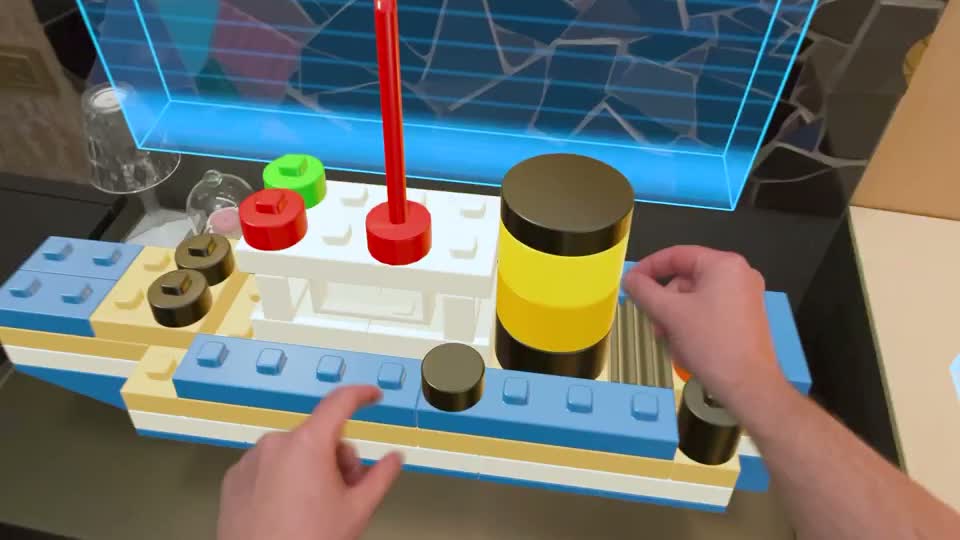
A new AI demo makes a boat, a bicycle picture, and a statue from virtual blocks you can pick up and take apart.