
VisionDesk Brings Up to Five Mac Displays to Vision Pro
Start with one screen for free, then use the latest update’s Watch mode and customizable widgets to shape your workspace.
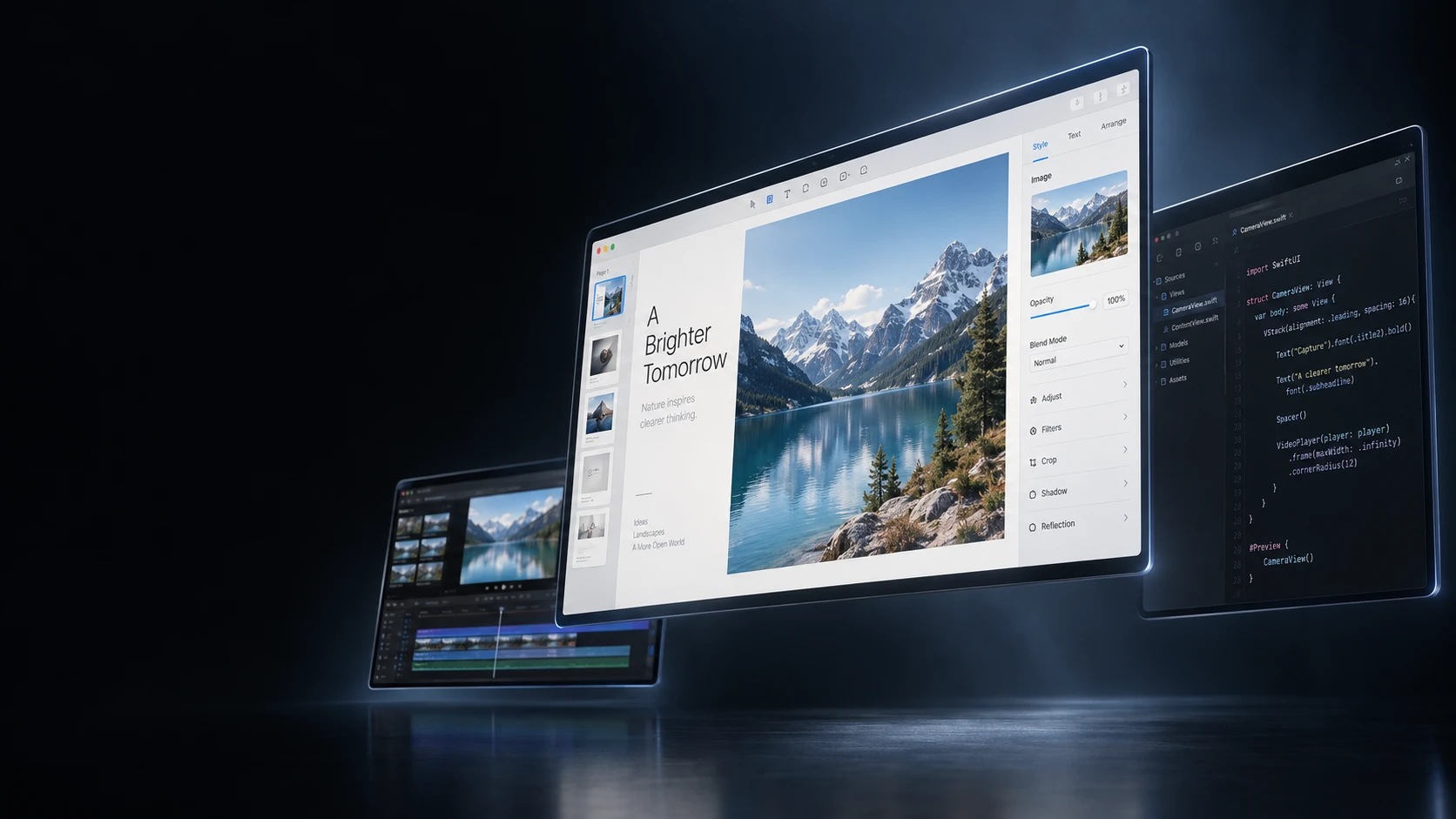
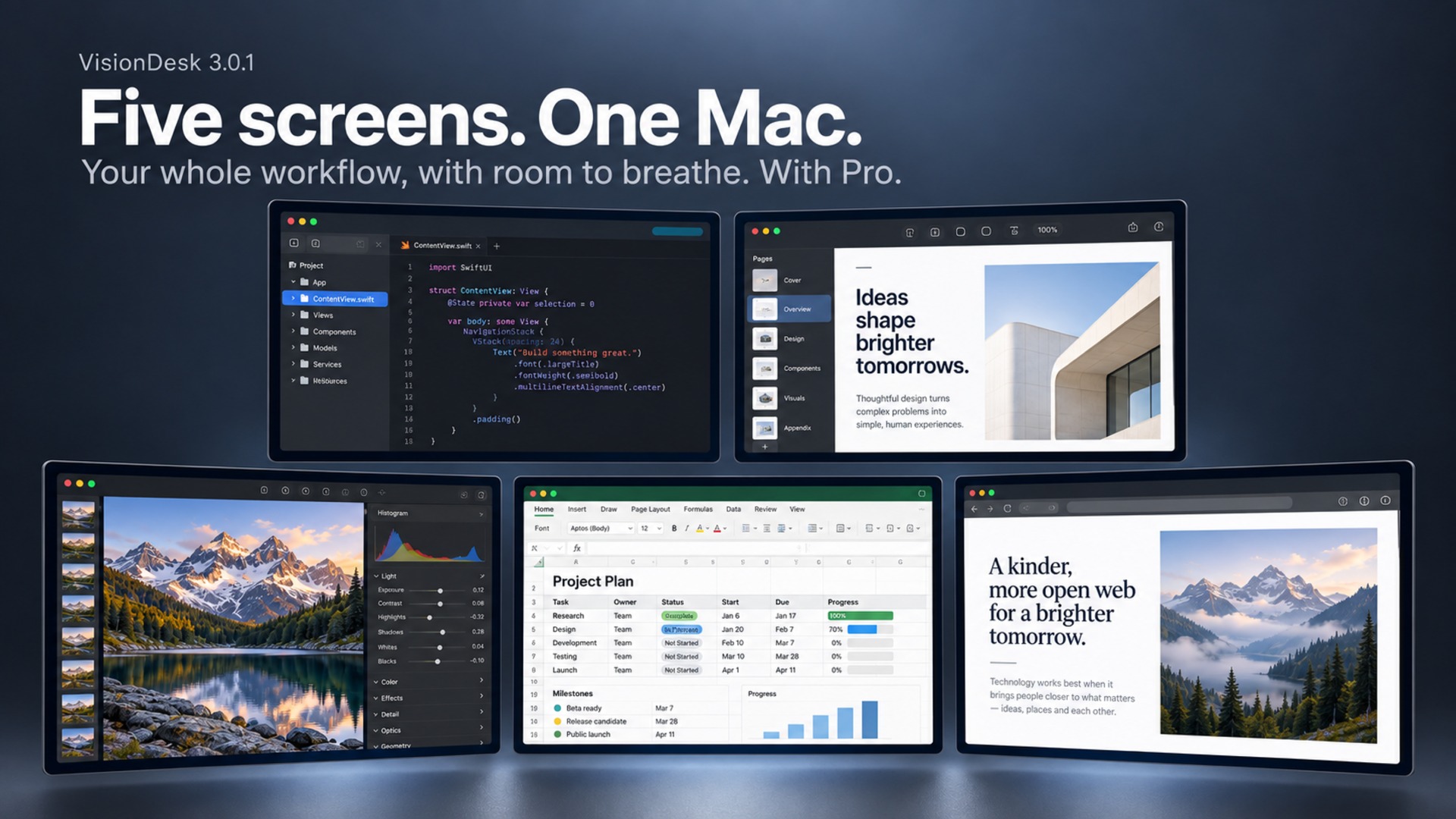
VisionDesk (opens in a new tab) is a Mac display app for Apple Vision Pro that lets you arrange up to five virtual screens around you with a Pro subscription.
Your apps keep running on your Mac (opens in a new tab) while VisionDesk streams their displays into the headset. You can place the screens side by side, stack them, or curve the layout around you, with individual controls for each display.
One display is free, including Mac sound, input controls and Live 3D. That last feature estimates depth from ordinary content to create a sense of separation between foreground and background. It also supports videos with separate left-eye and right-eye images.
A new Watch mode brings one screen forward at cinema scale. It arrives in version 3.0.1, listed on the US App Store on September 14. Other screens can move aside or hide while you watch. Leaving the mode restores their previous arrangement.
You can change the viewing screen’s size, distance and curve. Screen Glow extends colors from the picture’s edges into the surrounding space, with a separate control for dimming your surroundings. The developer notes that some protected video services do not allow screen capture.
The update adds eight redesigned widgets, including music controls, upcoming calendar events, notes, a timer and connection information. They can sit together or float separately. You can also choose which controls appear in the Dock and change their order.
Version 3 requires visionOS 27 and an Apple silicon Mac running macOS 27. Install the free matching Mac companion (opens in a new tab) and keep both devices on the same local network. The Mac needs Screen Recording permission to share its displays.
VisionDesk Pro expands the workspace to two through five displays and adds saved setups and precise layout tools. The US App Store lists it at $7.99 a month or $59.99 a year, with a 14-day trial for eligible new subscribers.
More from Apple Vision Pro.
Browse all stories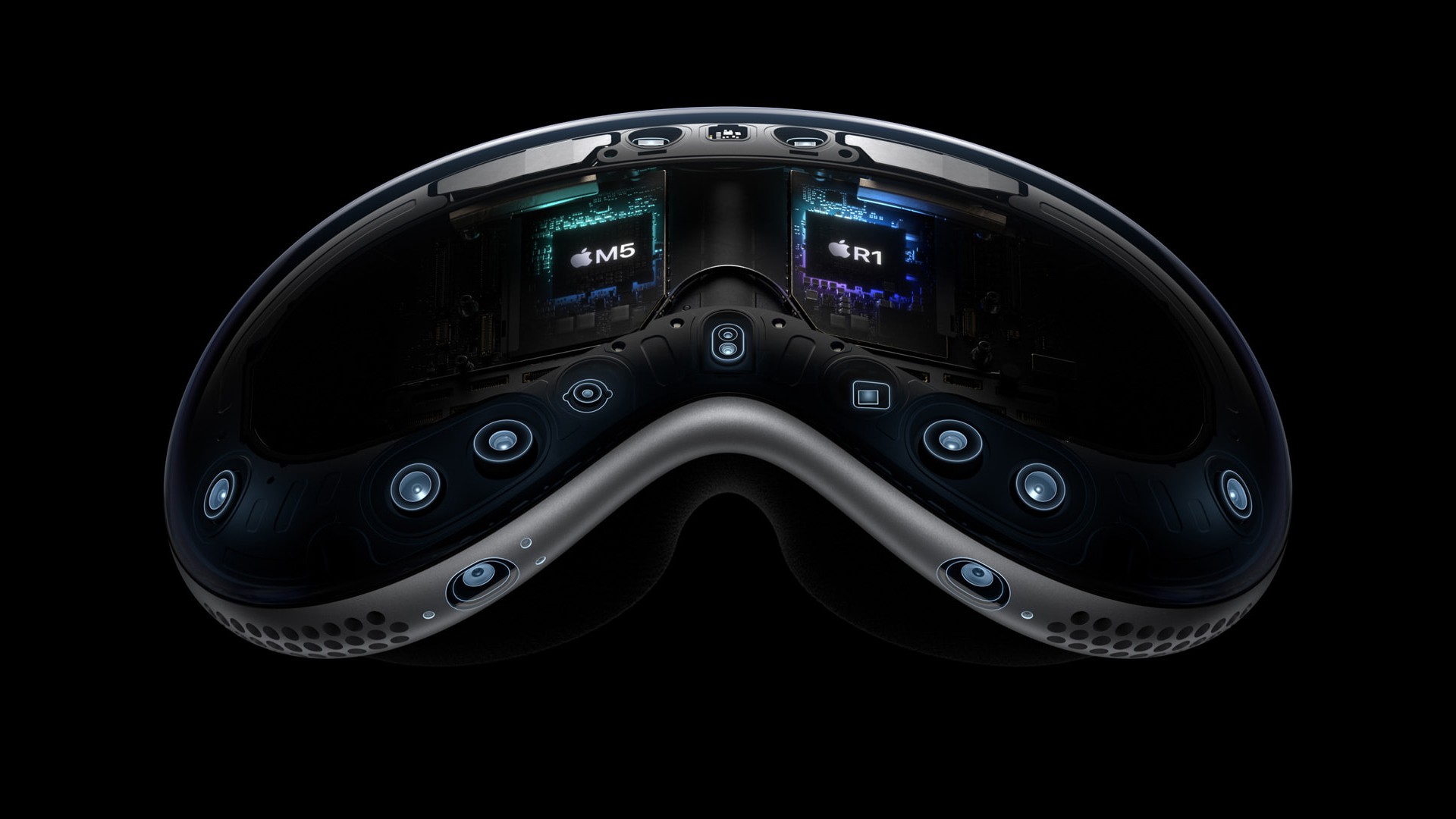
Vision Pro · 2 min read
Apple Is Exploring Four Vision Pro Redesigns, Gurman Reports
The N224 project could move computing hardware off the headset to reduce weight, but Apple reportedly has yet to settle on a design.
Medical Imaging · 1 min read
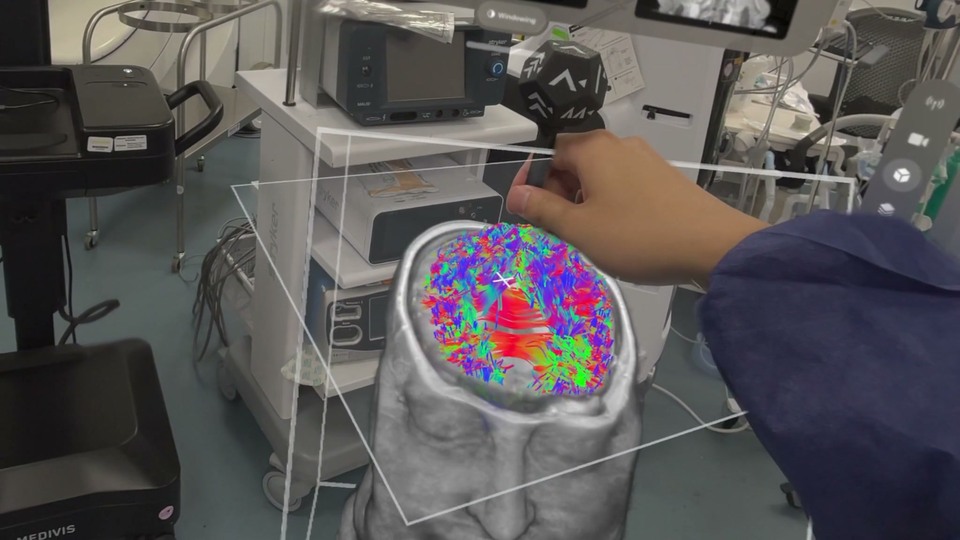
Medivis Viewer Adds Object Tracking for 3D Medical Scans on Vision Pro
The update brings a more hands-on way to explore anatomy, with potential for teaching and explaining complex medical scans.

Immersive cinema · 1 min read
Immersive Warsaw brings filmmakers and creators together on November 5
The in-person event at Kinoteka pairs Apple Vision Pro screenings with filmmaker talks, networking, and an up-close look at Blackmagic’s URSA Cine Immersive camera.