
Adobe Premiere now edits spatial video on Apple Vision Pro.
Premiere’s new visionOS app can combine flat and spatial clips, place titles in depth, and export a spatial video without leaving Vision Pro.
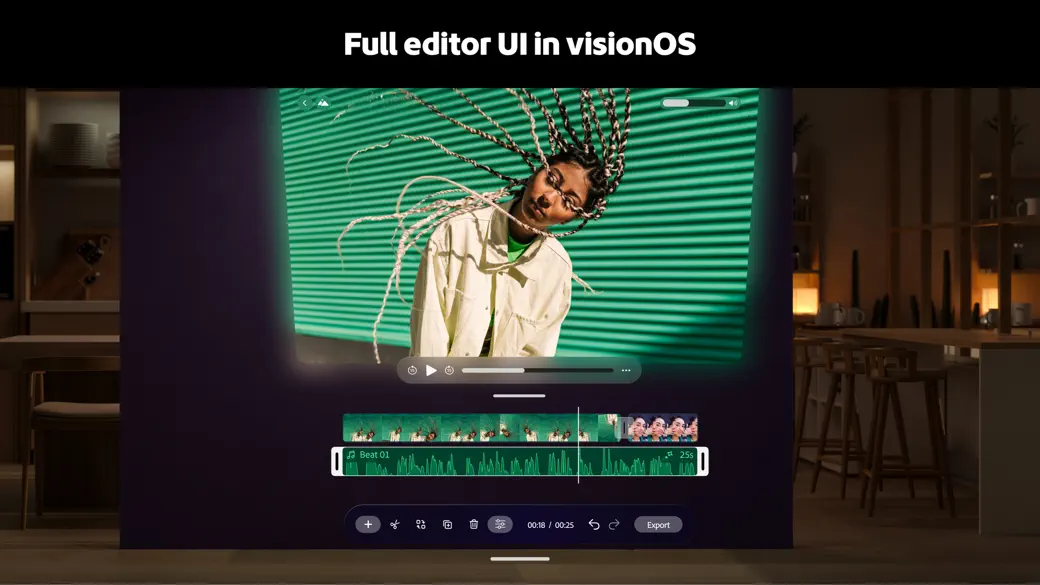
Adobe Premiere is now on Apple Vision Pro. It looks familiar at first—a video preview, a timeline, and a media browser—but those pieces are no longer trapped inside one screen.
I have been testing the new app. What makes it Notable is not simply that Adobe shipped a video editor for Vision Pro. It is that Premiere treats depth as part of the edit. Spatial clips sit on a familiar timeline, while text and images can move in front of or behind the action.
The editor has room to spread out
Premiere lets the preview, timeline, and media browser live in separate windows around the workspace. You can keep the edit in front of you and bring in another panel only when you need it.
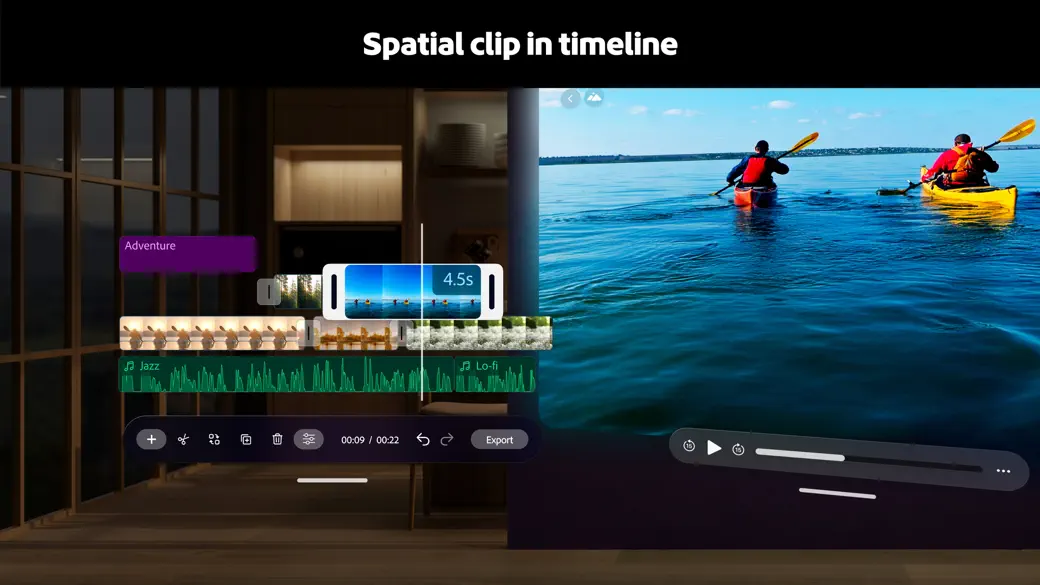
The same project can mix ordinary photos and videos with spatial clips. Keeping the media browser beside the active edit makes that mix easy to understand.
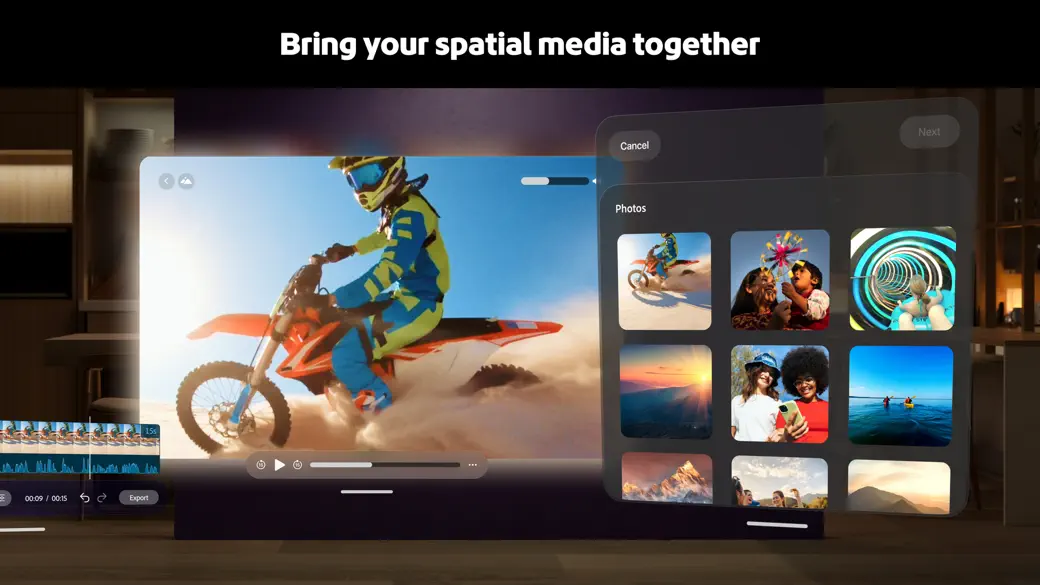
Depth is the standout tool
The depth slider is where the app clicked for me. A title can sit closer to you than the video behind it, and the result is visible as you adjust it. The control is simple enough that adding depth feels like part of editing, not a separate technical process.
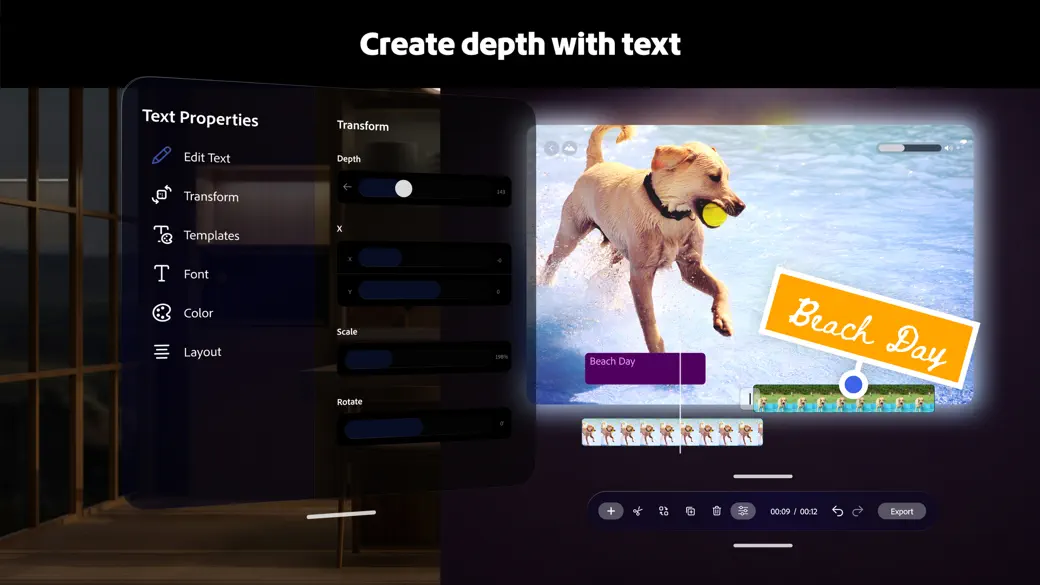
Premiere automatically exports the project as spatial video when it includes a spatial clip or an element placed in depth. That removes a separate conversion step and makes the feature much more useful.
Where it falls short
This is based on Adobe’s mobile editor, not Premiere Pro on desktop. It does not have the same depth of tools as Premiere Pro, Final Cut Pro, or DaVinci Resolve. Managing several windows can also get tricky because visionOS fades panels that sit too close together.
For creators who already use Premiere—or anyone who wants a direct way to combine spatial clips, text, images, and sound—the tradeoff still makes sense. The app is free to download with in-app purchases and requires visionOS 26.
Spatial Insider rating: Notable. Premiere is not a complete editing room, but its depth tools already let creators make something a flat editor cannot.
More from Apple Vision Pro.
Browse all stories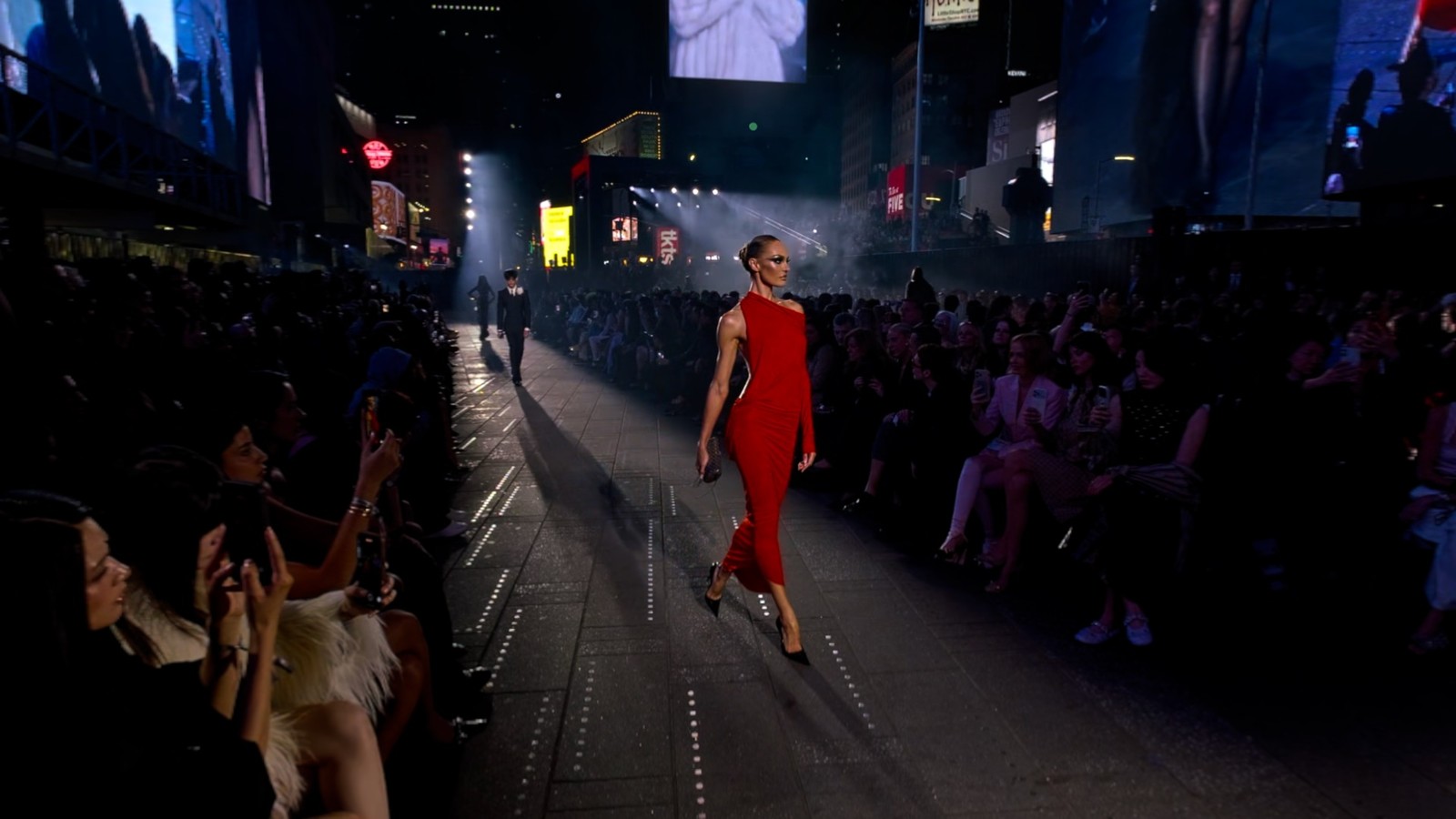
Apple Immersive Video · 1 min read
Gucci Brings Its Times Square Runway Show to Apple Vision Pro
GucciCore is now available in Apple Immersive Video, filmed with Blackmagic’s URSA Cine Immersive cameras for a 180-degree view of the runway.
Apple Immersive · 2 min read
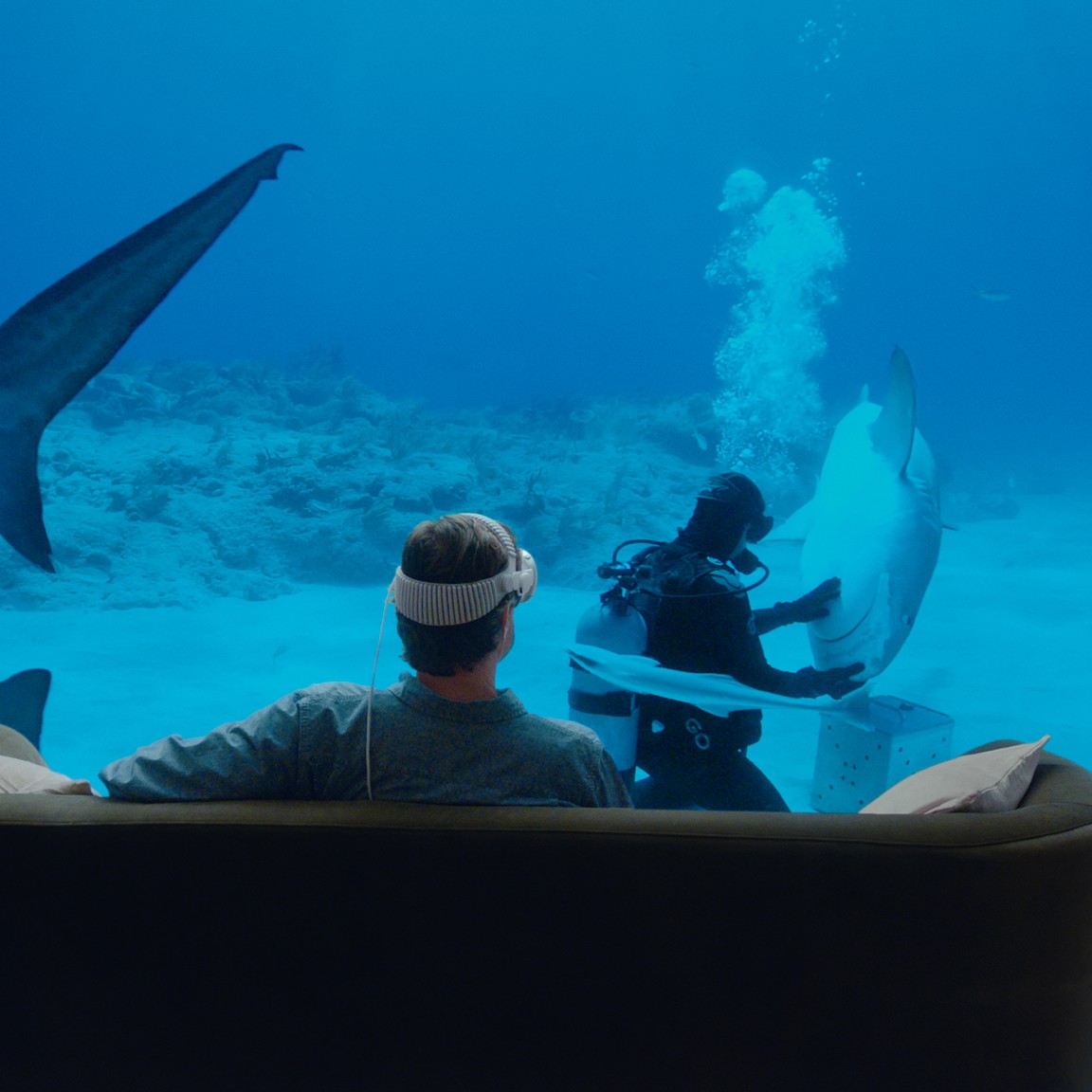
Apple Plans Immersive Video Creator Event in Cupertino on November 11
Creators can preview live production in Apple Immersive, explore new workflows with Apple experts, and join in person or online.
360 Drones · 2 min read
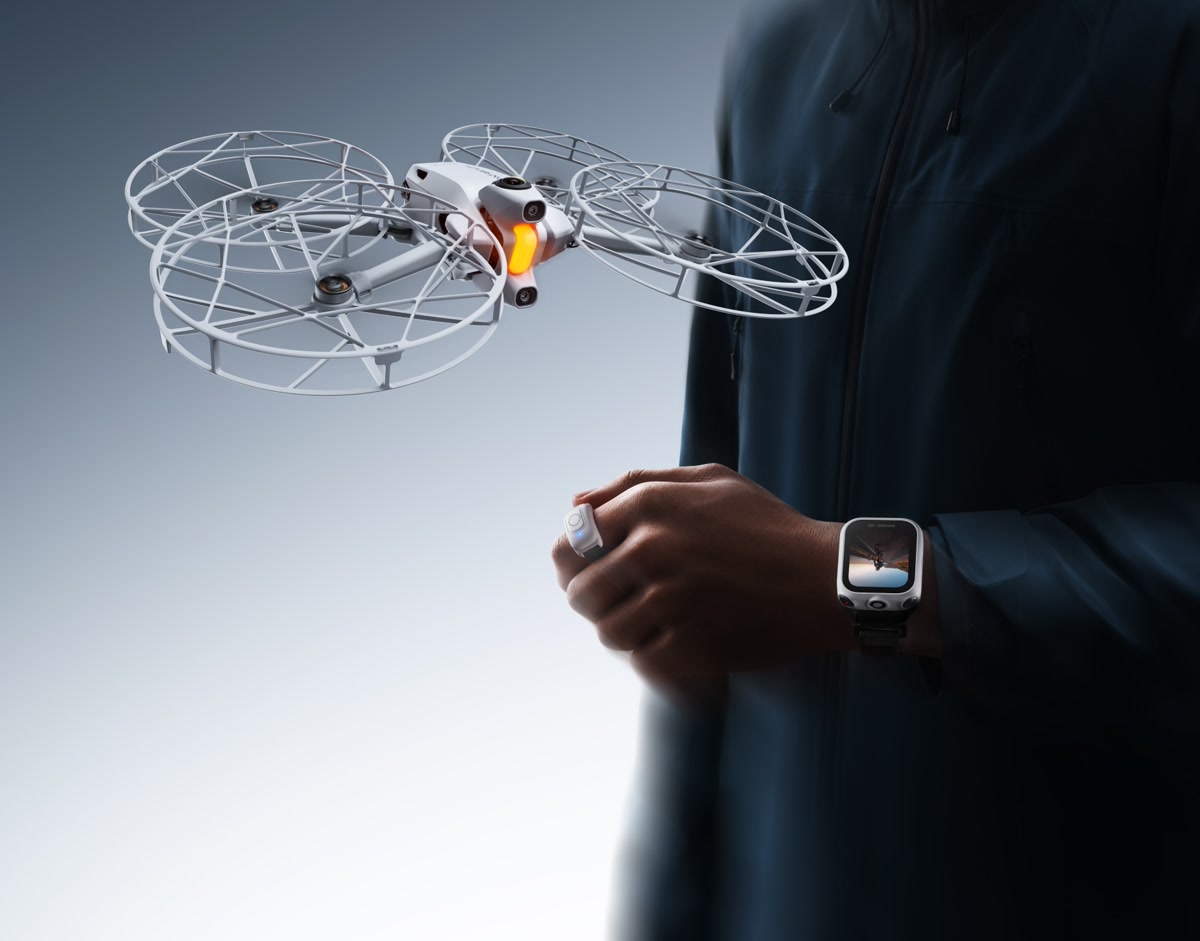
Antigravity’s New Bundle Lets You Control Your 360 Drone With a Watch and Ring
The Follow Me Bundle lets the A1 follow you, show a live view on your wrist, and record in 8K in every direction for editing later.