
Insta360 Spatial Capture Comes to the US on September 28
X4 Air, X5, and X6 owners will be able to turn 360 videos into Gaussian splats through the Insta360 app.
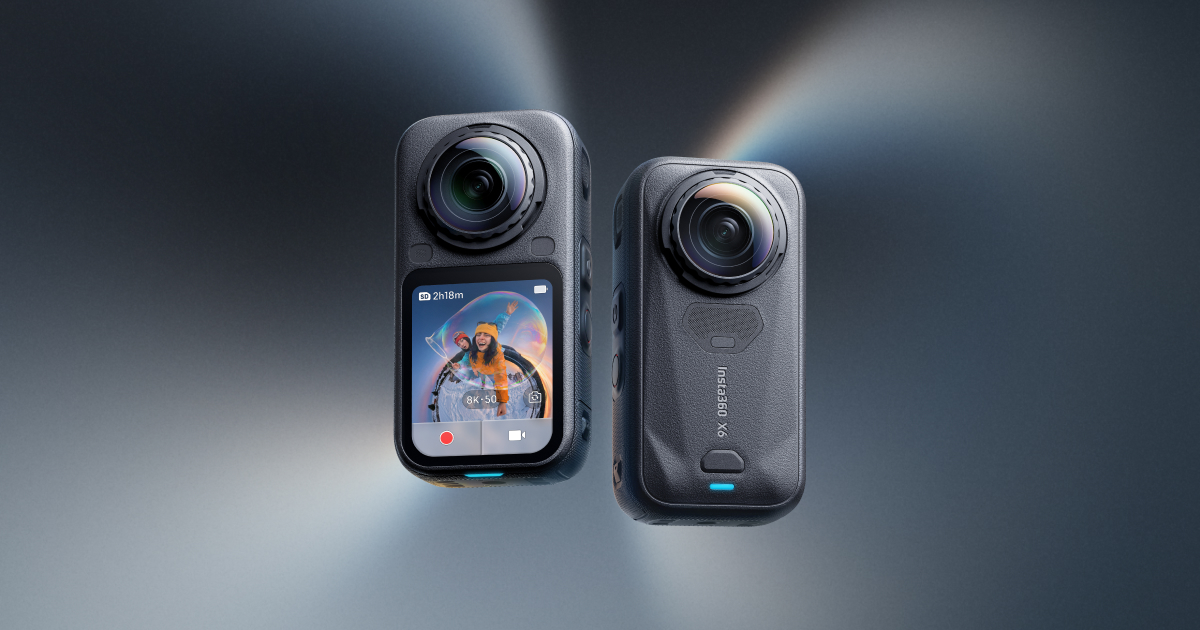
Insta360 will bring Spatial Capture to the United States on September 28 (opens in a new tab), letting X4 Air, X5, and X6 owners turn 360 recordings into 3D scenes through the Insta360 app.
A 360 video lets you look around from wherever the camera was. A Gaussian splat reconstructs the scene so you can change your viewpoint, moving around a captured room or object after recording.
Using Spatial Capture
Insta360 names three supported cameras for the U.S. rollout: X4 Air, X5, and X6. The standard X4 is not listed in this announcement. The company directs users to update the mobile app to version 2.34.0.
That gives owners of two earlier models a way to try the feature without buying an X6.
For the processing details, Android Authority reports (opens in a new tab) that clips can be up to two minutes, with longer recordings trimmed before generation. Processing runs in the cloud and takes roughly one to two hours. The reported allowance is four free scenes per month, with video exports and interactive sharing links.
More from Capture & Create.
Browse all stories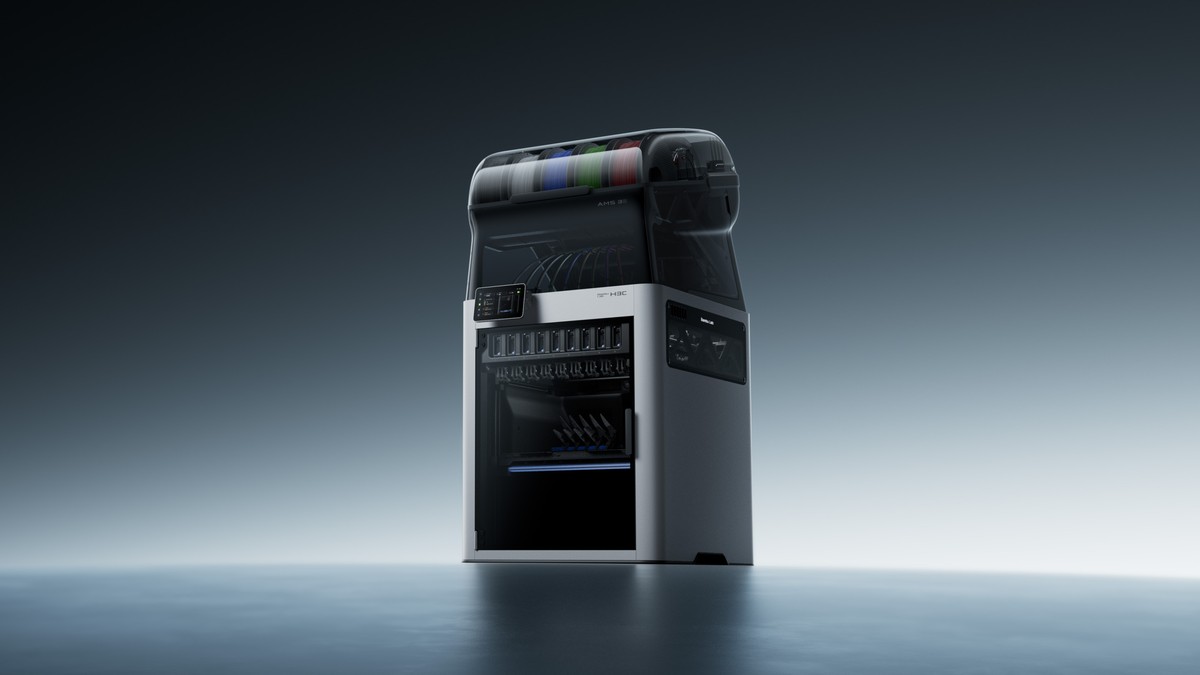
3D Printing · 4 min read
Bambu Lab’s New $2,499 Nine-Tool 3D Printer Can Switch Materials in 6 Seconds
The H3C keeps nine filaments loaded, mixes nozzle sizes in one print, and supports optional tools for cutting, drawing, and pressing patterns into a surface.
3D Printing · 2 min read
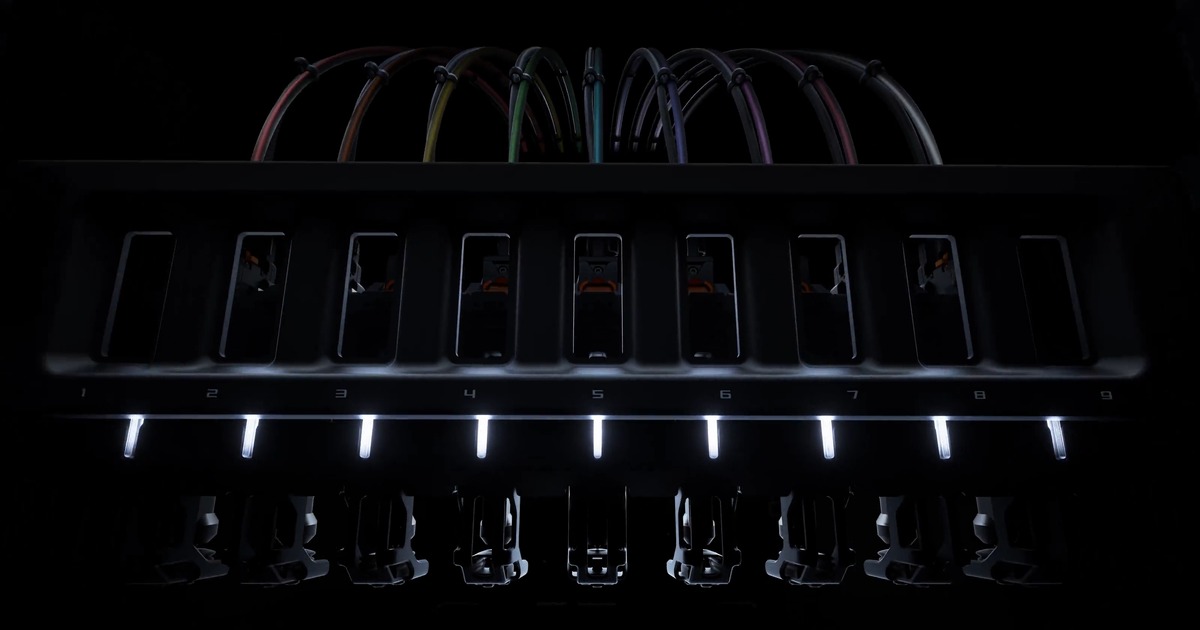
Bambu Lab’s Nine-Tool H3C 3D Printer Gets Its Full Reveal November 3
Bambu’s previews show a lifting tool rack, mixed nozzle sizes, soft TPU, and a sealed AMS 3H system with nine filament slots.
3D Capture · 3 min read
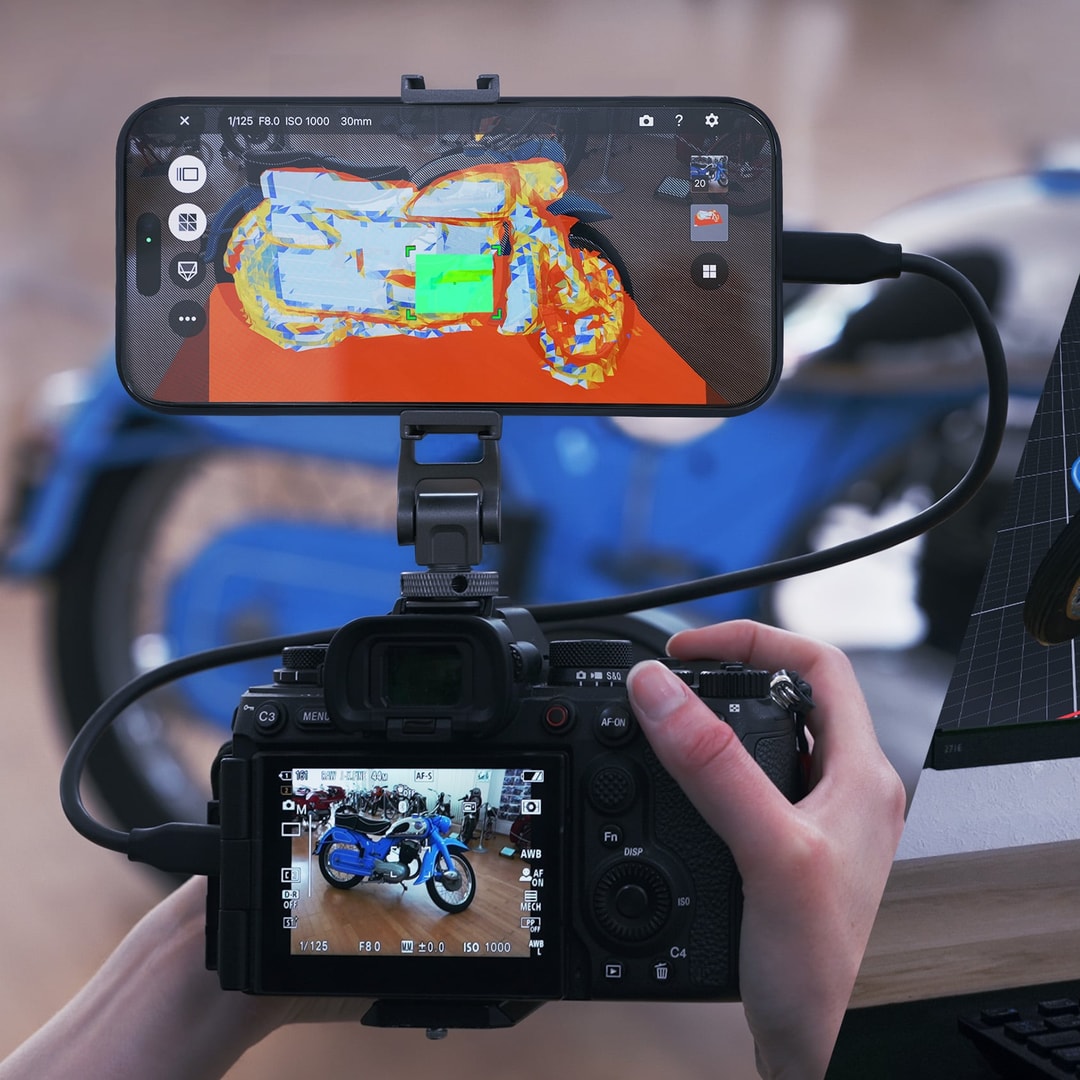
Sony Opens XYN 3D Capture to Individual Creators, With a Free Plan
An iPhone guides your Sony camera as you capture objects and places. Cloud builds use paid tokens, including on the free plan.