
Meshy Launches Its New iPhone App
Powered by Meshy 7, the app turns photos and ideas into 3D models you can preview in your room and export for printing.
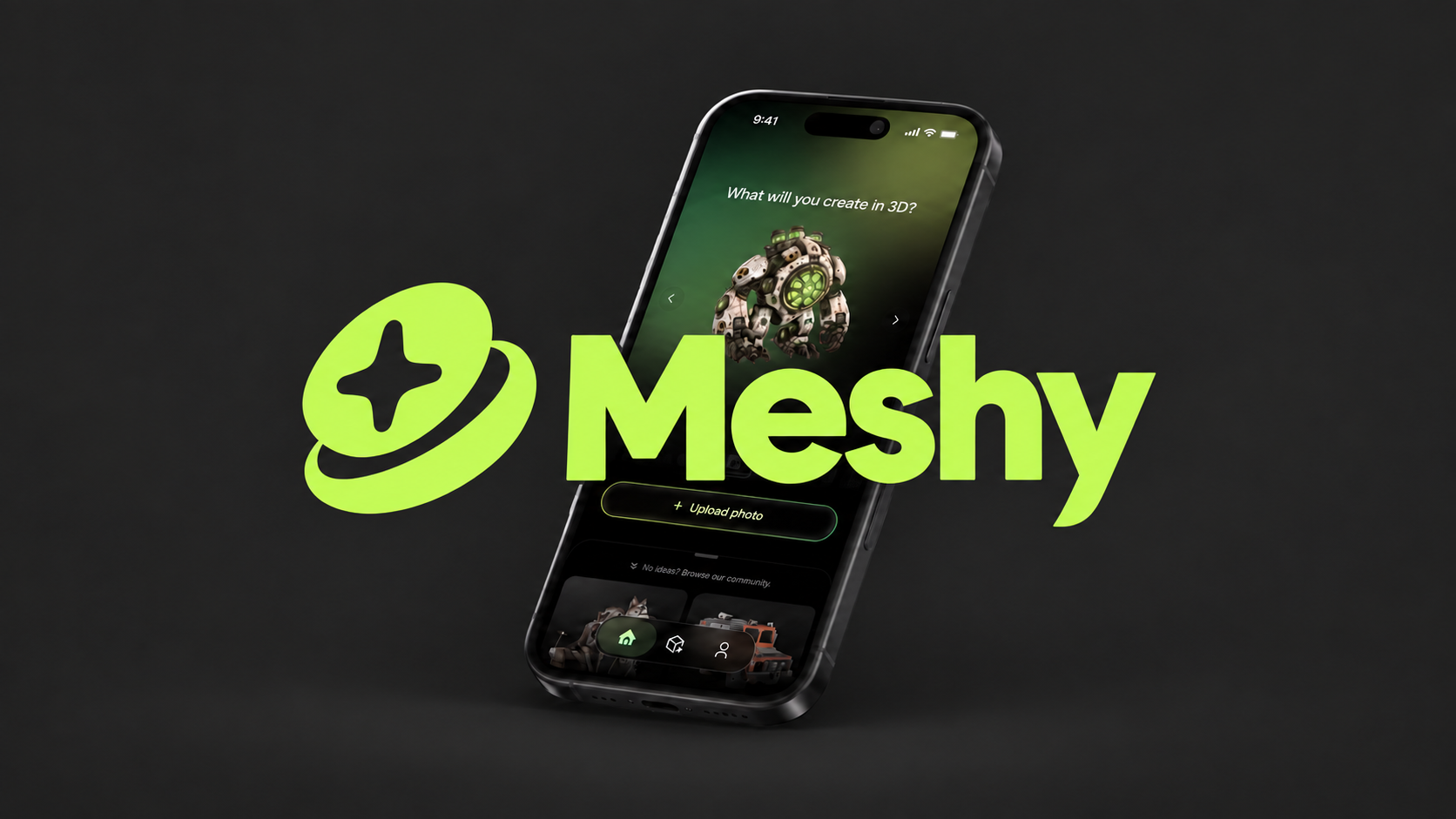
Meshy’s new iPhone app (opens in a new tab) launched on September 6, bringing its AI model-making tools, AR previews, and 3D printing preparation to iPhone.
Create in 3D
Powered by Meshy 7, the app generates textured 3D models from photos, sketches, or written ideas. For a text prompt, it first creates a reference image and then turns that image into a model.
The workflow starts with a familiar action on your phone. Take a photo or upload an image, generate the object, then rotate and zoom to inspect the result. AR preview places it in your surroundings at real-world scale.
Prepare and export
Meshy also includes a printability check and AI repair tools. According to its App Store description, the repair feature addresses broken meshes, thin walls, and geometry errors before printing.
Export options include STL and 3MF for printing, alongside GLB, FBX, OBJ, USDZ, and Blend for other 3D workflows. That gives a model created on a phone a path into a larger project.
The app also has a community library for discovering and remixing models. Creations sync through a Meshy account, keeping the same library available on the web and mobile.
Availability
Meshy AI: 3D Print Model Maker (opens in a new tab) is free to download on iPhone and requires iOS 16.4 or later. New accounts receive free generation credits. The US App Store lists Meshy Pro at $19.99 a month, with additional credits and Pro features; pricing can vary by region.
Meshy is also available on Android through Google Play (opens in a new tab), also as a free download with in-app purchases. Both versions are linked from Meshy’s official mobile app page.
You can also use Meshy on the web (opens in a new tab). This is an affiliate link. Spatial Insider may earn a commission if you purchase through it, at no extra cost to you.
The app brings generating, inspecting, and preparing a 3D object into one mobile workflow, with exports that let creators keep working beyond the phone.
More from Capture & Create.
Browse all stories
Apple Immersive · 2 min read
Apple Plans Immersive Video Creator Event in Cupertino on November 11
Creators can preview live production in Apple Immersive, explore new workflows with Apple experts, and join in person or online.

360 Drones · 2 min read
Antigravity’s New Bundle Lets You Control Your 360 Drone With a Watch and Ring
The Follow Me Bundle lets the A1 follow you, show a live view on your wrist, and record in 8K in every direction for editing later.
3D Capture · 2 min read
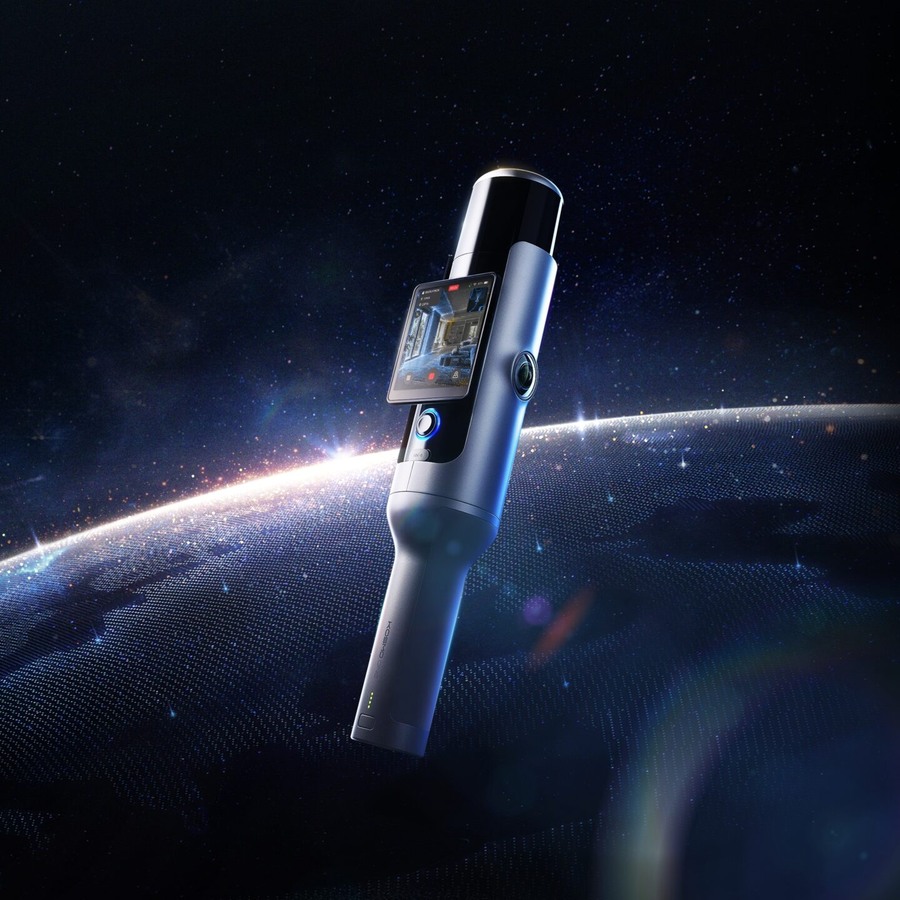
Kosmo’s New 3D Scanner Captures Gaussian Splats for Films and Robotics
Kosmo One combines LiDAR and cameras. Its cloud software can rebuild a space, move objects, and fill in areas the scan missed.