
Safari Lets You Drag 3D Models Into Your Space on Vision Pro
A USDZ file and one HTML element are enough to make a web model interactive, stereoscopic, and draggable at real size.
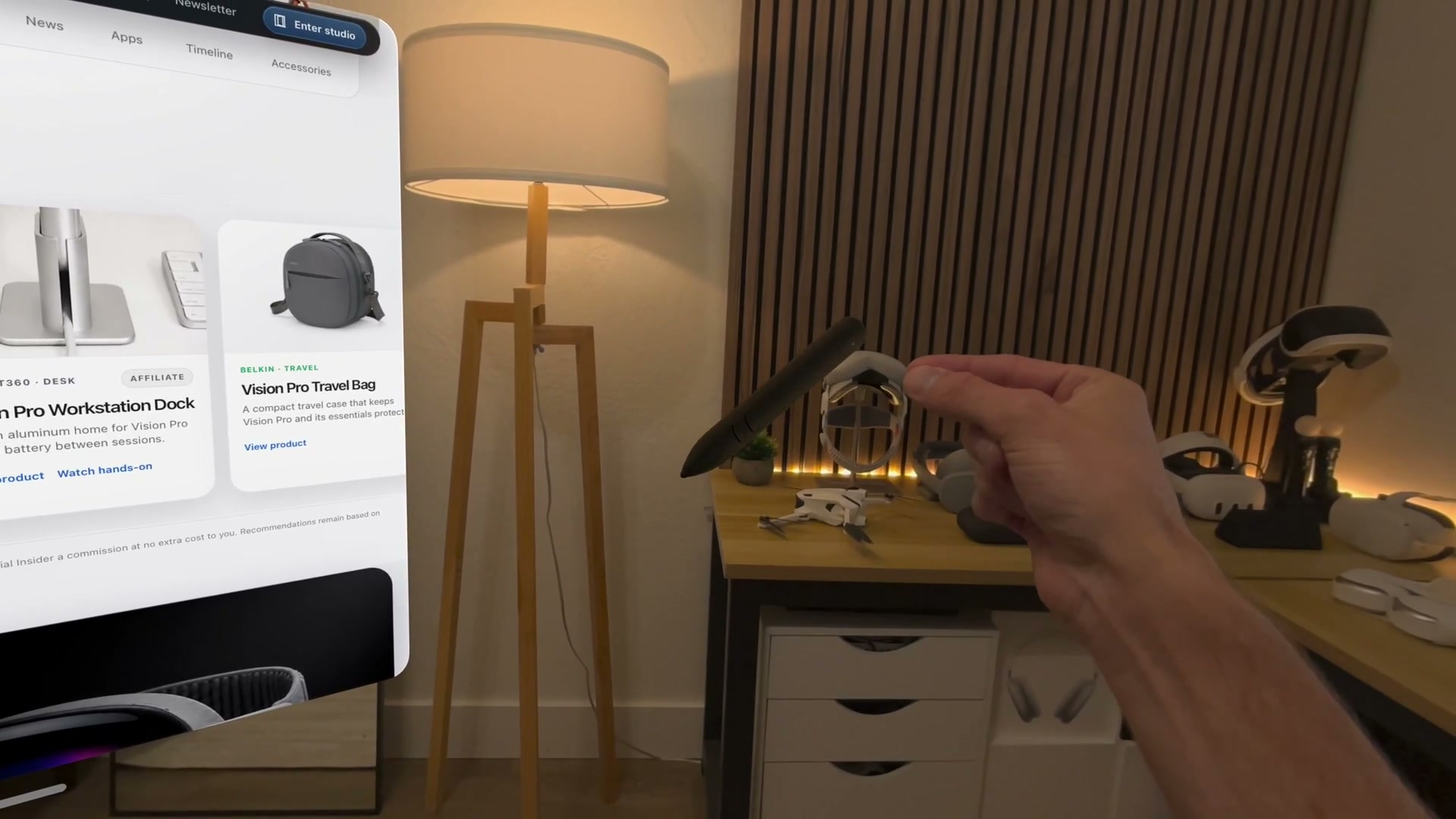
A 3D product on a web page can leave Safari and become an object in your room on Apple Vision Pro.
I tested the feature on Spatial Insider by pinching a model of Logitech Muse, pulling it away from its product card, and placing it beside the Safari window. Once it was in the room, I could move, turn, and resize it with the same direct gestures used for other spatial content.
Safari handles that move from page to space. A website does not need a visionOS app, a custom RealityKit scene, or its own drag-and-drop code.
The model element does the work
The feature comes from the HTML model element, a native part of Safari that displays 3D content much like an image or video. Safari added it on Vision Pro with visionOS 26.
The model remains three-dimensional while it sits on the page. Add the orbit stage mode and a visitor can turn it inline. On Vision Pro, the same model can be dragged off the page and viewed stereoscopically at real size.
USDZ is the best place to start. It is a single file that can hold the model’s shape, materials, textures, and animation.
Add it with one HTML element
The smallest working version needs a USDZ file, a fallback image, and the model element. Copy this block into the body of a page.
<model
  id="product-model"
  src="/models/product.usdz"
  stagemode="orbit"
  aria-label="Explore the product in 3D">
  <img
    src="/images/product-fallback.jpg"
    alt="The product shown from the front">
</model>

<style>
  model {
    display: block;
    width: min(100%, 720px);
    aspect-ratio: 1;
    background-color: #f5f5f7;
    border-radius: 24px;
  }

  model > img {
    width: 100%;
    height: 100%;
    object-fit: contain;
  }
</style>
Change the two file paths and the two descriptions. The src value points to the USDZ. The image inside the element gives older browsers and loading failures something useful to show.
The orbit value lets people rotate the model while it is still on the page. It is optional for the drag-to-space behavior, which Safari provides automatically on Vision Pro.
Serve the USDZ with the Content-Type model/vnd.usdz+zip. If that label is wrong or the URL returns an error page, Safari may not load the model even when the HTML is correct.
Add loading feedback
A 3D file can be much larger than a normal image. Safari exposes a ready promise so the page can keep a loading message visible until the model is available.
<p id="model-status" role="status">Loading 3D model…</p>

<script>
  const model = document.getElementById("product-model");
  const status = document.getElementById("model-status");

  model.ready
    .then(() => {
      status.textContent = "3D model ready";
    })
    .catch(() => {
      status.textContent = "Showing the product image instead";
    });
</script>
Keep the fallback image even when the model works on your own device. Safari now supports the model element across Apple platforms, but other browsers may still need the image or a polyfill. The spatial view itself cannot be recreated by a normal web polyfill.
Make the model fast enough for the web
Large textures are usually the first place to save space. Apple’s usdcrush tool can repack the images inside a USDZ while preserving the original file as a safe copy.
usdcrush product.usdz -o product-small.usdzUse the smaller file only after it looks right on the page and in Vision Pro. Apple’s WWDC example reduced one model from 7.9MB to 1.9MB without a visible quality change, although the result will depend on the asset.
This is different from an immersive website
Dragging a model gives the visitor one object they can place and inspect. An immersive website environment (opens in a new tab) opens a full 3D place around the Safari window. Both begin with the model element, but they solve different jobs.
For a product page, museum object, lesson, or 3D portfolio, the draggable model may be all the spatial experience a site needs. Put one USDZ on a test page, open it in Safari on Vision Pro, and pull it into the room.
More from Apple Vision Pro.
Browse all stories
Spatial AI · 2 min read
AMD to Buy World Labs for $8.2 Billion
Fei-Fei Li will become AMD’s chief scientist, bringing the team behind Marble and Atlas closer to the chips that power its research.

Vision Pro · 2 min read
Apple Is Exploring Four Vision Pro Redesigns, Gurman Reports
The N224 project could move computing hardware off the headset to reduce weight, but Apple reportedly has yet to settle on a design.
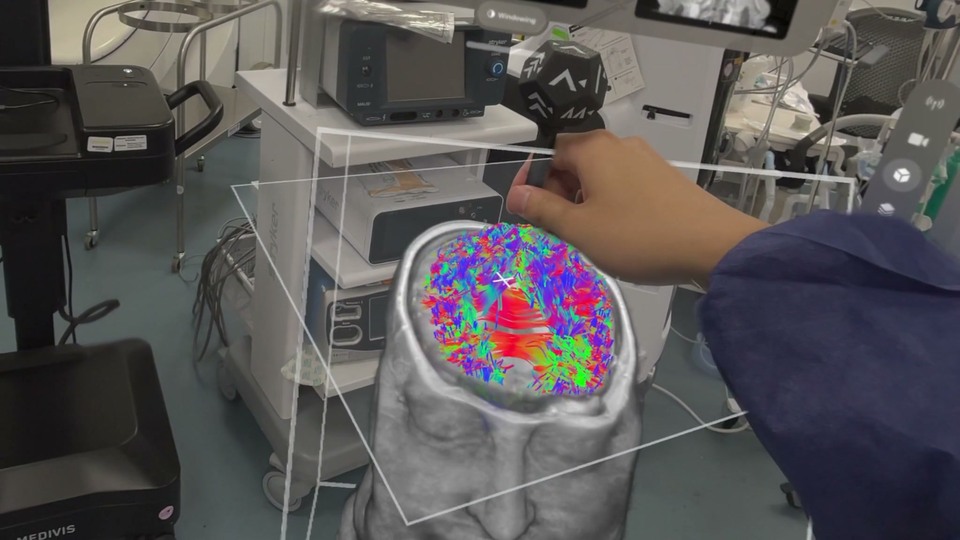
Medical Imaging · 1 min read
Medivis Viewer Adds Object Tracking for 3D Medical Scans on Vision Pro
The update brings a more hands-on way to explore anatomy, with potential for teaching and explaining complex medical scans.