
PlayCanvas Releases SuperSplat 3.0 for Editing Larger 3D Captures
The update brings smoother navigation through heavy scenes, a brush that follows 3D surfaces, and color adjustments for selected parts of a capture.
PlayCanvas has released SuperSplat Editor 3.0, rebuilding its browser-based 3D capture editor around WebGPU to handle larger scenes and reduce the memory held in JavaScript.
The free, open-source editor (opens in a new tab) works with Gaussian splats, which recreate a scene from many small, overlapping points of color in 3D space. Creators can clean up captures, combine them, and prepare them for sharing on the web.
Performance
WebGPU gives browser apps access to the graphics processor for both drawing and computation. SuperSplat 3.0 moves more of its rendering and editing work there, while avoiding full copies of the scene in JavaScript memory.
In PlayCanvas's test of a 4.4 million-splat scene, peak JavaScript memory with the scene loaded and idle fell from 1,557 MB in version 2.x to 105 MB in 3.0.
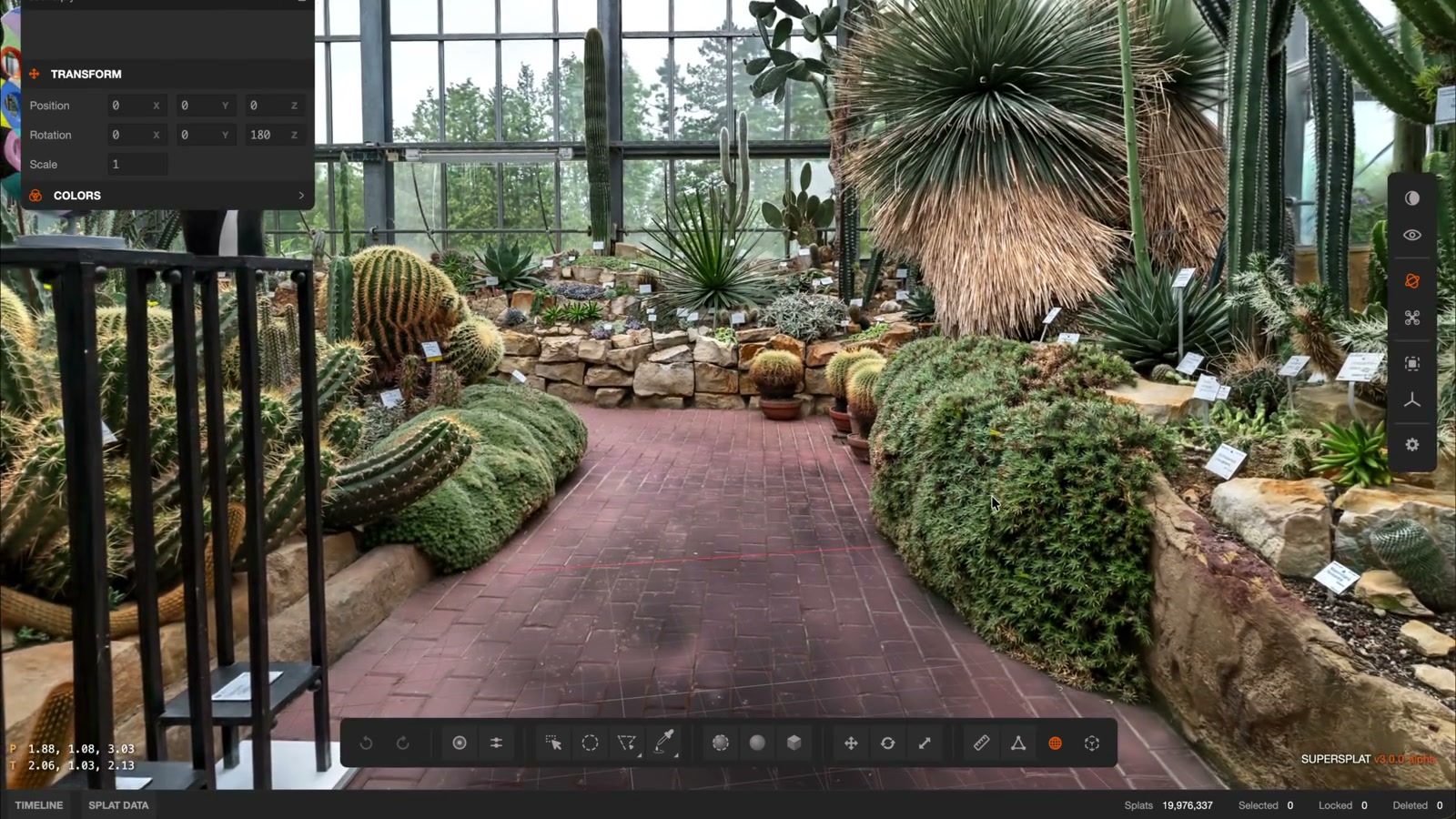
A new Stochastic Alpha mode also changes how heavy scenes are drawn while the camera moves. It skips the costly step of sorting the splats, then draws a fully sorted frame when movement stops. PlayCanvas demonstrates it in a botanical garden scan with about 20 million Gaussians.
Editing Tools
The new Sphere Brush lets creators paint a selection onto a surface in 3D. It follows the depth of the object under the stroke, helping select that object without also catching the scene behind it.
Color adjustments can now apply to just that selection. Creators can change its tint, temperature, saturation, brightness, or transparency, preview the result, and apply or reset it. With nothing selected, the adjustments affect the whole splat.
A new Appearance panel brings together controls for showing the individual Gaussians, their centers, and selection outlines. These editing overlays start off hidden, leaving the rendered scene visible when a capture first opens.
Availability
SuperSplat 3.0 requires WebGPU and hardware acceleration. PlayCanvas lists current Chrome and Edge, Safari 26 or later, and Firefox where WebGPU is enabled. Projects from version 2.x still open, but projects saved in 3.0 need version 3.0 or later.
The update is available now at superspl.at/editor (opens in a new tab). Creators can drop in an existing capture and use the new tools directly in the browser.
More from Capture & Create.
Browse all stories
Apple Immersive · 2 min read
Apple Plans Immersive Video Creator Event in Cupertino on November 11
Creators can preview live production in Apple Immersive, explore new workflows with Apple experts, and join in person or online.

360 Drones · 2 min read
Antigravity’s New Bundle Lets You Control Your 360 Drone With a Watch and Ring
The Follow Me Bundle lets the A1 follow you, show a live view on your wrist, and record in 8K in every direction for editing later.
3D Capture · 2 min read
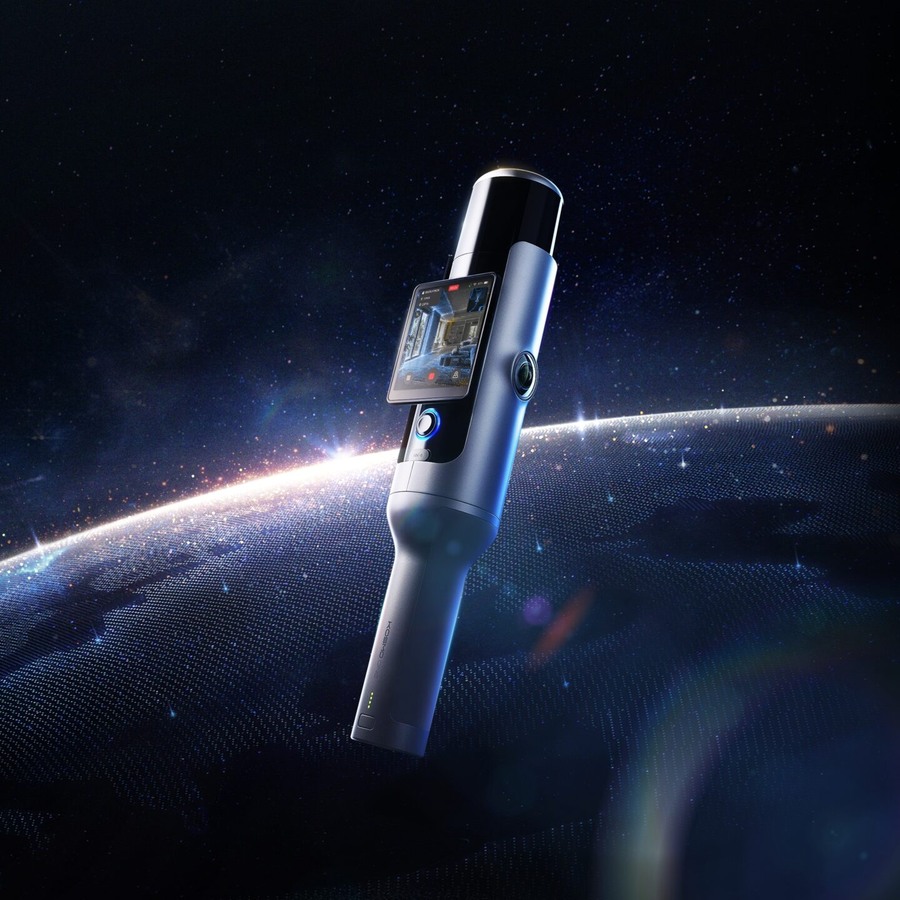
Kosmo’s New 3D Scanner Captures Gaussian Splats for Films and Robotics
Kosmo One combines LiDAR and cameras. Its cloud software can rebuild a space, move objects, and fill in areas the scan missed.