
Surflo Turns Multiple Photos Into One Clean 3D Surface
The research model compresses unposed views into one fixed state, then decodes a point cloud or mesh at the resolution a creator needs.
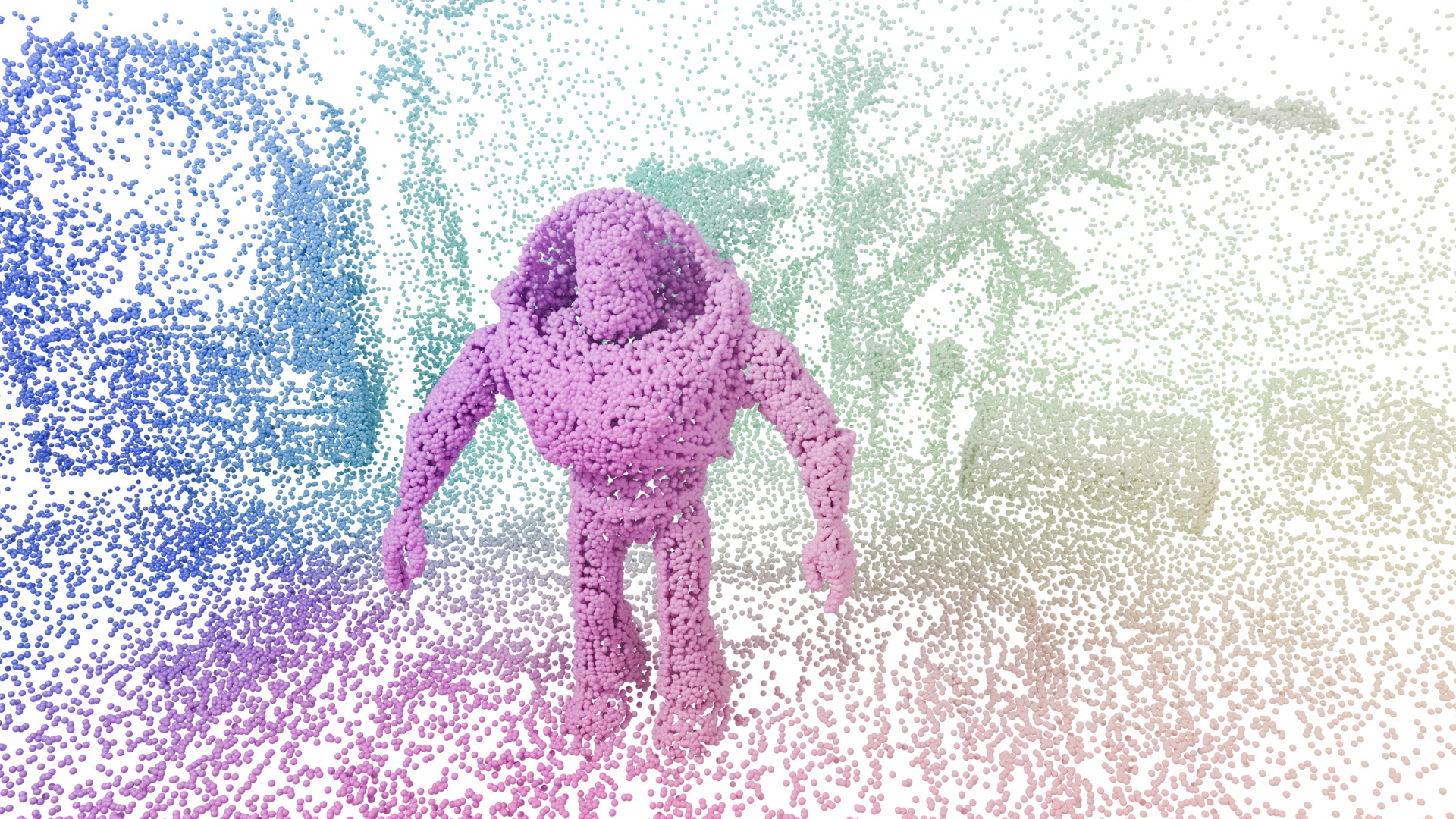
Surflo appeared on arXiv on June 11. Four days later, researcher Antoine Guédon introduced it as a way to turn 3, 8, 15, or even 60 photos into one clean 3D surface.
Instead of producing separate, overlapping geometry for every view, the model compresses the full photo set into 128 tokens. It can then use that same fixed state to generate a point cloud or mesh at different levels of detail.
How It Works
Surflo accepts a variable number of ordinary RGB images without requiring their camera positions in advance. A VGGT visual geometry model reads the views, and a Perceiver compressor folds their shared geometry into one fixed-size global state.
A flow-matching decoder starts with points scattered like noise and learns how to move each one onto the scene's surface. Because the points are decoded from the same state, a user can request a few thousand points for a lighter result or as many as one million for more detail without encoding the photos again.
Moving every point independently makes the process flexible, but nearby points can disagree about the surface. Surflo addresses that during reconstruction by temporarily rendering the points as 3D Gaussians, comparing the view with the source photos, and using the difference to guide the points toward a more coherent shape.
What It Reconstructs
The authors show complete scenes reconstructed from 16 images, with 100,000 points assembled into meshes. Demonstrations include a garden, a truck, a robot, and a translucent Totoro figure, giving the model a mix of fine objects, wide spaces, exposure changes, and difficult materials.
Across eight benchmarks, the team reports that Surflo matches or exceeds other feed-forward surface reconstruction methods. The paper also reports an order-of-magnitude speed advantage over optimization-based approaches that can require hundreds of views. Those results come from the authors' evaluation and have not been independently tested by Spatial Insider.
Availability
The code, model weights, training data, and evaluation data are now public. Running Surflo is still a technical workflow rather than a consumer capture app. The official installation uses PyTorch, a compatible NVIDIA CUDA setup, and compiled extensions.
The team also released DL3DV-10K-Meshed, a dataset of about 10,500 indoor and outdoor scenes with posed images, depth, and complete surface meshes. That gives other researchers a large set of real-world geometry for training and comparing future reconstruction systems.
More from Capture & Create.
Browse all stories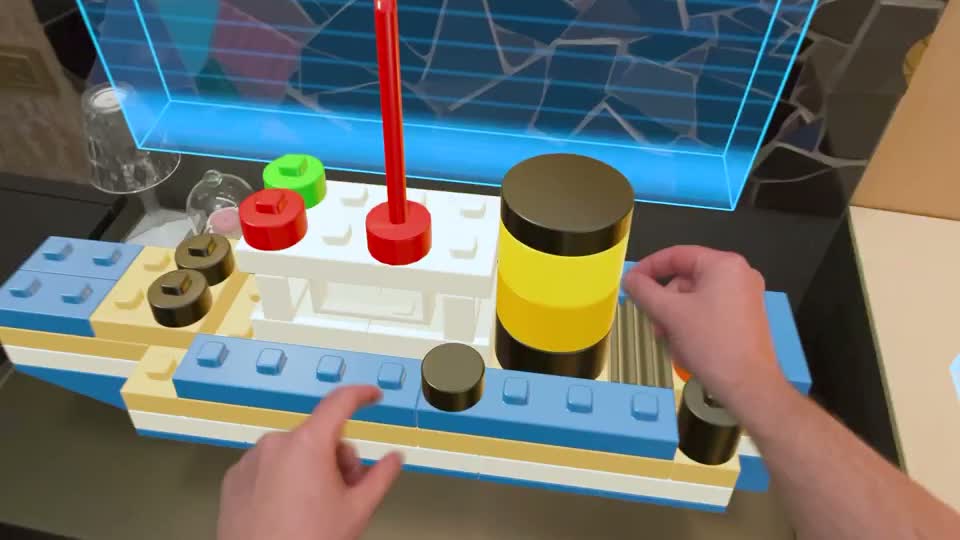
Blockworks · 2 min read
Blockworks Turns Your Words Into Builds with AI on Apple Vision Pro
A new AI demo makes a boat, a bicycle picture, and a statue from virtual blocks you can pick up and take apart.
Tripo AI · 4 min read
Tripo Adds 3D Animation From Text Prompts
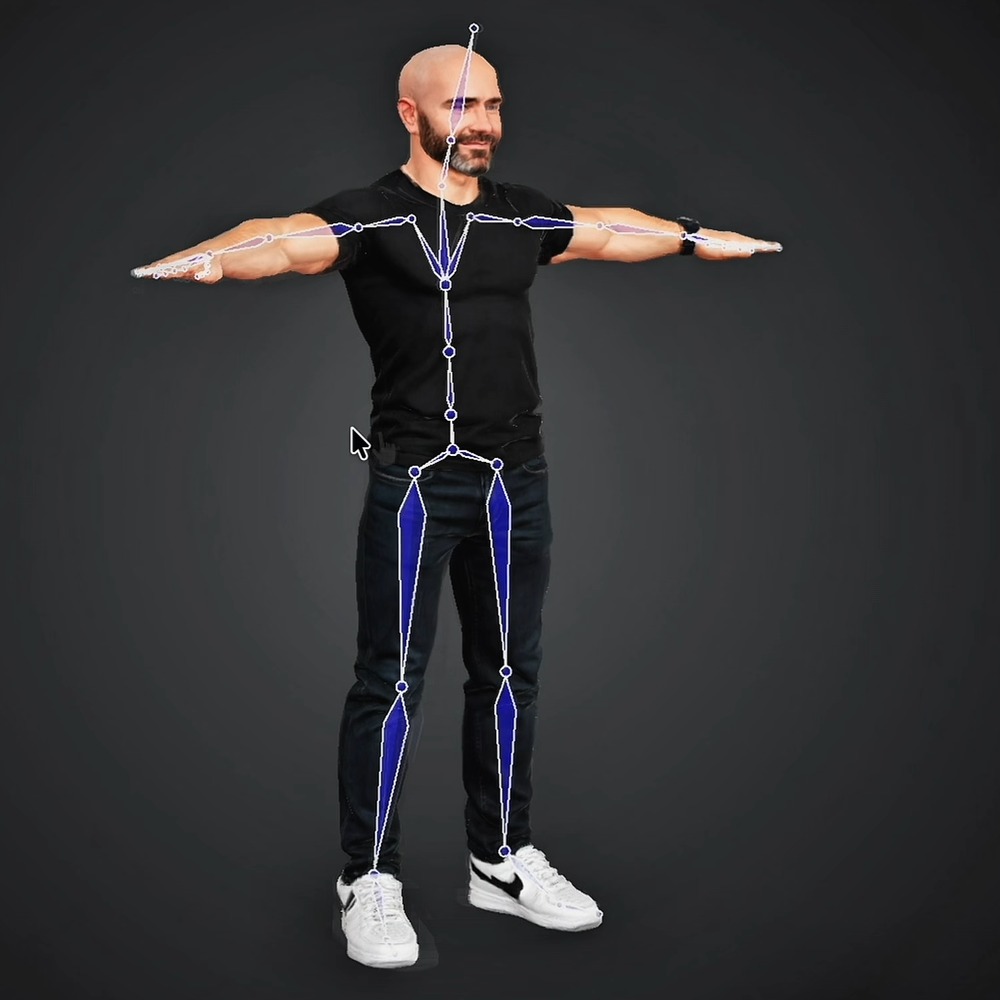
Creators can generate short actions from prompts and combine up to five motion segments, with skeleton options for Unreal Engine, Unity, and avatar workflows.
3D mapping · 2 min read
MultiSet Adds 3D Scan Exports for NVIDIA’s Robot Simulator
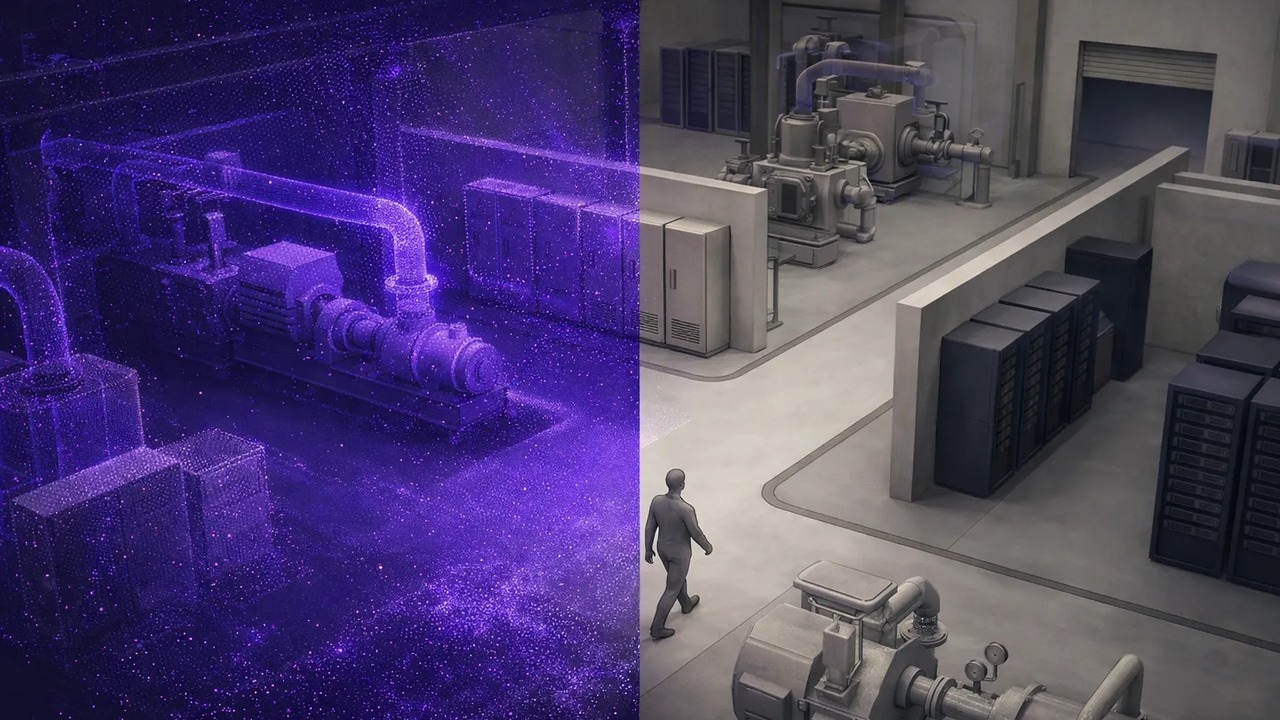
The latest update also lets devices find nearby maps automatically, combines separate survey scans, and makes mapped spaces shareable in a browser.