
Apple Shares 3D-Printable Files for Tracking Objects With Vision Pro
Developers can 3D-print Apple’s marker and use the supplied tracking file to connect physical objects to their Vision Pro apps.
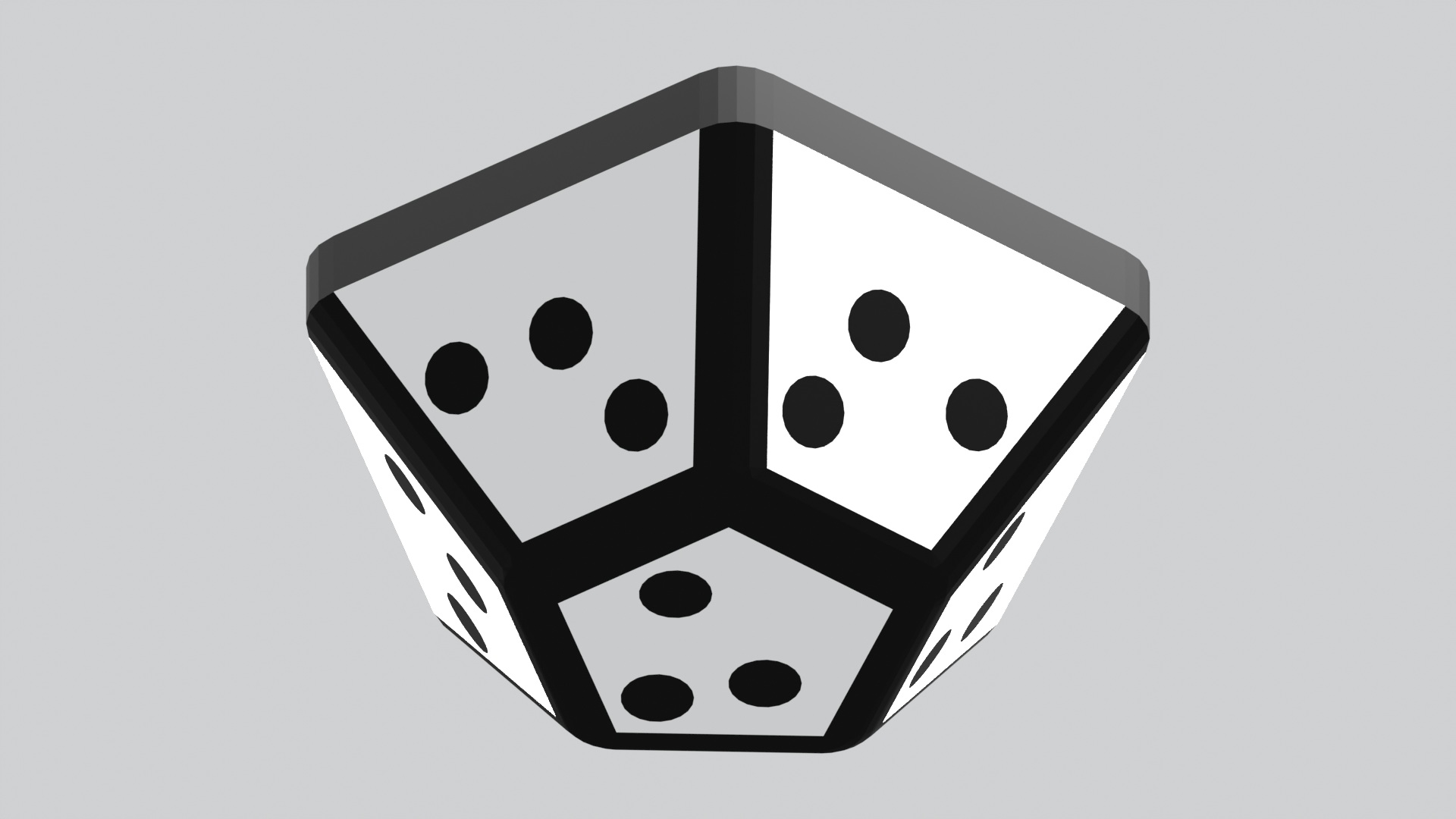
Apple has added 3D-printable marker files and a matching, pre-trained tracking file to its ARKit sample for Vision Pro (opens in a new tab).
Apple showed this tracking method at WWDC26 in June. The files were added to the sample’s code on October 2, so developers can skip designing their own marker and training a model to recognize it.
Use a 3D printer to make the black-and-white marker, then mount it on an object. The headset can follow the marker as you move it. Developers can use its position to keep labels, graphics, or other digital content attached to the object.
In Apple’s demo, a marker mounted on a flashlight let an app follow its movement and aim a virtual beam of light around the room. The app could also change the pattern projected onto the wall.
The download includes a model for two-color 3D printing, plus separate parts you can print in black and white and assemble. The finished marker is about 2.7 inches wide. Mount its flat, unpatterned face against the object so the patterned faces stay visible.
The sample uses visionOS 27’s existing high-frame-rate tracking for handheld and moving objects. It uses more power than the default mode for stationary objects.
The project requires Xcode 27 and an Apple Vision Pro running visionOS 27 or later. Object tracking needs the headset itself, so it won’t run in the simulator. Download the print files and sample app from Apple’s documentation (opens in a new tab).
More from Apple Vision Pro.
Browse all stories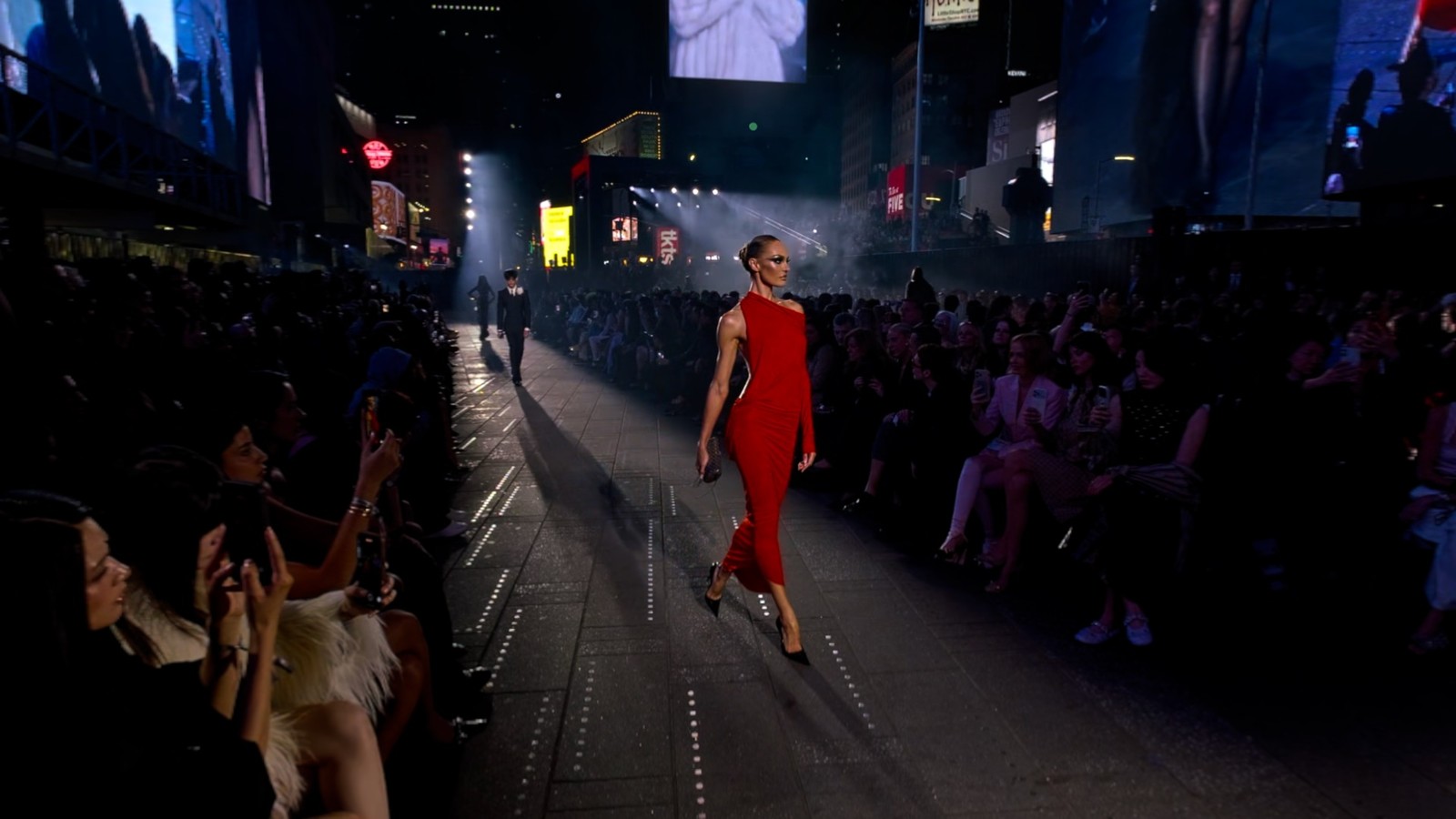
Apple Immersive Video · 1 min read
Gucci Brings Its Times Square Runway Show to Apple Vision Pro
GucciCore is now available in Apple Immersive Video, filmed with Blackmagic’s URSA Cine Immersive cameras for a 180-degree view of the runway.
Apple Immersive · 2 min read
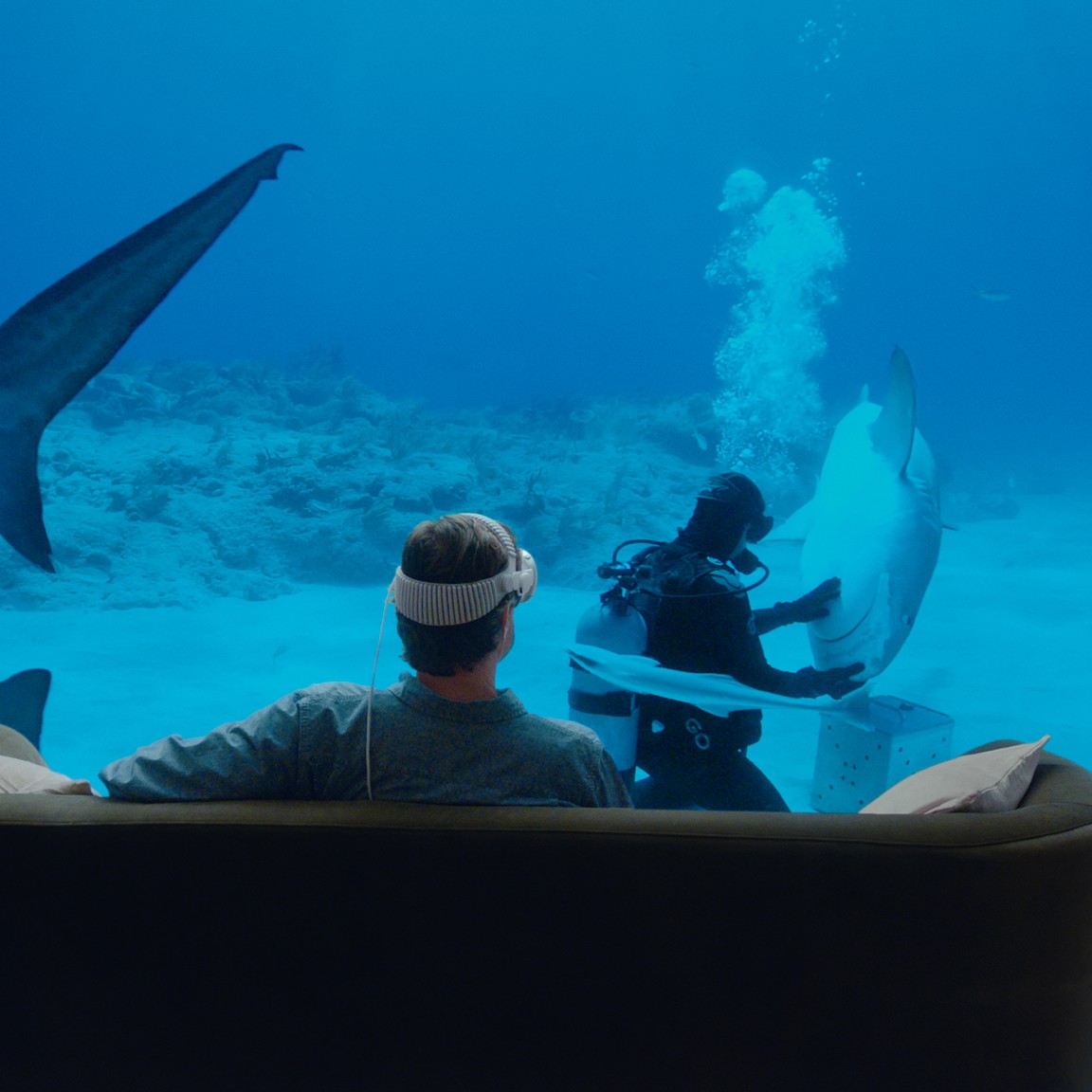
Apple Plans Immersive Video Creator Event in Cupertino on November 11
Creators can preview live production in Apple Immersive, explore new workflows with Apple experts, and join in person or online.
Vision Pro apps · 2 min read
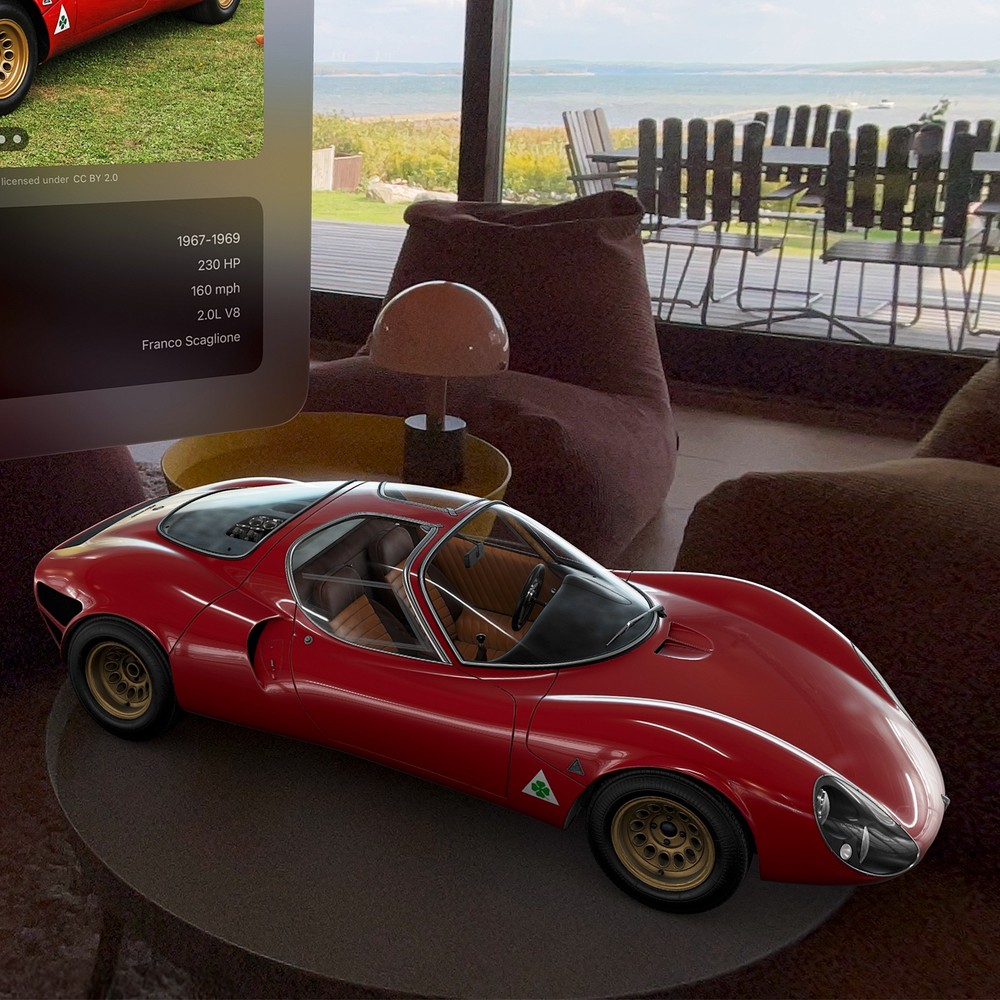
Caradise 3 Brings Working Headlights and SharePlay to Vision Pro
The update adds six cars, more natural door controls, and virtual lights that shine into your room.