
Apple gives Godot games a new path to Vision Pro.
Its open-source plugins let a Godot scene live in a window, volume, immersive space, or portal, with Apple’s spatial audio too.
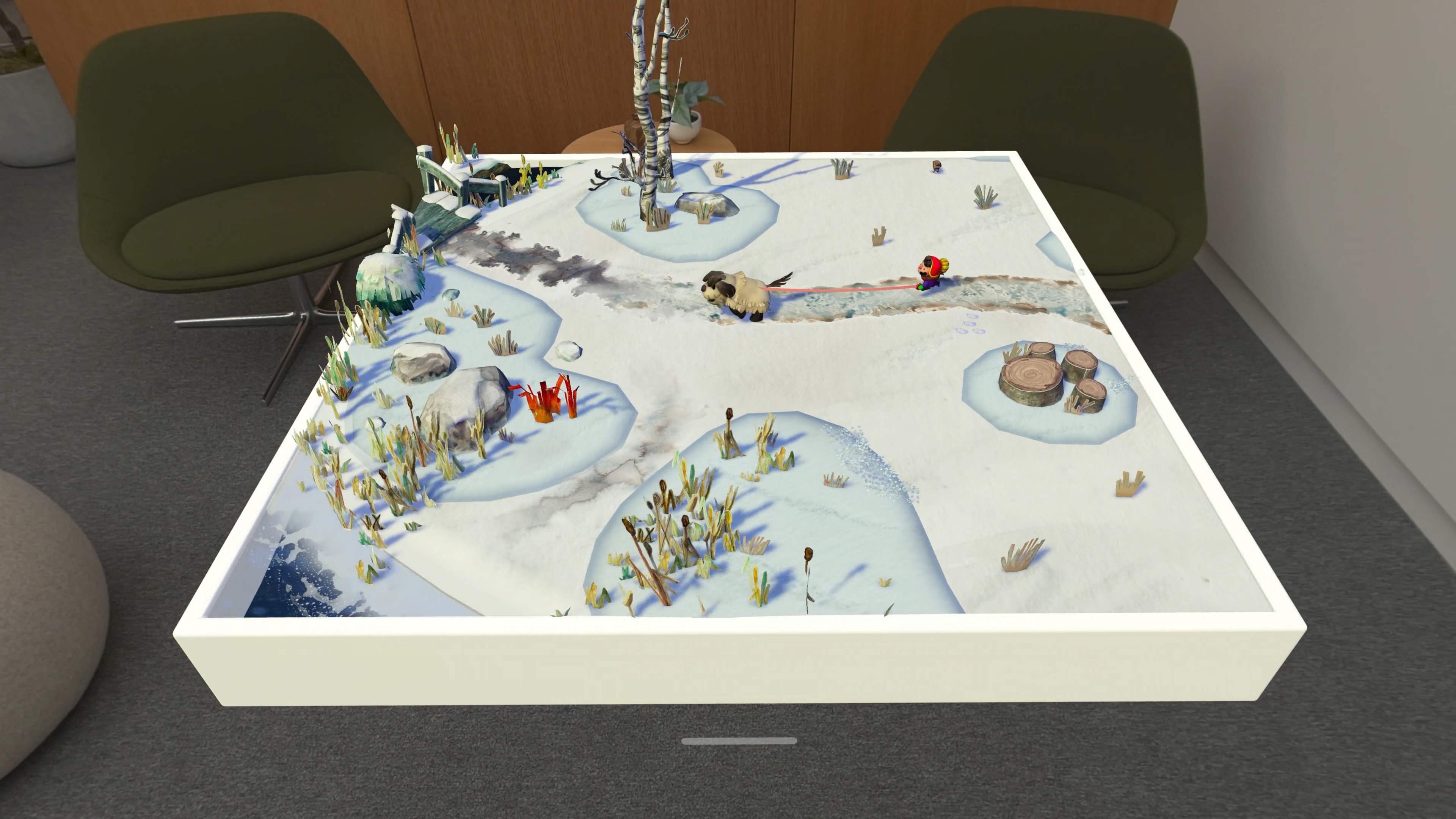
Apple has quietly released two open-source plugins that connect the Godot game engine to its own tools. The public GitHub project (opens in a new tab) includes one plugin for RealityKit visuals and another for PHASE spatial audio.
For Vision Pro, this means a Godot game can become more than a flat window. It can live in a volume, fill an immersive space, or show another world through a portal.
One game, four ways to see it
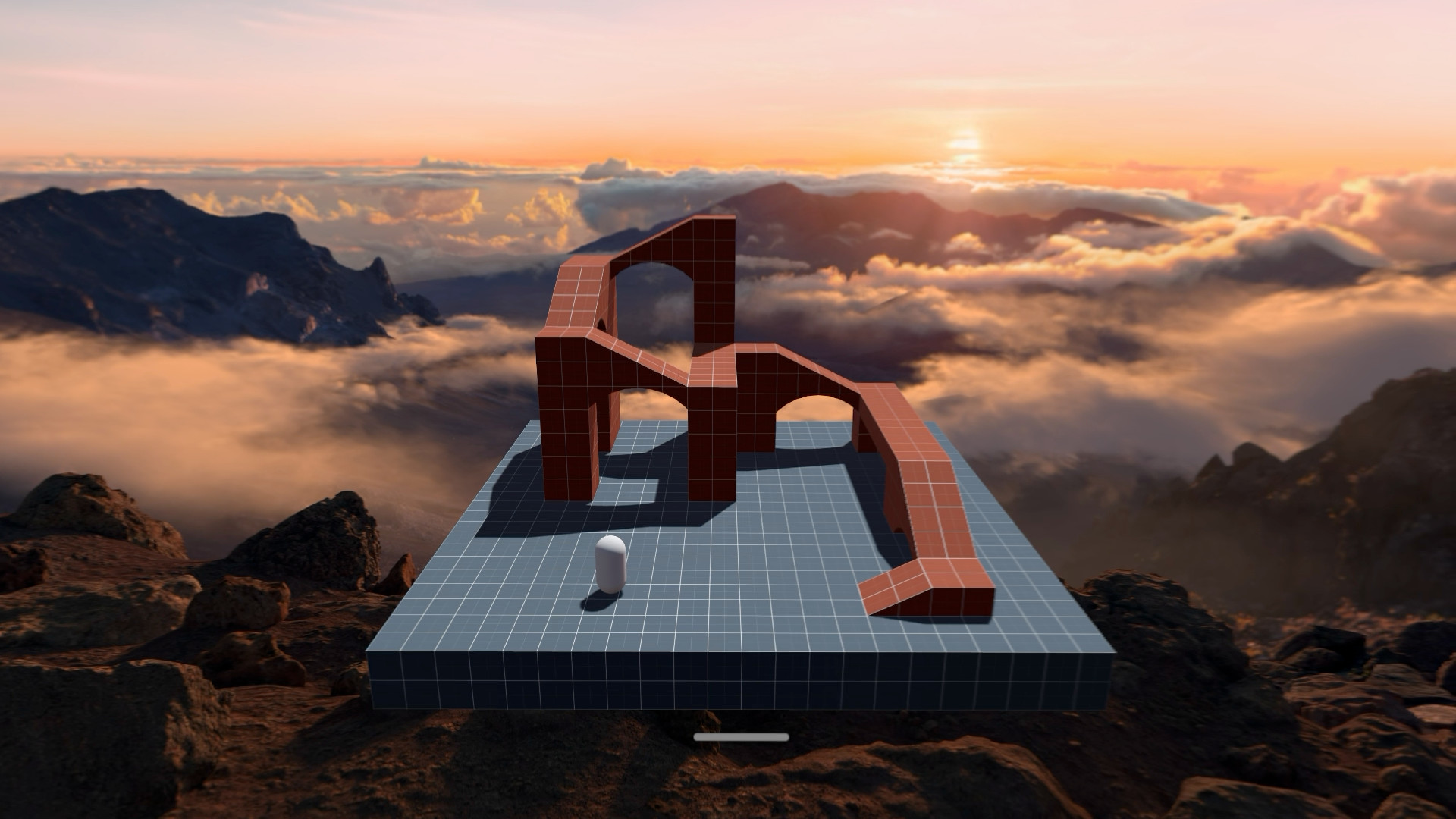
Developer Ivan Campos showed what this looks like with Kenney’s Starter Kit Racing game. The same track appears in a normal Godot window, a volume on a table, an immersive space, and a portal.
RealityKit draws the scene
Godot still handles the game’s animation, simulation, and scripts. RealityKit handles what Vision Pro draws and how the scene sits around you.
The plugin can render animated meshes, PBR materials, directional lights, spotlights, and point lights. It can also turn Godot Visual Shaders into RealityKit materials. New Godot nodes add visionOS hover effects and portals.
Input can come from eye gaze, hands, or a controller. That lets a Godot game react to the same kinds of spatial input as a native visionOS app.
PHASE handles the sound
The second plugin brings Apple’s geometry-aware PHASE audio system into Godot. It supports personalized spatial audio, head tracking, reverb, and sound that reacts to walls and other objects.
A wall can make a sound quieter and change how it sounds based on the wall’s material. On Vision Pro, the system can also place the audio so it stays consistent with other apps sharing the room.
How to set it up
Developers need to build GodotRealityKit from source on a Mac. That requires Xcode, Python, SCons, and Apple’s Metal tools. It also depends on matching custom versions of Godot and godot-cpp.
Apple’s current instructions say to use the visionOS 26 SDK because the visionOS 27 SDK is not supported yet.
There are rendering limits too. Godot’s text-based GLSL shaders do not work with the plugin, though Visual Shaders can be converted. Shadowed point lights are not supported either.
Why this could be big
A developer can keep much of a game in Godot while RealityKit handles the Vision Pro layer. That could save work compared with rebuilding every system in another engine.
Godot is much bigger than its name recognition may suggest. The free, open-source engine reaches about 2 million downloads with each release, though that total includes repeat downloads. Its online community has doubled in the past few years.
More than 1,200 new Godot games reached Steam in 2025. Itch.io also sees about 500 Godot projects each week, including prototypes and game jam entries. Godot charges no engine fee and takes no royalties from the games people make with it.
Apple published the code under the MIT license and is asking developers to report bugs and help improve it. The setup is still early, but there is now an official starting point for bringing a Godot game into the room.
More from Apple Vision Pro.
Browse all stories
visionOS · 1 min read
Apple Shares 3D-Printable Files for Tracking Objects With Vision Pro
Developers can 3D-print Apple’s marker and use the supplied tracking file to connect physical objects to their Vision Pro apps.
Apple Immersive Video · 1 min read
Gucci Brings Its Times Square Runway Show to Apple Vision Pro
GucciCore is now available in Apple Immersive Video, filmed with Blackmagic’s URSA Cine Immersive cameras for a 180-degree view of the runway.

Apple Immersive · 2 min read
Apple Plans Immersive Video Creator Event in Cupertino on November 11
Creators can preview live production in Apple Immersive, explore new workflows with Apple experts, and join in person or online.