
Enviz Lets You Explore Your Future Home on Apple Vision Pro
Architects and builders can turn 3D models into shared Enviz spaces that clients can revisit on a phone, tablet, or web browser.

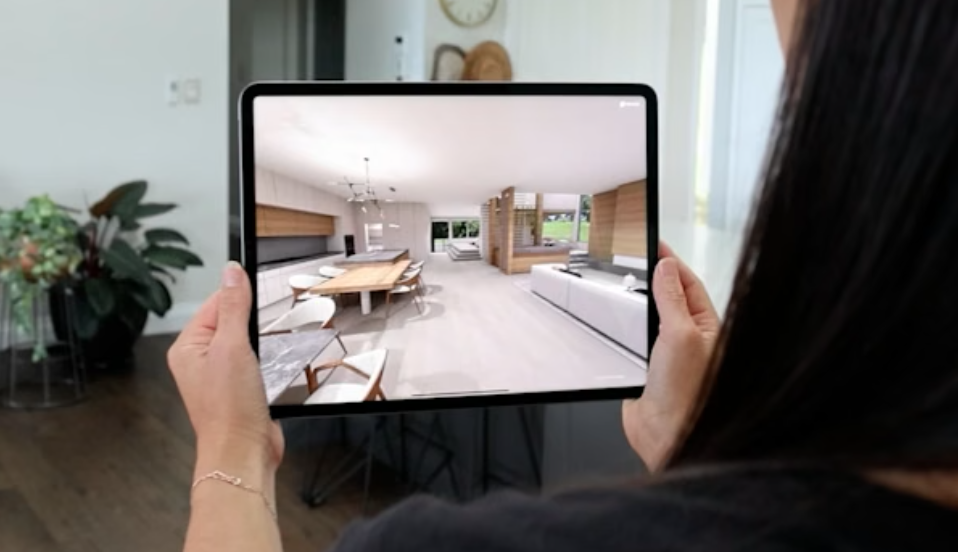
Enviz (opens in a new tab) says it can turn a home's Revit, SketchUp, or 3ds Max model into an immersive walkthrough that an architect or builder can share with a client using Apple Vision Pro.
A floor plan shows where the rooms go. Viewing the proposed home from inside offers another way to understand how those rooms connect before construction starts.
The company calls an individual virtual environment a Space. Its help center (opens in a new tab) documents the supported models and devices, including Vision Pro.
From a model to a home you can explore
The architect, builder, or visualization studio submits the project files through Enviz’s portal. Clients then open the converted Space in the viewer app.
That Space can also open on a phone, tablet, or desktop browser. A client could explore a proposed home in Vision Pro during a meeting, then revisit the project on another device afterward. Enviz notes that its browser experience does not include every feature available in the app.
The company also says it can turn PDF floor plans into 3D spaces using AI. Its help center describes that tool as still in development.
Viewing and creating have different costs
The Enviz app (opens in a new tab) is free to download, and Apple lists visionOS 2.0 or later as the requirement for Vision Pro. Creating a custom Space is a separate service.
Enviz's pricing page (opens in a new tab) lists a single-upload option at US$150 excluding GST. It includes one preview Space, one completed Space, and a shareable link. A US$800 per-home option includes unlimited previews for the same home, unlimited AI renders, and up to 20 AI video credits.
Those prices cover preparing a custom property experience for design reviews or client presentations. An architect or builder pays to turn project files into something clients can explore and share. A homeowner opening that prepared Space uses the free viewer app; the listed creation fees are not a ticket price for each person who views it.
For someone viewing an existing project, the starting point is its access code. Enviz's setup guide (opens in a new tab) says to open the app, choose Add Space, and enter the four-digit code supplied for that experience.
More from Apple Vision Pro.
Browse all stories
Apple Immersive · 1 min read
Red Bull’s Immersive Surfing Film Arrives on Vision Pro October 1
Big Wave Surfing follows 10 elite surfers at Teahupoʻo, Tahiti, in the next episode of the Emmy-winning World of Red Bull series.
Creator Tools · 2 min read
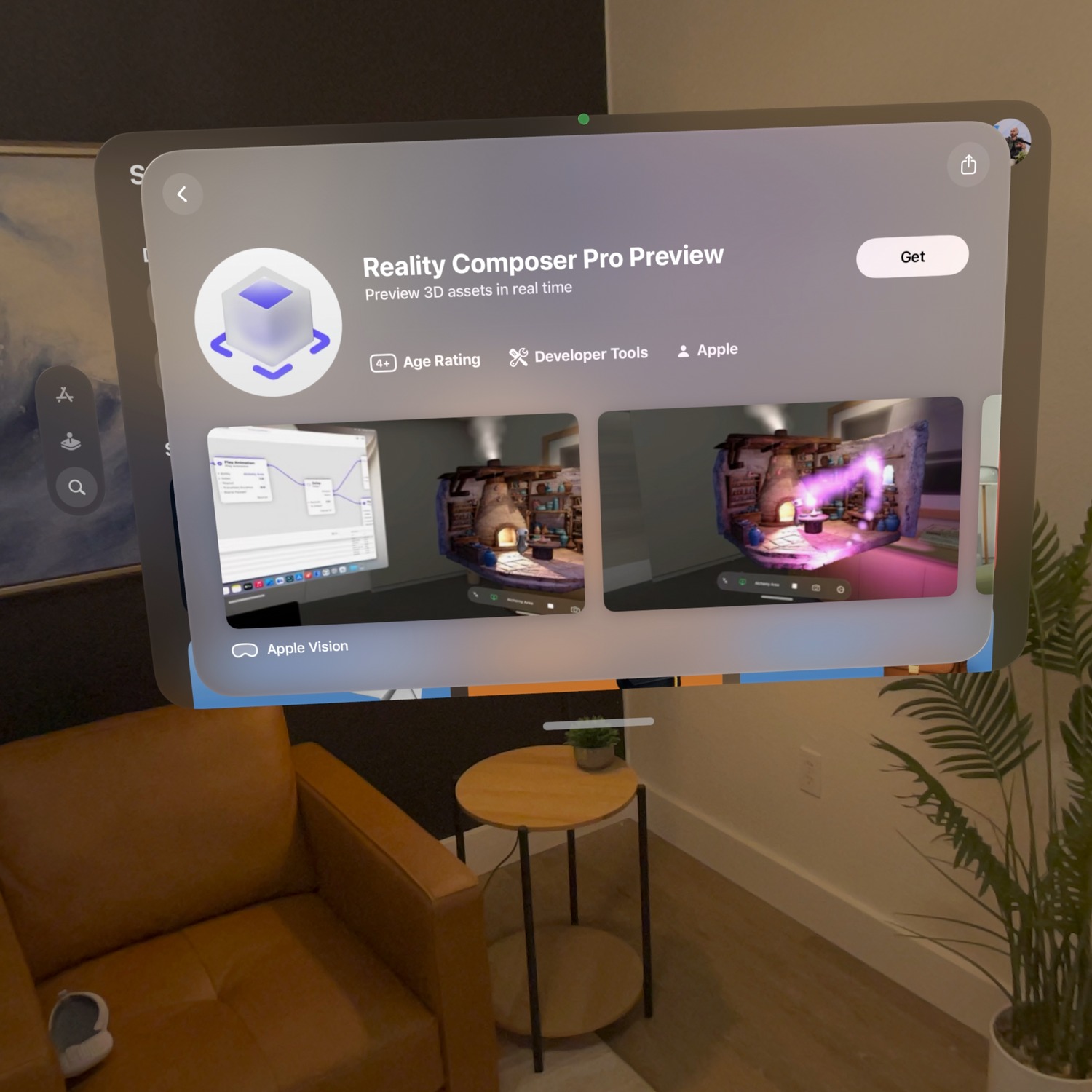
Reality Composer Pro Preview Is Now Available for Vision Pro
Apple’s Preview companion app lets creators edit on a Mac and check materials, animation, and layout live inside the headset.

Accessories · 3 min read
DFRobot Launches seeMote Cap, Its Latest Vision Pro Accessory
The new tool-mounted tracker joins seeMote Cube, expanding DFRobot’s spatial accessory lineup for developers building training, simulation, and hands-on learning apps.