
Meta’s new XR Operator lets AI agents see and control Quest apps.
The experimental developer tool can move through a running VR or mixed reality app, press buttons, and test what happens next.

Meta has introduced Meta XR Operator (opens in a new tab), an experimental developer tool that lets AI agents see and control a running VR or mixed reality app.
The tool ships with Meta XR Core SDK v205. It works with OpenXR-based Quest projects and can connect to AI coding tools that support the Model Context Protocol, or MCP.
AI can now test the experience
Most AI coding tools work from files, error messages, and screenshots. XR Operator gives an agent access to the live state of a spatial app and lets it send actions back into the experience.
The agent can move a virtual head and controllers, press buttons, use triggers, and check what changes. It can capture the view seen by the user and read the scene around the app, including rooms, walls, floors, and other objects.
Developers can also create custom tools for their own apps. A game could let the agent read a score or confirm that an object appeared. A training app could check whether each step was completed.
It could make testing much faster
Testing spatial apps takes extra work. A developer may need to put on a headset, walk through a scene, use both controllers, remove the headset, change the code, and start again.
An agent could repeat some of those steps on its own. It could follow the same path, press the same controls, and report where the result changed. Meta says XR Operator can also run tests without a developer writing a script for every scene.
The tool works with Meta XR Simulator, so a developer can test an app on a computer without having a Quest headset nearby. It can also run on Quest hardware.
How it works
Meta XR Operator sits between the app and OpenXR, the common system many headsets use to run XR software. It reads the information the app already sends through that layer.
A local server then shares a set of tools through the Model Context Protocol (opens in a new tab), or MCP. MCP is a common way for an AI agent to connect with outside tools and information. Any compatible AI coding tool can use the connection.
Meta says Unity apps built with OpenXR do not need changes to their app code after the operator is set up. A separate package can also connect it to OpenXR apps built without Unity.
It is still an experiment
Meta warns that Meta XR Operator is experimental. Its tools, behavior, and programming interfaces may change, and the company says developers should not depend on it in production apps.
For Unity, it requires Unity 6000.0 or later, Meta XR Core SDK v205 or later, OpenXR Plugin 1.17.0 or later, and an MCP-compatible AI coding tool. Apple silicon Macs can use it with Meta XR Simulator. Windows also supports Quest Link, while testing directly on Quest takes a few more setup steps.
This is a developer tool, not a feature that lets an AI agent enter any Quest app. The team building or testing an app has to enable the operator and connect the agent.
AI is moving inside spatial apps
XR Operator is early, but it marks a larger change. AI coding tools are starting to move beyond reading spatial software and into testing the experience itself.
If agents can reliably see what a person would see and repeat what they would do, developers could spend less time on basic checks and more time improving how an app feels.
More from Glasses & Headsets.
Browse all stories
XREAL Aura · 3 min read
XREAL Aura Launches at $1,099, $180 Under Its Preorder Price
The first wired glasses running Android XR weigh about 95 grams and bring Gemini and Android apps into your space. Shipments are expected in mid-November.

Snap Specs · 2 min read
Robert Downey Jr. Teams Up With Snap on Specs AR Glasses
The Iron Man star will help shape new AR experiences and hardware. His first project puts the glasses to work in a series of short films.
Display glasses · 2 min read
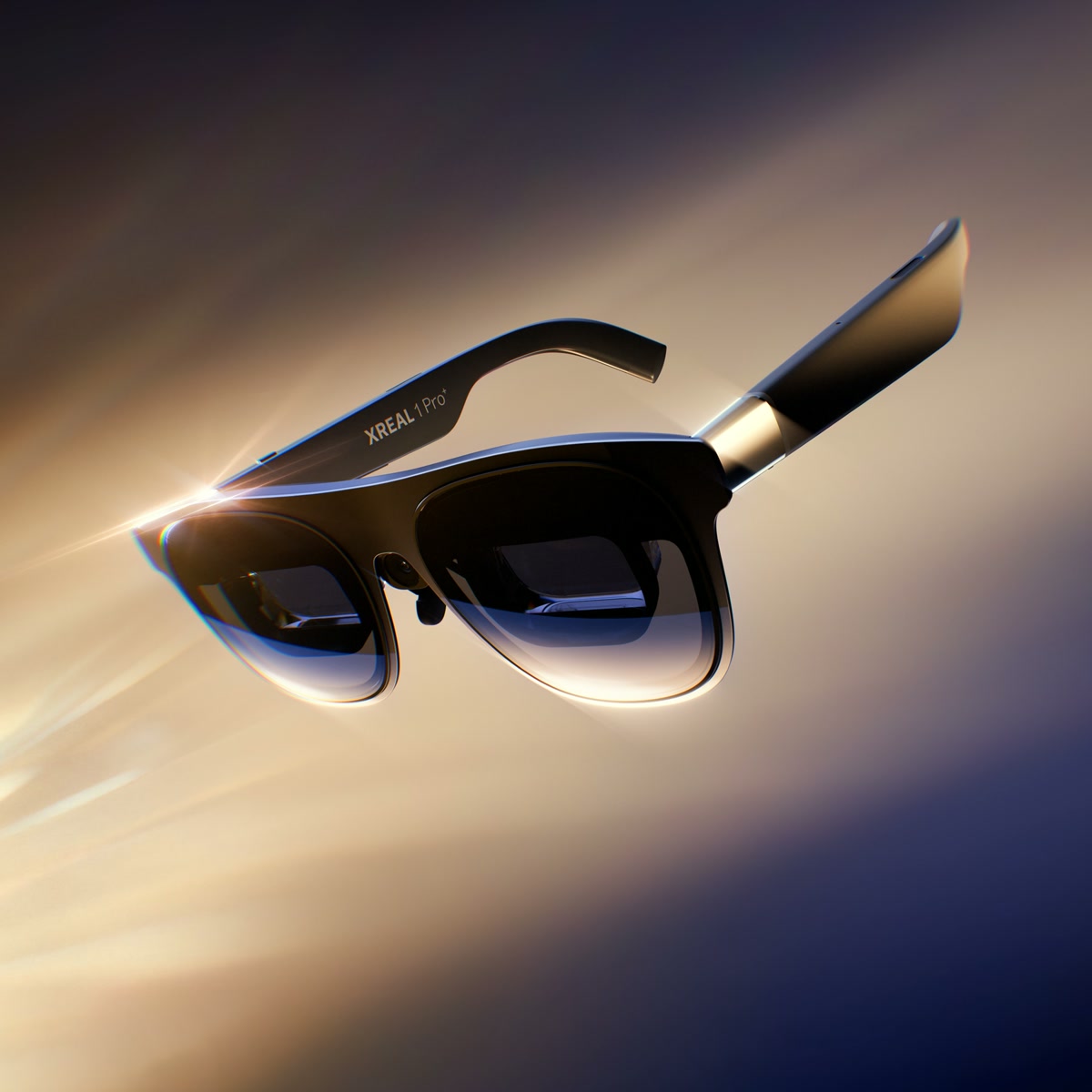
XREAL Upgrades Its Flagship AR Glasses With the New 1 Pro+
Smoother 3D, a brighter screen, and a redesigned fit arrive for $599. Existing XREAL owners will get the 3D upgrade, too.