
Orbble Turns Voice Notes Into Bubbles You Can Reach For
The Vision Pro social app uses spatial audio and playful physics to make every post feel like it has entered the room.
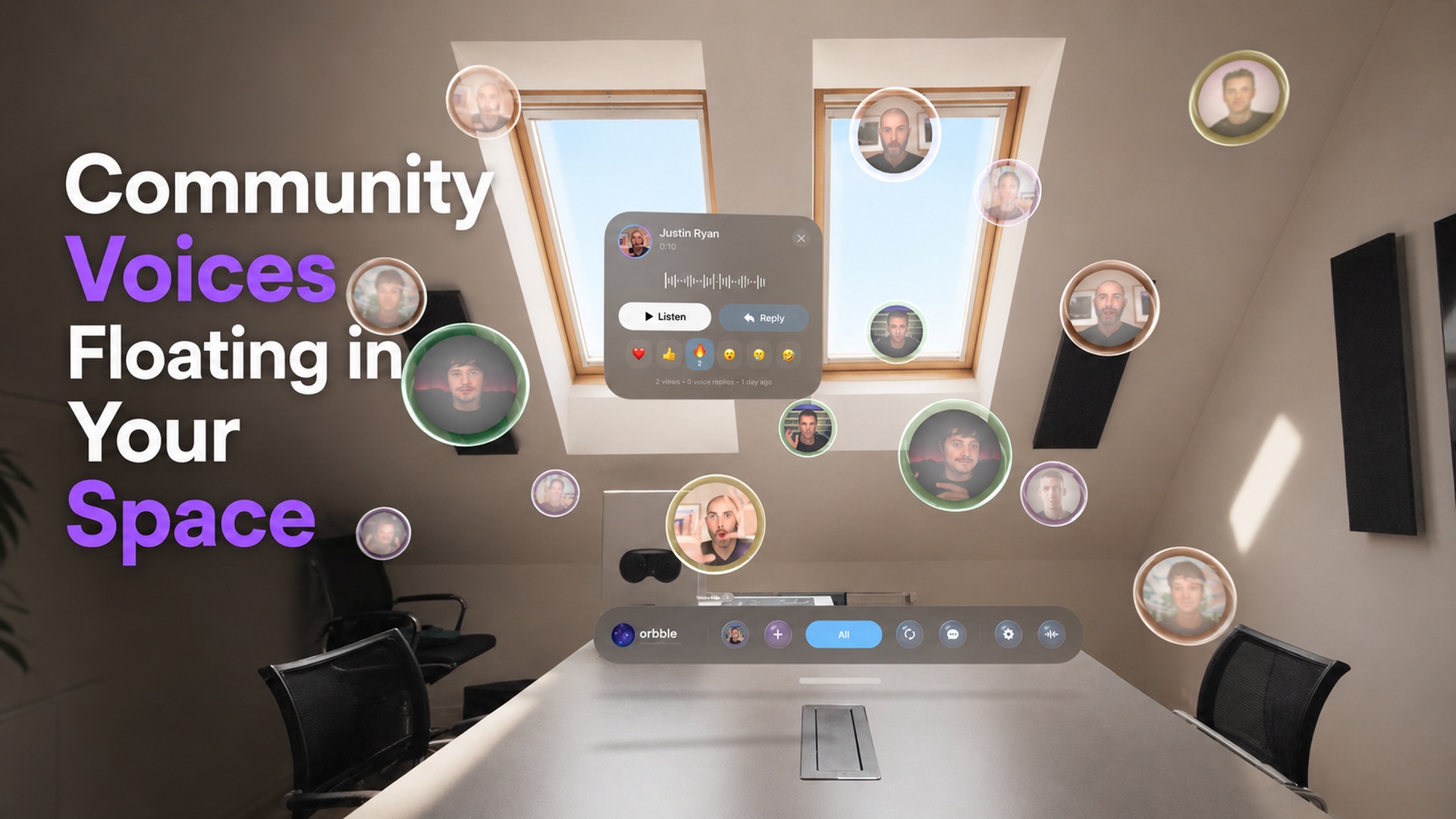
Each voice note in Orbble (opens in a new tab) drifts through your room as an iridescent bubble you can reach for, move, and open.
I tested Orbble 1.1 on Apple Vision Pro and recorded the experience. Looking and reaching replaced most of the scrolling I expect from a social app.
Every voice gets a place
Orbble is asynchronous. People leave updates for others to hear later instead of meeting in a live room. A standard voice orb can hold a 30-second recording.
Open one and a small card shows the speaker, playback controls, replies, and reactions. The rest of the community keeps floating nearby, so listening to one person does not take you out of the room.
The position is not decoration. Spatial audio keeps each voice attached to its bubble. Different people sound like they are speaking from different parts of the room instead of one flat panel in front of you.
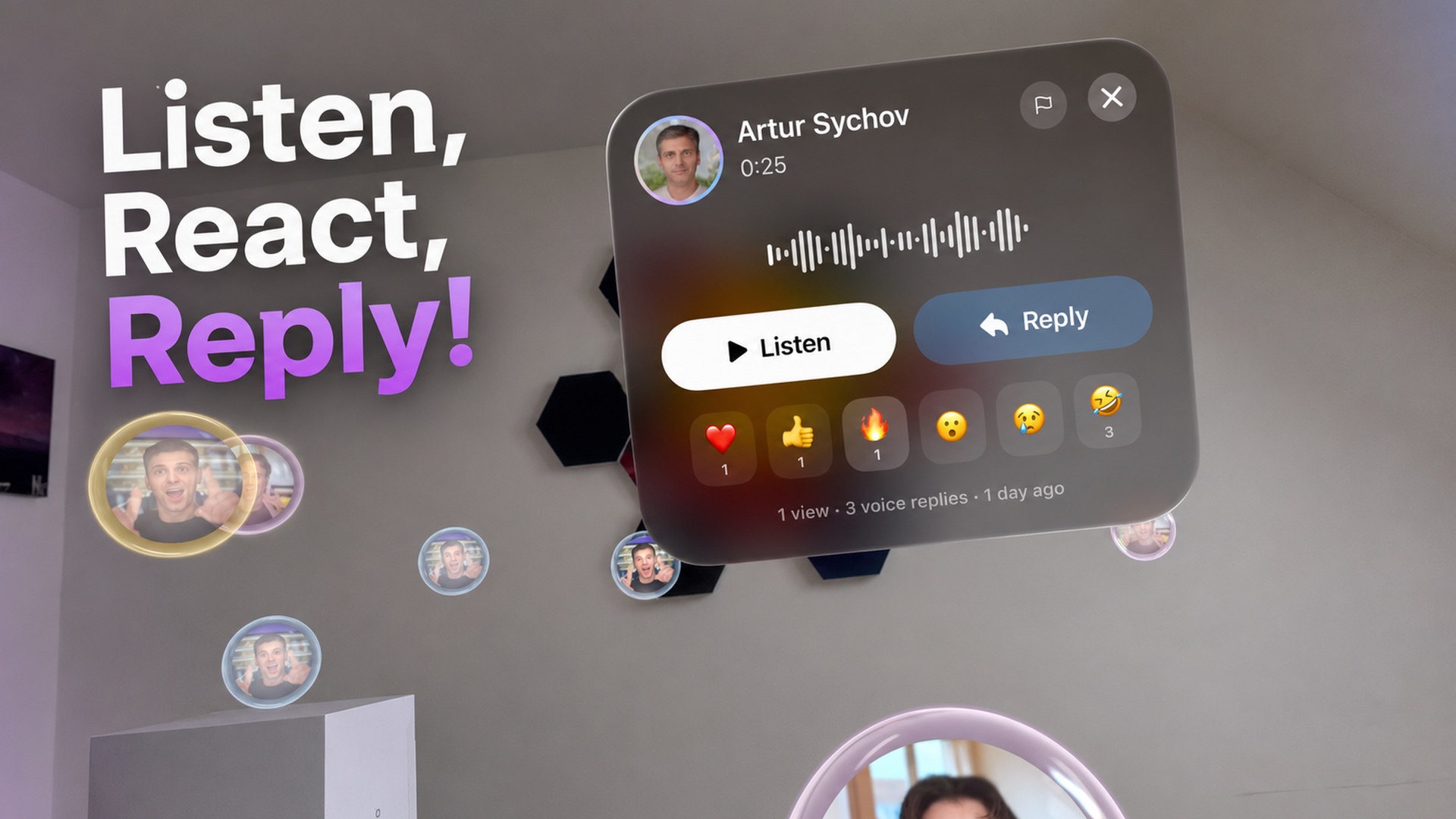
The bubbles also behave like objects. You can push one away, throw it across the room, or resize it with two hands. Orbble says they bounce from real walls and furniture before returning to their slow drift.
The room becomes the feed
Replies form voice threads, and emoji reactions rise from the bubble instead of staying trapped beneath a post. An unread conversation can pulse like a heartbeat. A popular orb can catch fire and release its most common reaction into the room.
Filters for friends, subscriptions, videos, popular posts, and recent updates keep the space from becoming random. They preserve the useful structure of a feed without forcing every person into one vertical list.
Version 1.1 adds on-device transcription, automatic language detection, English translation, and links or video clips for sharing an orb outside the app. Subtitles matter in an audio-first network because they let someone follow a post when listening is not practical.
The best detail happens when you leave
My favorite moment comes when the app closes. Every bubble loses its float and drops to the floor. It is a quick visual joke, but it also follows the room's physical rules.
That fall gives Orbble a point of view. The interface does not simply sit in space. It behaves as though the space is part of the product.
The network still has to grow
Orbble is free and requires visionOS 26. Apple gives the listing a 17+ age rating, while Orbble says the app is for adults who are at least 18. During early access, the company says its planned Pro features remain unlocked. They include video orbs, 3D spatial portraits, recordings up to two minutes, and posts that can remain available for a year.
The App Store listing says room scanning and hand tracking stay on the device and personal data is not sold. Those are important promises for an app that maps a room and asks people to speak inside it.
The interface is more convincing than the network is mature. Like any new social app, Orbble will become more useful when the people someone wants to hear decide to join.
Spatial Insider rates Orbble Recommended (opens in a new tab). It is for Vision Pro owners who want to see what a social app can become when the room, not a window, holds the conversation.
More from Apple Vision Pro.
Browse all stories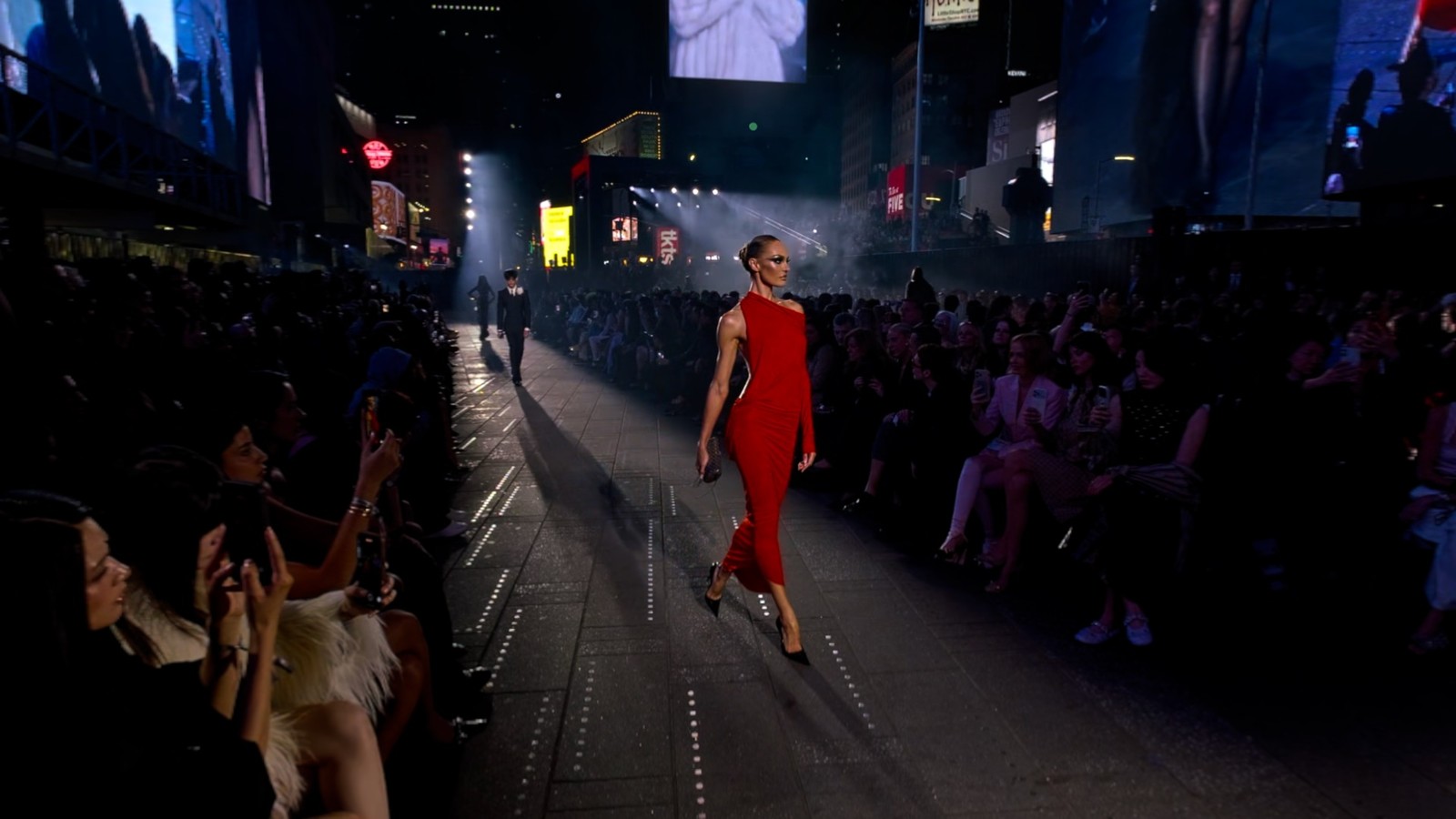
Apple Immersive Video · 1 min read
Gucci Brings Its Times Square Runway Show to Apple Vision Pro
GucciCore is now available in Apple Immersive Video, filmed with Blackmagic’s URSA Cine Immersive cameras for a 180-degree view of the runway.

Apple Immersive · 2 min read
Apple Plans Immersive Video Creator Event in Cupertino on November 11
Creators can preview live production in Apple Immersive, explore new workflows with Apple experts, and join in person or online.
Vision Pro apps · 2 min read
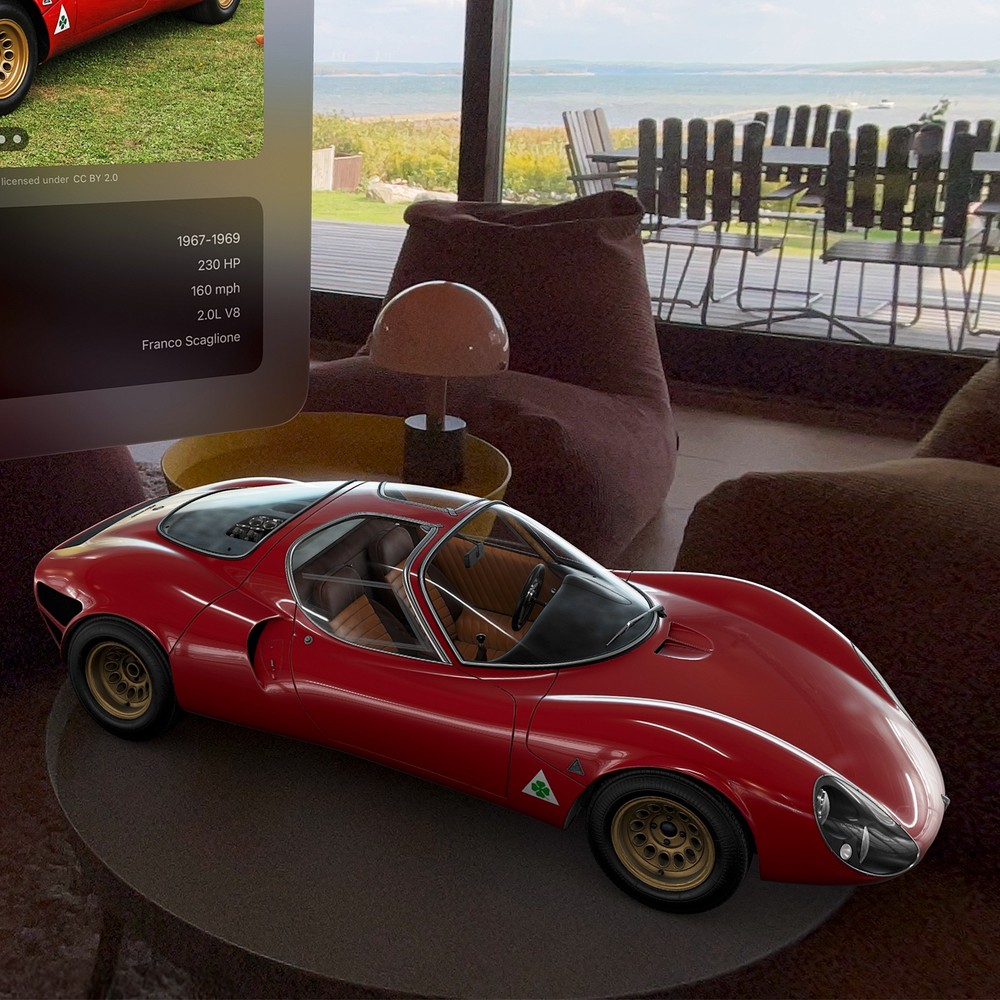
Caradise 3 Brings Working Headlights and SharePlay to Vision Pro
The update adds six cars, more natural door controls, and virtual lights that shine into your room.