
New Vision Pro App Lets You Control Your Mac With Just Your Hands
ProprioType puts virtual keys around your fingers. Flip a hand over to move your Mac’s pointer, click, and scroll.
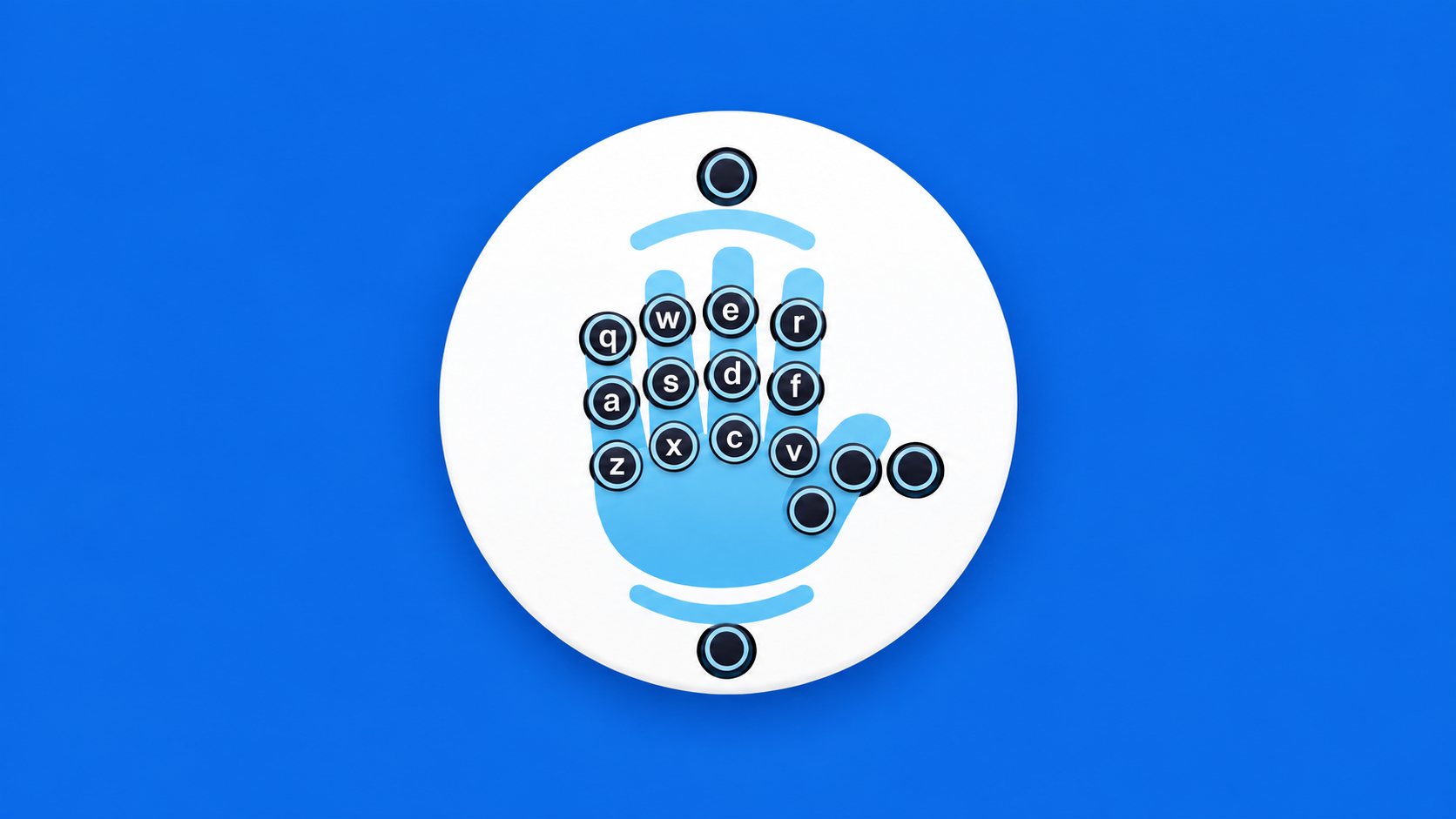
ProprioType (opens in a new tab) is now available on Apple Vision Pro, letting you type, click, and scroll on your Mac without reaching for a physical keyboard or mouse.
The switch between typing and pointing is a hand flip. Keys arranged around your fingers handle text entry; turn a hand over, and the app switches to trackpad controls. Neither mode needs a desk surface beneath your hands.
Keys Around Your Fingers
Vision Pro already has a built-in virtual keyboard you can tap with your fingers. ProprioType arranges the keys around your hands, with a layout that draws on a physical keyboard. Developer Joel Maupin says the finger movements may feel familiar to experienced touch typists.
You can move individual keys, resize them, and tune their sensitivity to suit your hands. Labels and gesture timing are adjustable, too. A conventional virtual keyboard and voice dictation are also available.
Connect Your Mac
ProprioType Host, the companion Mac app, shares your desktop and receives your input over the local network. Install it on your Mac, connect both devices to the same network, and follow the host’s permission prompts.
The connection also carries your Vision Pro Persona and microphone to the Mac, so your digital likeness and voice can join a call. The developer says screen content, audio, and input stay on an encrypted local connection.
Try It for Free
ProprioType is free to download from the App Store (opens in a new tab). It requires visionOS 26.4 or later and macOS 26 or later for the host app. Mac connectivity includes a seven-day trial, followed by a one-time unlock listed at $19.99 in the U.S. store.
You can try the typing interface before connecting a Mac. The free built-in text editor lets you practice the gestures and arrange the keys around your hands before taking them to your desktop.
More from Apple Vision Pro.
Browse all stories
visionOS · 1 min read
Apple Shares 3D-Printable Files for Tracking Objects With Vision Pro
Developers can 3D-print Apple’s marker and use the supplied tracking file to connect physical objects to their Vision Pro apps.
Apple Immersive Video · 1 min read
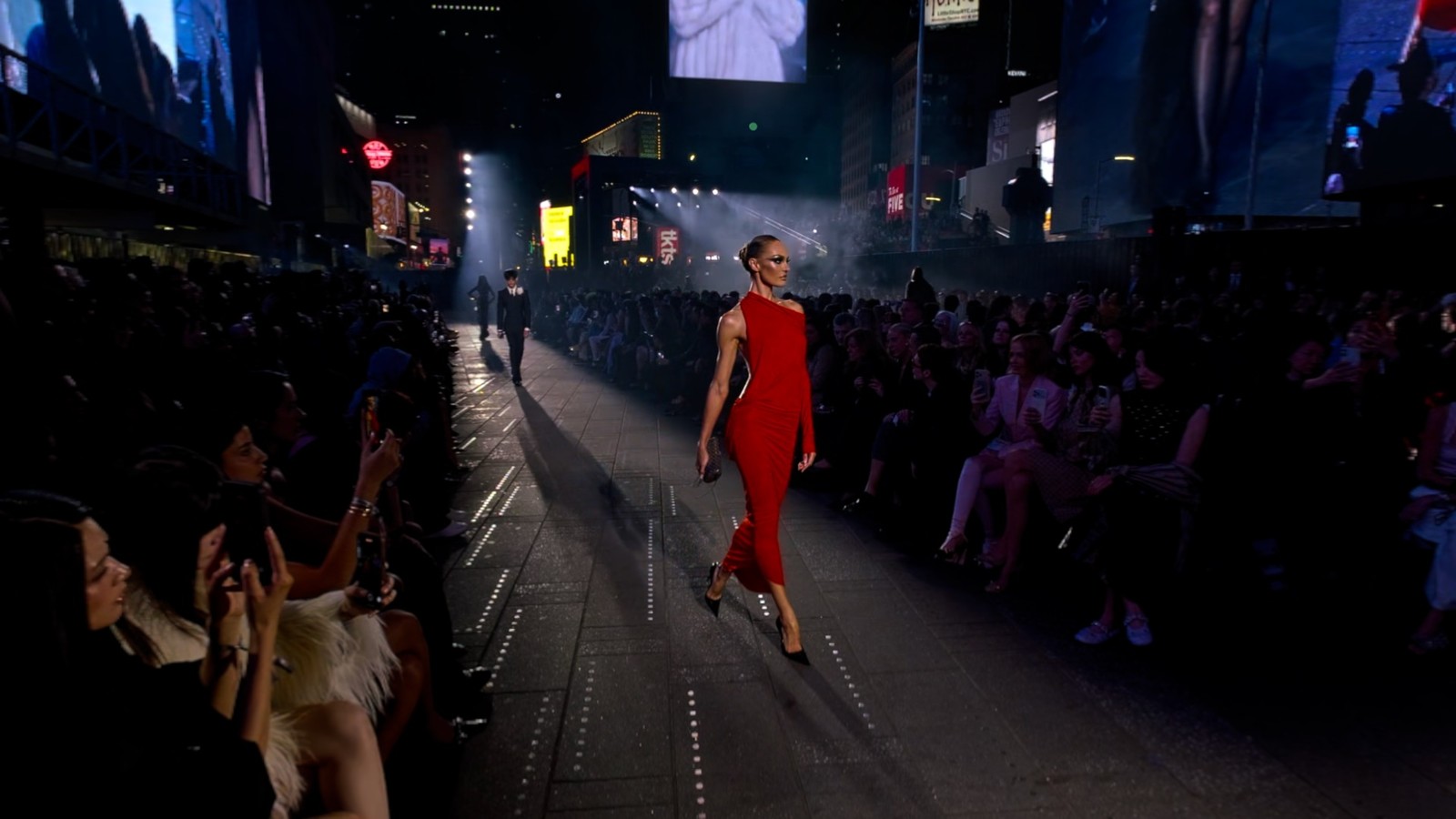
Gucci Brings Its Times Square Runway Show to Apple Vision Pro
GucciCore is now available in Apple Immersive Video, filmed with Blackmagic’s URSA Cine Immersive cameras for a 180-degree view of the runway.

Apple Immersive · 2 min read
Apple Plans Immersive Video Creator Event in Cupertino on November 11
Creators can preview live production in Apple Immersive, explore new workflows with Apple experts, and join in person or online.