
Reality Composer Pro Preview Is Now Available for Vision Pro
Apple’s Preview companion app lets creators edit on a Mac and check materials, animation, and layout live inside the headset.
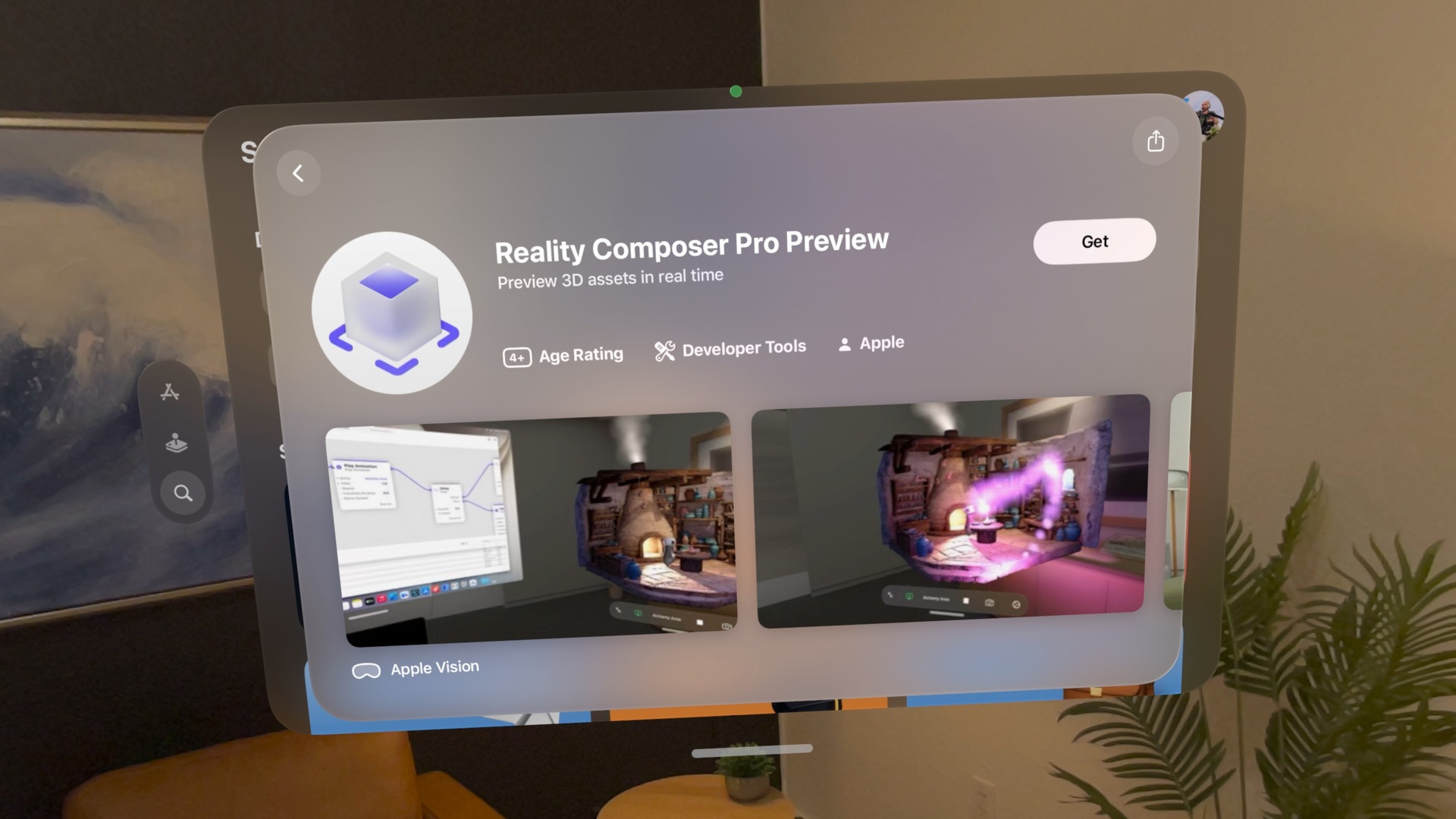
Apple’s Reality Composer Pro Preview (opens in a new tab) is now available for Vision Pro. The companion app connects to Reality Composer Pro 3 on Mac so you can preview your 3D scenes inside the headset.
Change an object’s material, adjust an animation, or move something in the scene on your Mac, and Apple says you can see the result live inside the headset. You can check how the scene looks around you while you are still creating it.
The companion app works with Reality Composer Pro 3, Apple’s Mac editor for building and preparing 3D content. Scene previews work without a linked Xcode project, so artists and designers can view their work on Vision Pro before building it into a complete app.
Previewing a scene and testing a finished app are separate steps. Apple’s documentation (opens in a new tab) says testing app code, views, and interactions requires linking an Xcode project. The Preview app handles the on-device look at the scene itself.
Apple currently offers Reality Composer Pro 3 as a beta for Apple silicon Macs running macOS Tahoe 26.5 or later. Install the Mac editor and the Preview companion on Vision Pro, then choose Preview on Device in the editor to view your scene.
More from Apple Vision Pro.
Browse all stories
Apple Immersive · 1 min read
Red Bull’s Immersive Surfing Film Arrives on Vision Pro October 1
Big Wave Surfing follows 10 elite surfers at Teahupoʻo, Tahiti, in the next episode of the Emmy-winning World of Red Bull series.
Accessories · 3 min read
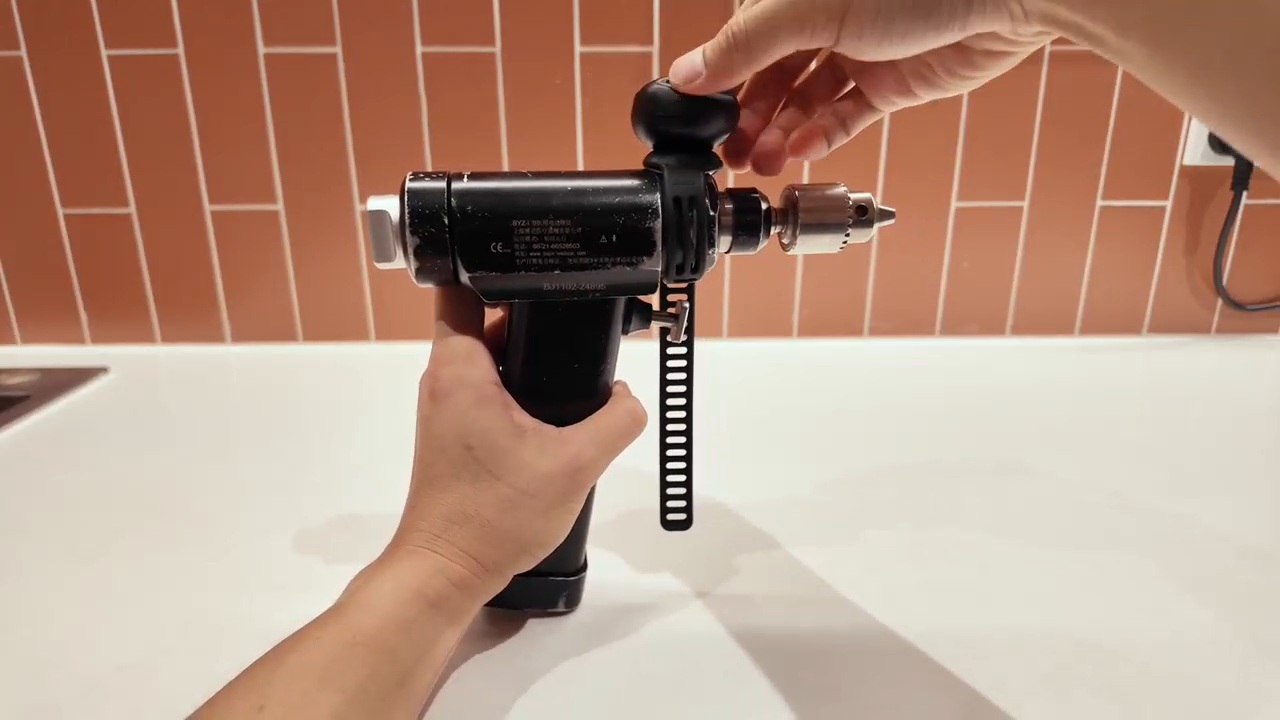
DFRobot Launches seeMote Cap, Its Latest Vision Pro Accessory
The new tool-mounted tracker joins seeMote Cube, expanding DFRobot’s spatial accessory lineup for developers building training, simulation, and hands-on learning apps.
Spatial Insider 360 · 1 min read
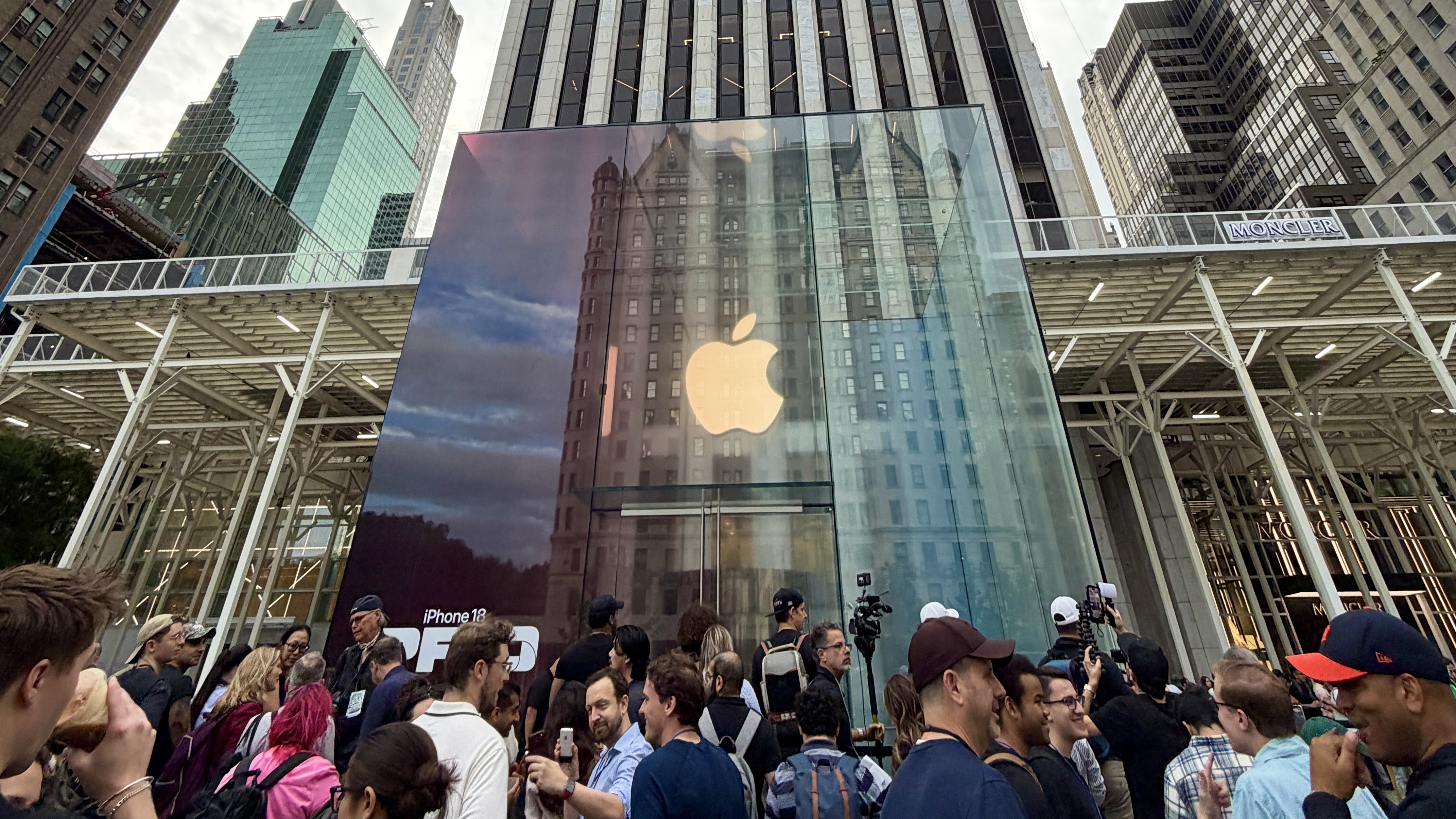
Explore the iPhone 18 Pro launch at Apple Fifth Avenue in 360°
Immerse yourself in launch day at Apple Fifth Avenue with Spatial Insider’s 360° video, available in full 8K on Apple Vision Pro with M5.