
Spatial Film App Adds Gaussian Splat Support on Vision Pro
Hugh Hou’s free Splat Player opens 3D captures through Apple’s RealityKit, with support for local files and Insta360 share links.

Apple Vision Pro owners can now open captured 3D places and move through them in Spatial Film (opens in a new tab), the immersive video app from Hugh Hou and the Metaverse Stage team.
The new Splat Player uses Gaussian splats, a way to represent a scene with many small, partly transparent shapes. Together, those shapes recreate the look of a place from different viewpoints, letting a viewer change position inside the capture.
Version 9.2 lets users import a .ply file from Files or paste an Insta360 Spatial Capture share link. Captures open at life size, with gestures to move, turn, and resize them. A thumbnail library keeps them ready to reopen.

Built With RealityKit
Hou confirmed the rendering approach in a Reddit discussion about the release (opens in a new tab). Asked whether the player used Metal, Hou said it uses RealityKit, Apple’s framework for building and rendering 3D experiences.
Apple introduced Gaussian splat rendering in RealityKit for visionOS 27 (opens in a new tab). Apple says the framework handles rendering optimizations for developers, giving apps a built-in route to displaying these captures.
Hou describes the player as an artistic alternative to other splat viewers, including MetalSplatter.
What You Can Open
The player requires visionOS 27 and supports files with up to 400,000 splats. Larger captures need to fit that limit before opening. Hou calls the feature an early beta and says work is continuing to improve it.
Insta360 link import is part of the release, but creating those captures has a separate rollout. In the announcement thread, Hou corrected the US Spatial Capture launch date to September 28. US users may therefore need to wait for Insta360’s capture feature even though Spatial Film can already open compatible files.
The Splat Player is free. Spatial Film’s optional film-catalog subscription is separate. Vision Pro owners with a compatible .ply capture can try the new viewer now, while Hou continues refining the beta.
More from Apple Vision Pro.
Browse all stories
Apple Vision Pro · 2 min read
John Ternus Compares Vision Pro to Early Macs in Recent Interview
Apple’s CEO argues that Vision Pro is still early in its development, with new uses emerging much as desktop publishing did for the Mac.
Insta360 · 2 min read
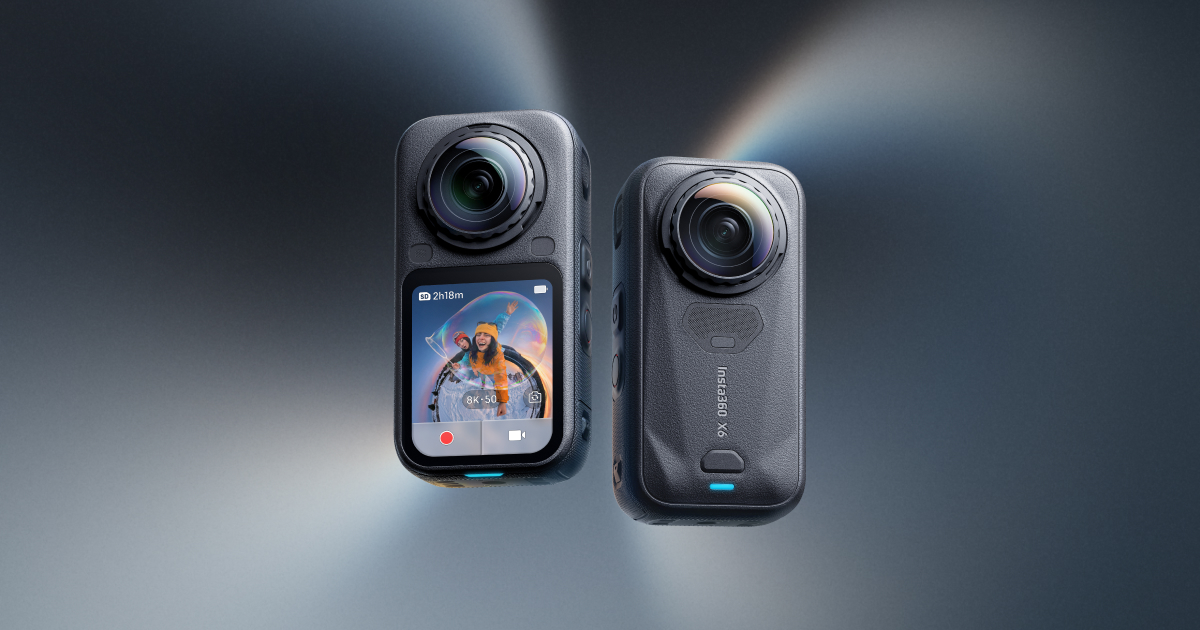
Insta360 Spatial Capture Comes to the US on September 28
X4 Air, X5, and X6 owners will be able to turn 360 videos into Gaussian splats through the Insta360 app.

AirVis Spatial · 2 min read
AirVis Spatial Lets AI Understand and Navigate Your Gaussian Splats
Connect your Gaussian splat to Codex, and AI can look around with you, help you find things, and explain what it sees.