
Apple Vision Pro can now take you inside the Tennessee Aquarium.
The new immersive film visits the aquarium’s animals and introduces the people working to protect water and wildlife across the Southeast.
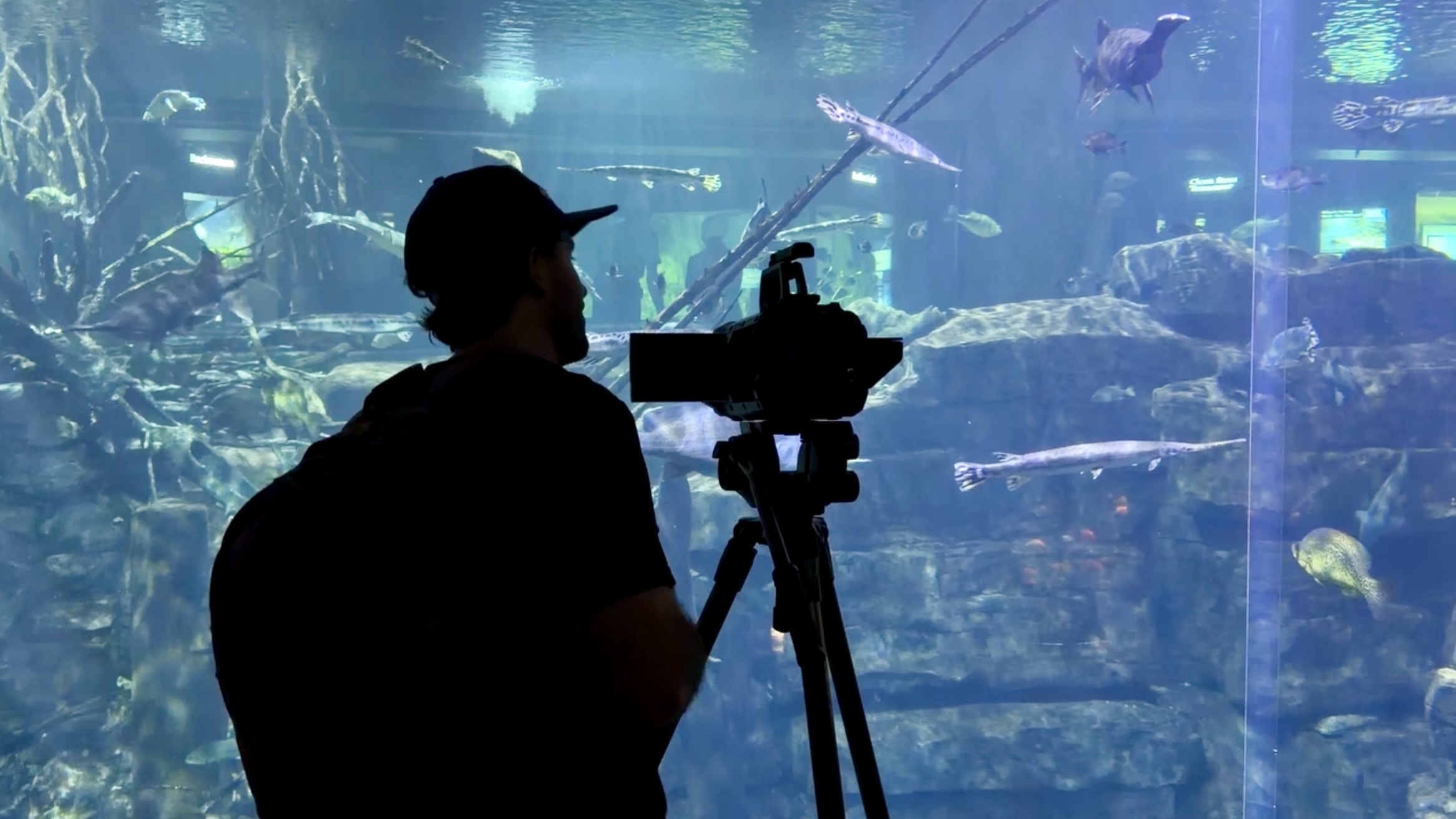
The River You See shows how independent teams are bringing their own Apple Immersive Video stories to Vision Pro.
The new Apple Immersive Video (opens in a new tab) runs for four minutes and visits the Tennessee Aquarium in Chattanooga. It was produced by Sandwich Vision (opens in a new tab) and SpatialGen (opens in a new tab).
A short trip to Chattanooga
Apple Immersive Video combines 180-degree 3D footage recorded in 8K with Spatial Audio. The wide view, depth, and sound let you look around the aquarium instead of watching it through a flat frame. The scenes move quickly, so the film feels more like a short introduction than a full tour.
You spend time with ring-tailed lemurs and radiated tortoises in Tropical Cove. You also watch keepers feed alligators. That scene felt especially personal, as I got to feed alligators when I was there.
The film also brings you close to an owl and underwater life, takes you around Chattanooga and the conservatory, and introduces some of the people behind the aquarium. One of the coolest parts is how it blends 3D models into the scenes. A 3D alligator appears during the alligator feeding scene. Later, 3D fish swim around the person being interviewed at the conservatory. There is even more packed into its four minutes.
I saw part of the filming
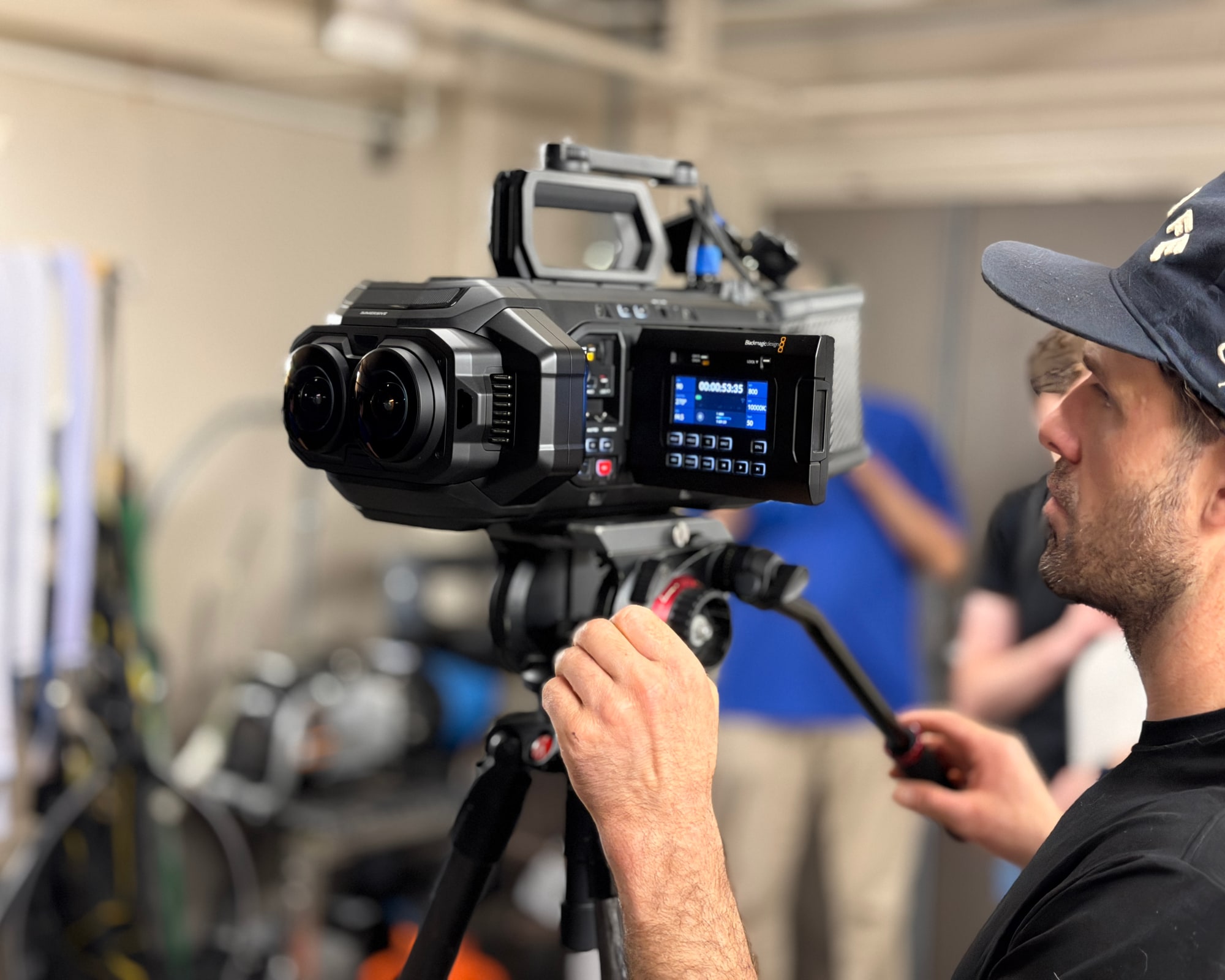
Watching the finished film brought me back to Chattanooga. During a visit with SpatialGen, I got to watch part of the shoot and see the Blackmagic URSA Cine Immersive camera up close.
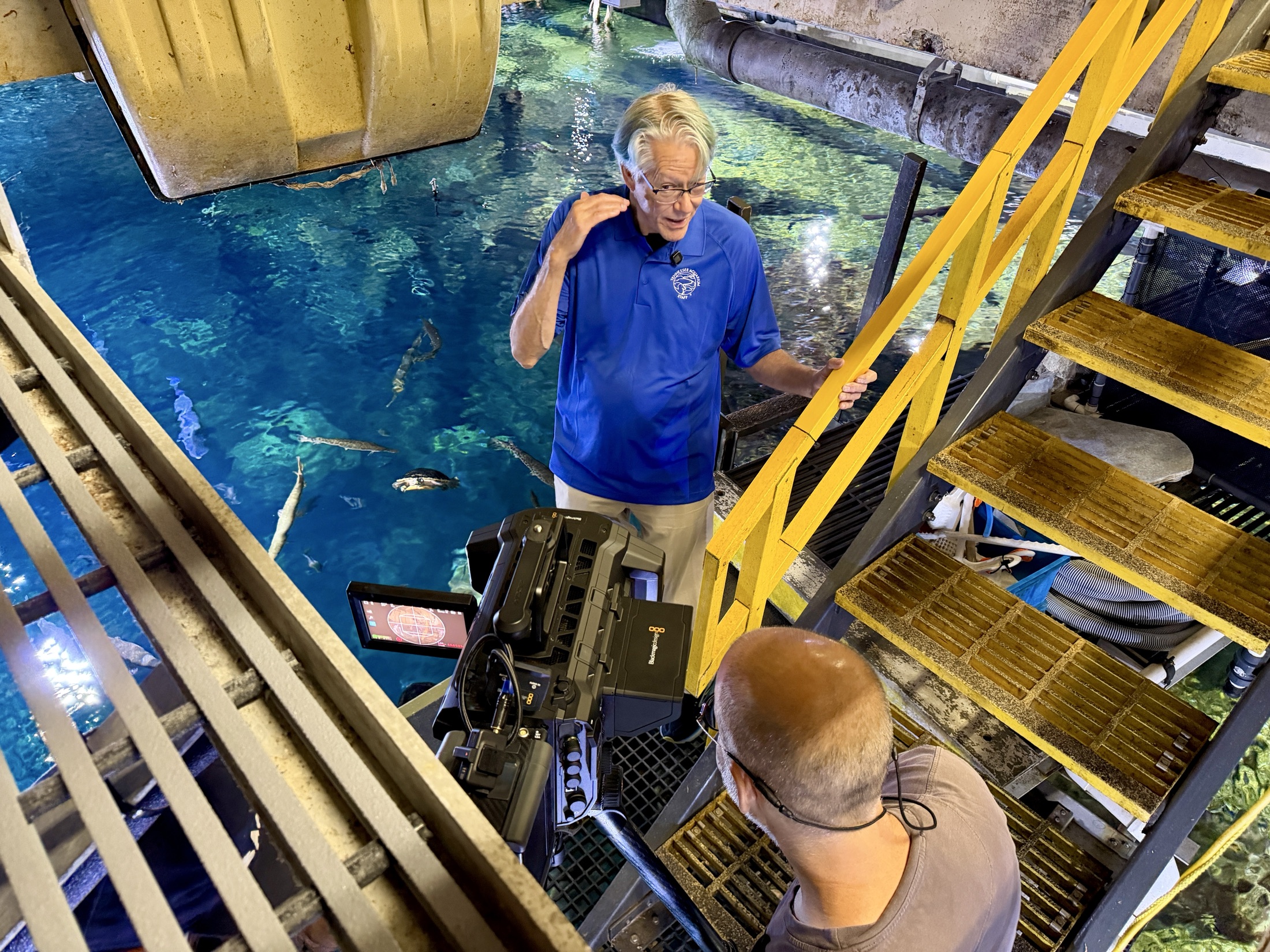
It gave me a closer look at how much work sits behind a few minutes of immersive video. The camera records a wide view in 3D, so the crew has to plan for the whole space around it. They have fewer places to hide lights, gear, and crew.
More places to find immersive video
The River You See is playing in Theater (opens in a new tab), one of the best third-party media apps on Vision Pro. It brings Apple Immersive Video, 3D movies, fulldome films, YouTube, and personal Plex libraries into spaces built for each format.
Apple TV remains the main showcase for Apple’s own immersive films. Theater was one of the first third-party apps to bring Apple Immersive Video to Vision Pro, giving independent filmmakers and studios another way to reach viewers.
How it reaches Vision Pro
Filming is only part of the job. Apple Immersive Video can create several terabytes of data, and those huge files still need to become something a viewer can stream.
The short film is also a good example of what independent teams can now bring to Vision Pro. Sandwich Vision built Theater and produced the film with SpatialGen. SpatialGen provides the delivery tools that move this high-resolution video to Vision Pro.
In my interview with SpatialGen cofounders Zachary Handshoe (opens in a new tab) and Michael Butterfield (opens in a new tab), we talk about this aquarium shoot, why the files are so large, and the technology used to stream them. We also look at how the same work could make live immersive sports and concerts possible.
How to watch
First, download Theater from the App Store (opens in a new tab) on Apple Vision Pro. The app is free to download and requires visionOS 2.0 or later.
If you have a Vision Pro, open The River You See in Theater and take a four-minute trip through the Tennessee Aquarium. It is a fun look at what independent teams are now bringing to Apple Immersive Video.
More from Apple Vision Pro.
Browse all stories
Gaussian splats · 3 min read
World Labs Opens Atlas Gaussian Splat Creation in Marble
Creators can turn Atlas views into downloadable 3D scenes, with a new beta API for building splats from generated views or photographs.

AI World Models · 2 min read
Google Unveils Genie 4, Its Most Realistic AI World Model Yet
Genie 4 combines Gemini’s reasoning with more realistic physics, natural movement, and generated sound and dialogue. Trusted testers are getting access first.
AI 3D Capture · 2 min read
SpAItial’s Echo-3 Turns iPhone Scans Into 3D Worlds You Can Restyle
The new capture app rebuilds spaces at real-world scale and fills in missed areas. A launch demo turns a family home into a storybook.