
How to View Insta360 Spatial Captures on Apple Vision Pro
Paste an Insta360 share link into the PhotoSplat app to step inside your capture, move around, and see it from new angles.
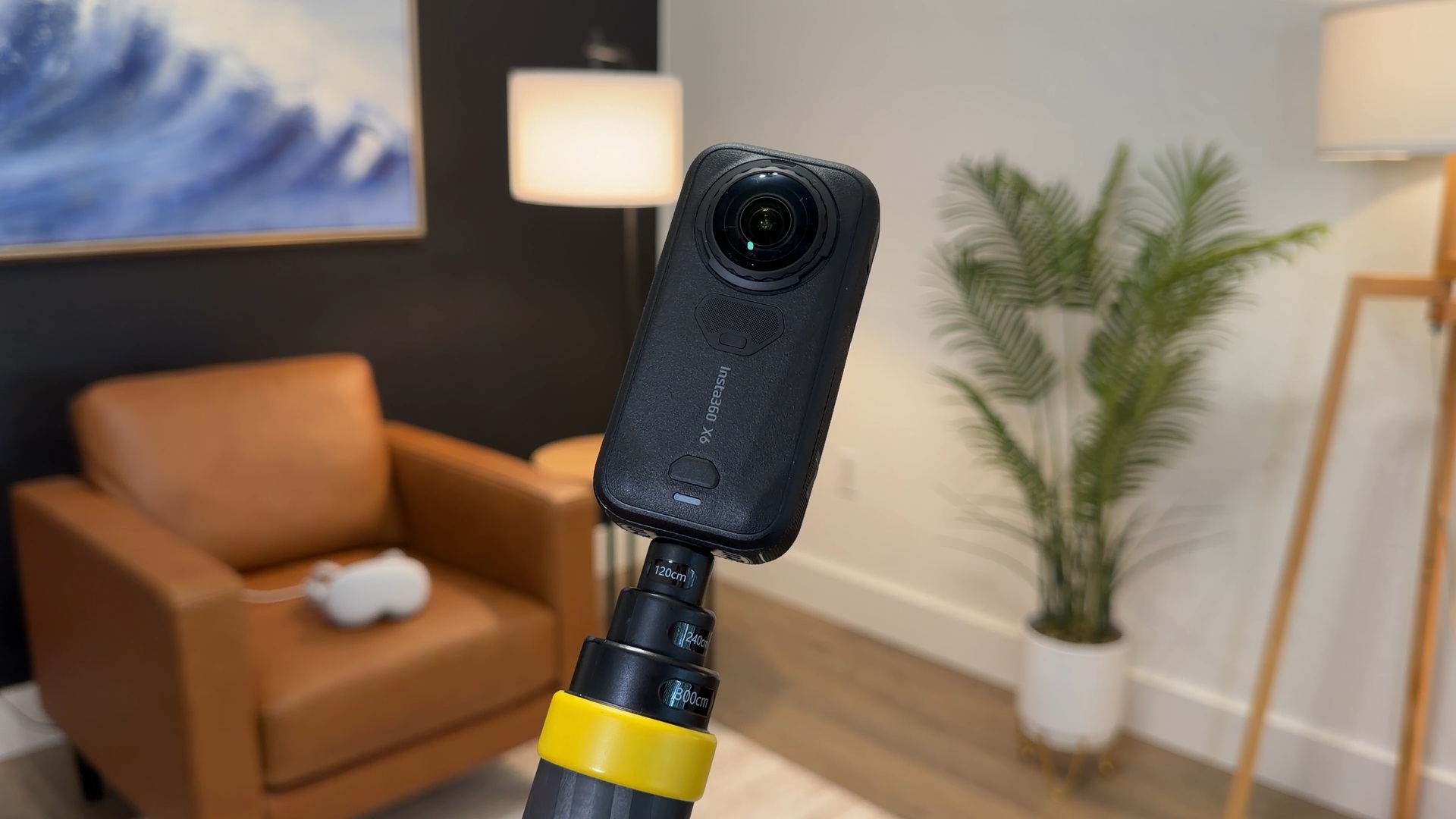
You can open Insta360 Spatial Captures on Apple Vision Pro with PhotoSplat 3D (opens in a new tab), a free app for viewing and exploring 3D scenes.
The setup is simple. Copy your capture’s public share link from the Insta360 app and paste it into PhotoSplat. Once imported, you can move your viewpoint through the scene and look around objects. The video below shows our two captures from inside Vision Pro.
Importing into PhotoSplat 3D
Install PhotoSplat 3D on a Vision Pro running visionOS 26 or later, and have your finished capture ready in the Insta360 app.
- In the Insta360 app, find your finished model under Spatial Capture. Open it, tap Share, and copy the public link.
- On Apple Vision Pro, open PhotoSplat 3D. Select the plus button, then Import from Share Link.
- Paste the link into the share-link field and select Preview, then Import.
- Open the imported model from your PhotoSplat library. You can explore it and use gestures to move, rotate, or scale the scene.
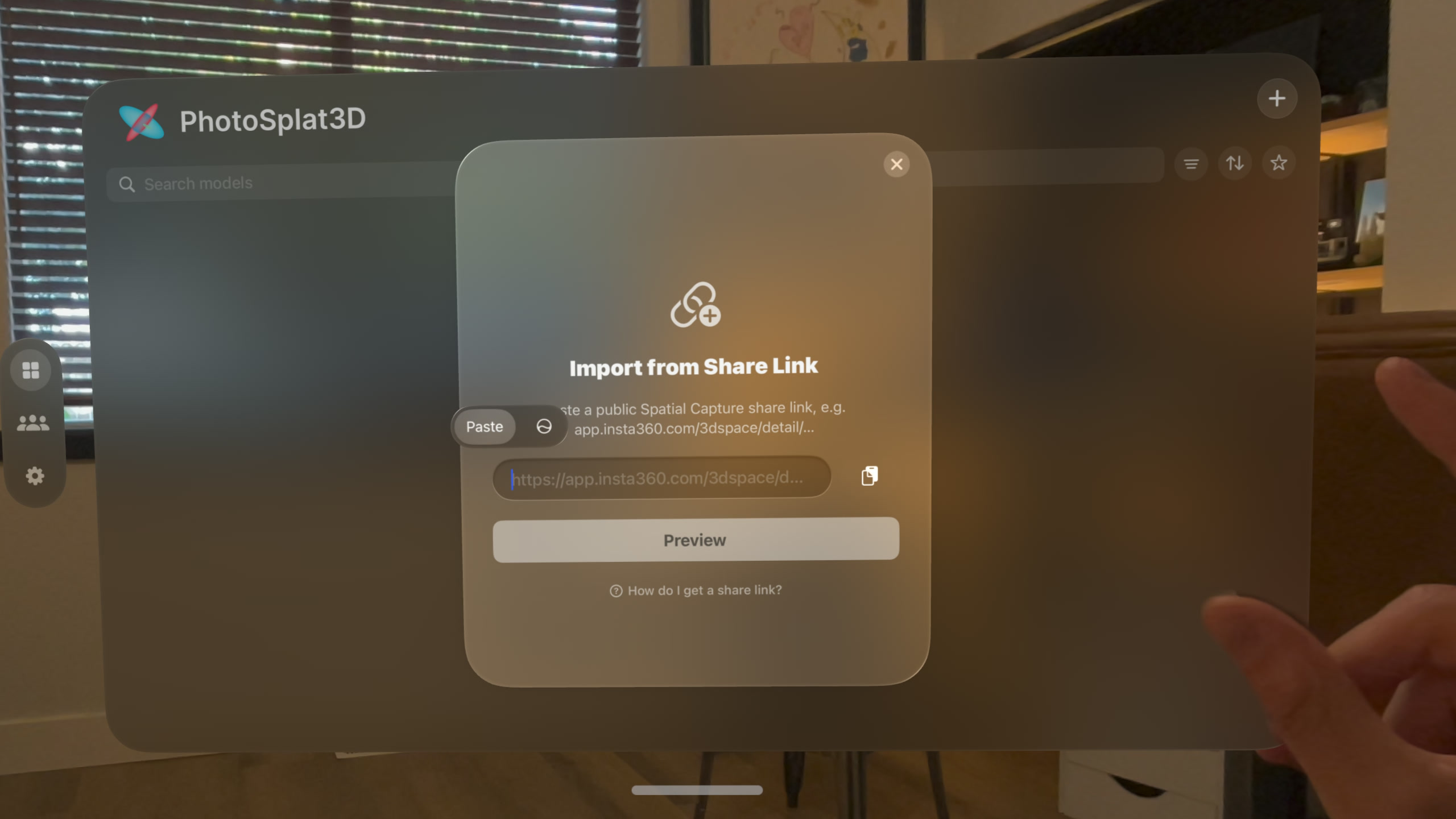
If a link fails, make sure it is public and hasn’t expired. PhotoSplat’s import guide (opens in a new tab) includes more help.
Supported cameras and capture
Spatial Capture works with the Insta360 X4 Air, X5, and new X6. We used the X6 for both examples.
If you’re looking to get one and want to support our work, use our Insta360 X6 affiliate link (opens in a new tab).
Record on the camera, then use the Insta360 app to submit the footage for Spatial Capture processing in the cloud. The current recording limit is two minutes. Both of our captures took less than that to capture and about an hour to 90 minutes to process.
Availability varies by region. Insta360 has announced a September 28 US rollout (opens in a new tab).
Viewing quality
PhotoSplat is an independent viewer, and its importer uses the preview model from Insta360’s public share page. That model may have less detail than the original export. You can also see soft or incomplete areas where the camera did not capture enough of the scene.
We’ve marked PhotoSplat 3D Recommended in our app library (opens in a new tab). It is a great viewer for our captures, and Insta360 support makes it easy to revisit places we’ve recorded.
Want to try it before making your own? Both examples are in PhotoSplat 3D’s community library under Justin Ryan. Look for New York City and Justin Ryan’s office.
More from Apple Vision Pro.
Browse all stories
Apple Vision Pro · 3 min read
Enviz Lets You Explore Your Future Home on Apple Vision Pro
Architects and builders can turn 3D models into shared Enviz spaces that clients can revisit on a phone, tablet, or web browser.

Apple Immersive · 1 min read
Red Bull’s Immersive Surfing Film Arrives on Vision Pro October 1
Big Wave Surfing follows 10 elite surfers at Teahupoʻo, Tahiti, in the next episode of the Emmy-winning World of Red Bull series.
Creator Tools · 2 min read
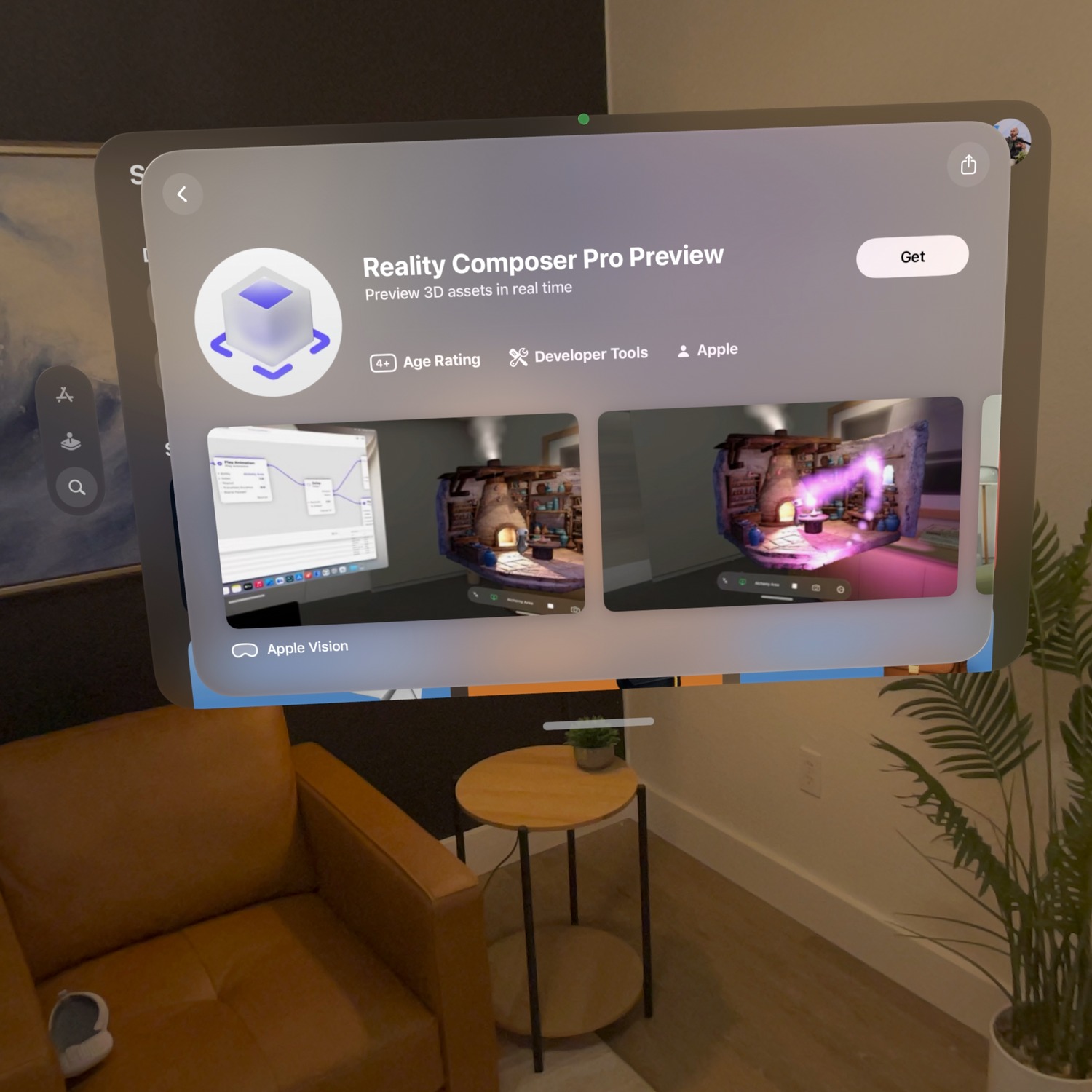
Reality Composer Pro Preview Is Now Available for Vision Pro
Apple’s Preview companion app lets creators edit on a Mac and check materials, animation, and layout live inside the headset.