
New to Apple Vision Pro
Your first day with Vision Pro.
I use Vision Pro every day. Here are the setup tips, apps, and experiences I would show you first.
Written by Justin Ryan · Built from hands-on use · Reviewed
Start here
Set up the basics.
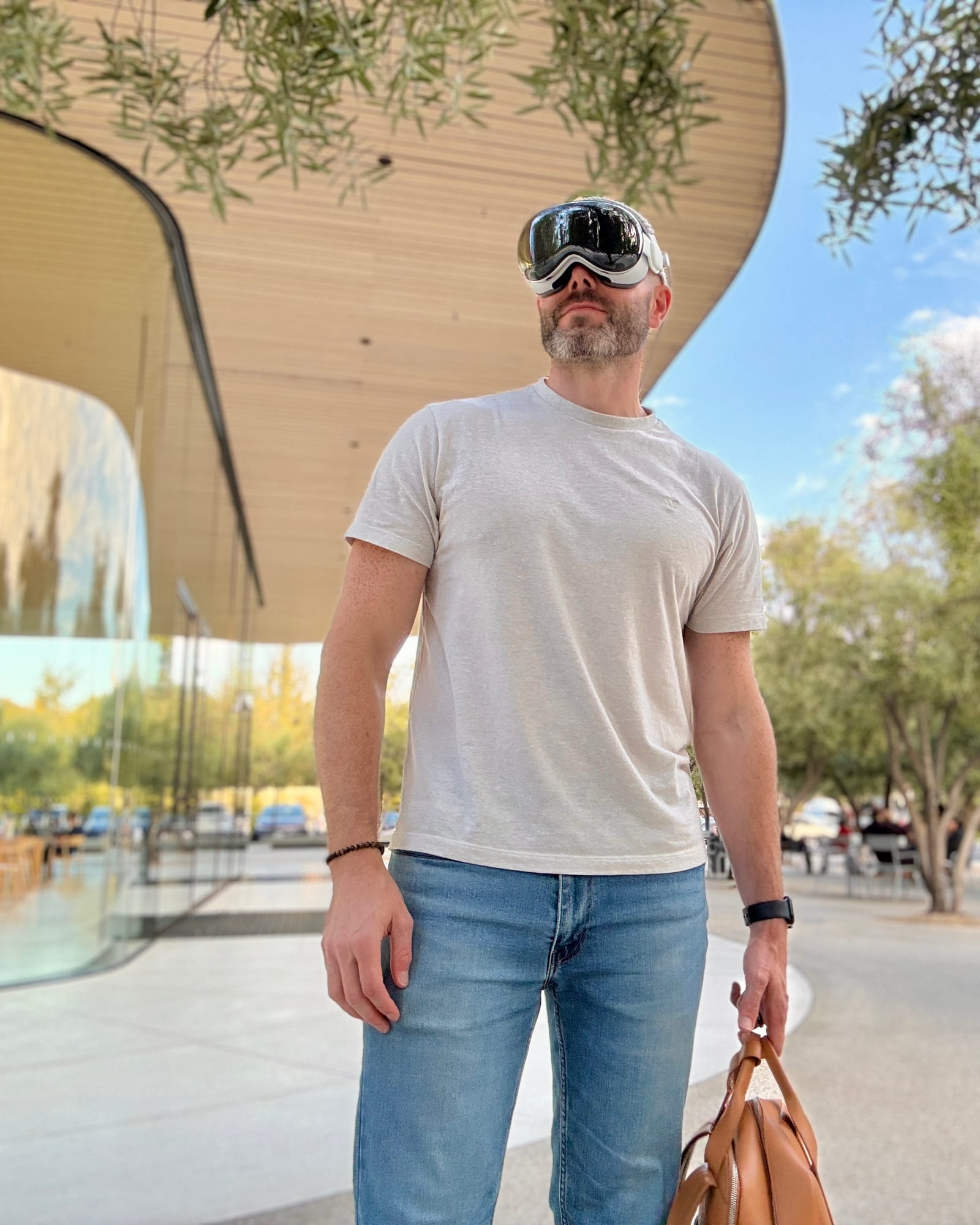
- Get the fit right.If the headset hurts, stop and adjust it. I love the Dual Knit Band. I sometimes use the ANNAPRO A2 without the Light Seal. It feels more like wearing a thick pair of glasses.Dual Knit BandANNAPRO A2 · affiliateApple fit guide
- Install the latest update.Go to Settings, General, then Software Update. Do this first so you have the newest features and fixes.Apple update guide
- Use your eyes and fingers.Look at a button, then tap your thumb and index finger. Keep your hand loose. It works from your lap.Apple gesture guide
- Know how to recenter.Look straight ahead and hold the Digital Crown. Your open windows will move back in front of you.Apple recenter guide
- Set up your Persona.Open Settings, then Persona. Use even light and follow the guide so you are ready for FaceTime.Apple Persona guide
What I show new owners
Do these four things next.
Start with Apple Immersive Video
Watch an Apple Immersive Video.
Open Apple TV and enjoy any Apple Immersive Video that looks good to you.
One of my favorites is Wild Life: Sharks. It is nine minutes and puts you underwater with a dive team in the Bahamas.
Try Wild Life: Sharks
Open Photos
Step into your photos.
Open a photo, then tap the Spatial button to spatialize it. Vision Pro will turn it into a scene with depth.
Try it with your favorite photos. Some work better than others.
Learn about spatial photos
Set up your room
Put widgets in your room.
Start with one widget and put it where it makes sense. My favorites are Clock, Philips Hue, Batteries, Mac Virtual Display, Apple Music, and Photos.
They give me quick time and battery checks, smart-light control, one-tap Mac access, favorite music, and favorite photos. I miss them when I take Vision Pro off.
Learn about spatial widgets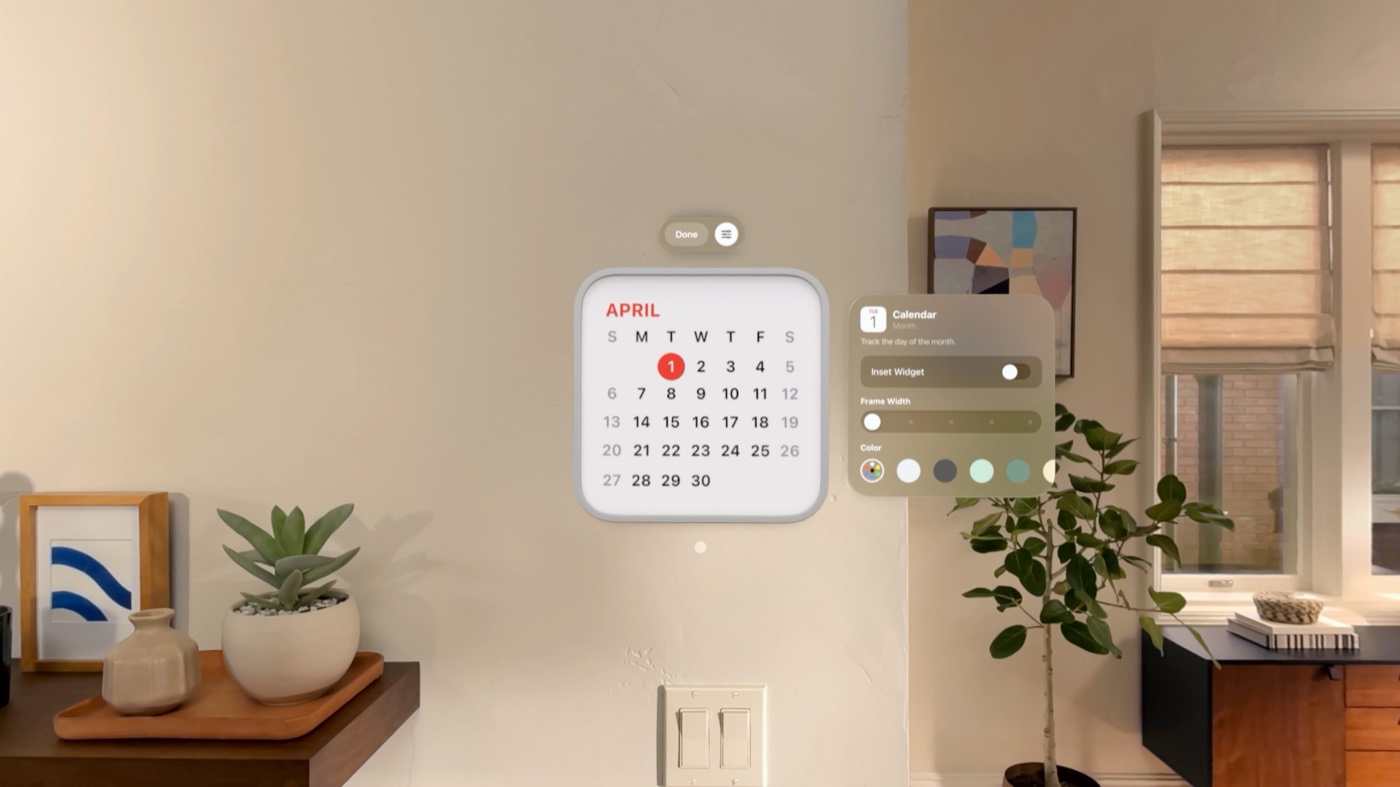
Apple Immersive Environments
Change the world around you.
Turn the Digital Crown and try Apple’s immersive Environments. Move between a few and see which one fits the moment.
Thórsmörk in Iceland is my favorite right now. It comes with visionOS 27.
See Apple’s Environments
Spatial Insider picks
Great apps to start with.
These are some of my Top Picks.





Spatial FaceTime
Try Spatial FaceTime with us.
Twice a month, I host a 30-minute Spatial FaceTime call with a small group of people who just got a Vision Pro. We join as spatial Personas and talk face to face instead of sitting in video boxes.
The goal is simple: experience the magic of Spatial FaceTime and meet other new owners. Space is limited.
Email Justin for a seat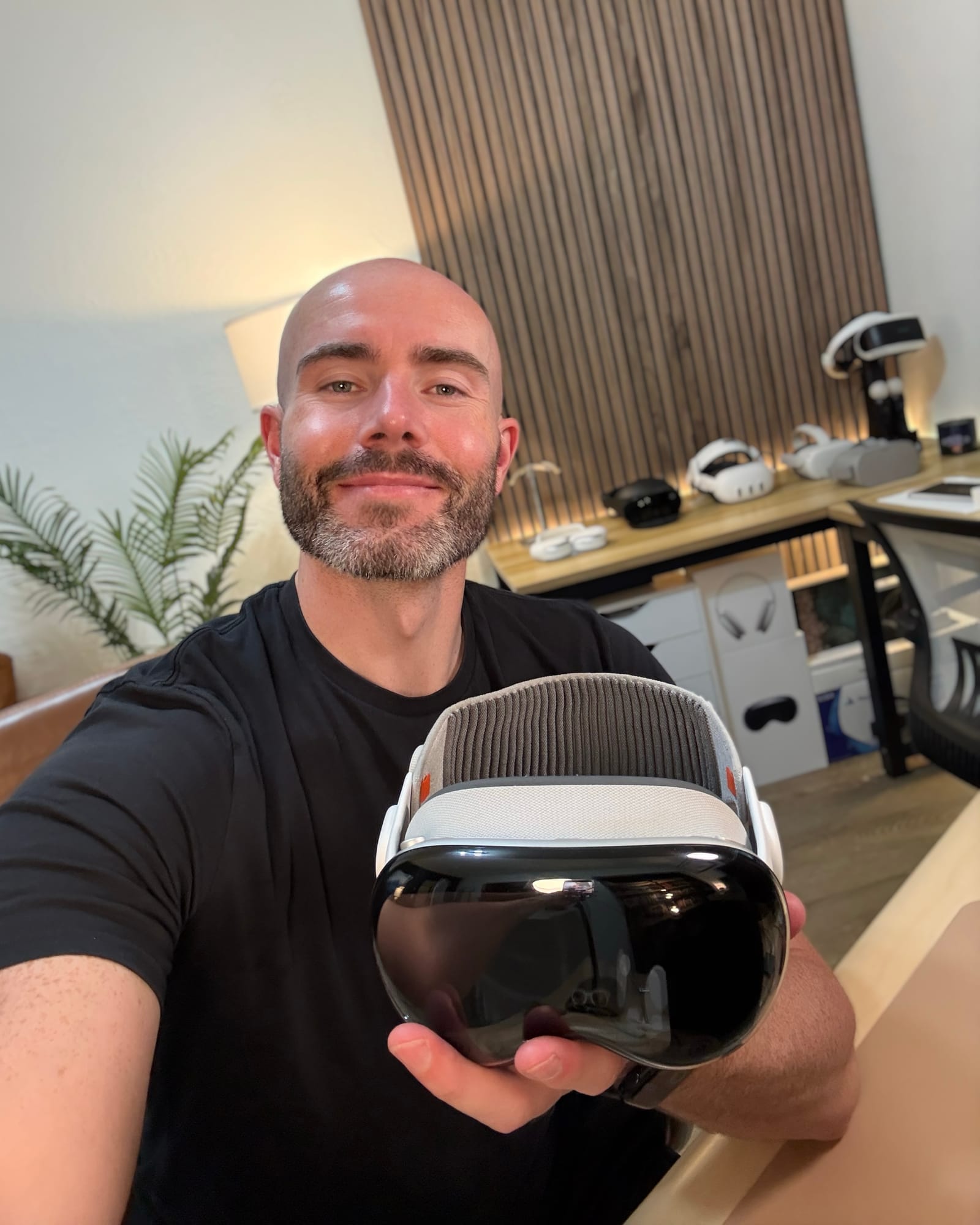
Keep exploring
More things to try.
Use a USDZ file
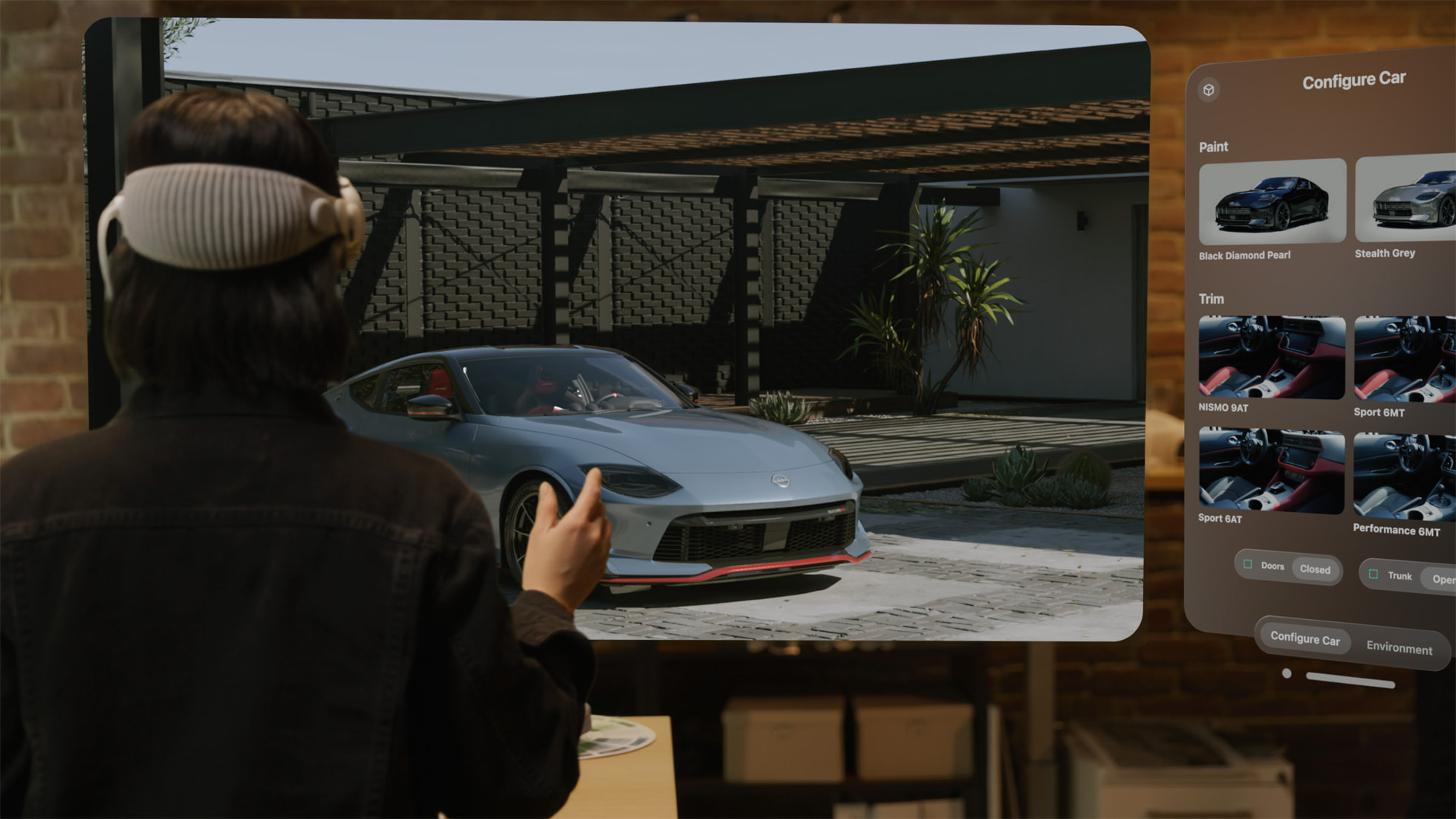
Pick up a 3D model.
Open a USDZ model, pinch it, move it into your room, and make it larger or smaller. Walk around it to see every side. Sketchfab has thousands of free models if you need one.
Find free 3D models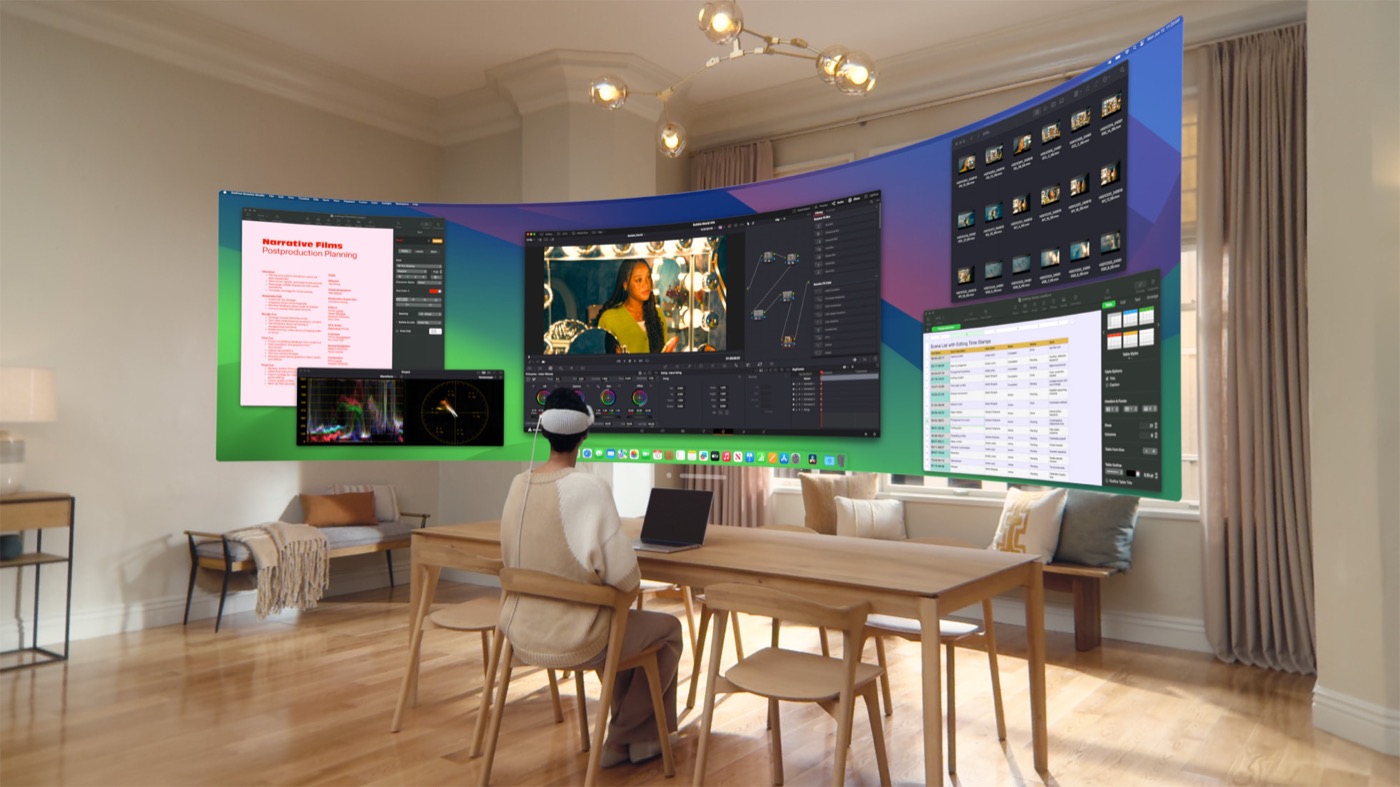
Bring in your Mac
Try Mac Virtual Display.
Connect your Mac and use its screen in Vision Pro. You can make it large, then place Vision Pro apps around it.
Set up Mac Virtual Display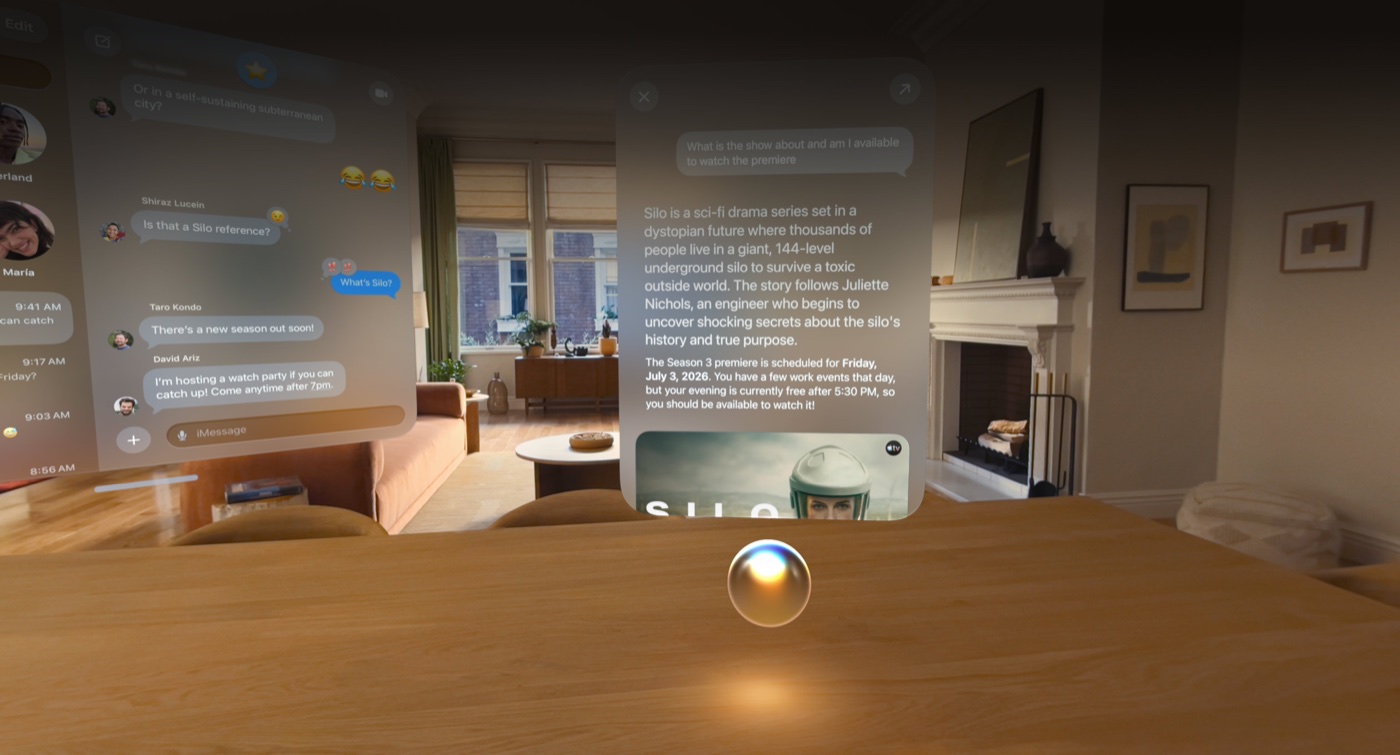
New in visionOS 27
Put Siri on your desk.
The new Siri is amazing. Pin it to your desk. Ask what it sees. Ask it to find information in your apps using what it knows about you.
See Siri in visionOS 27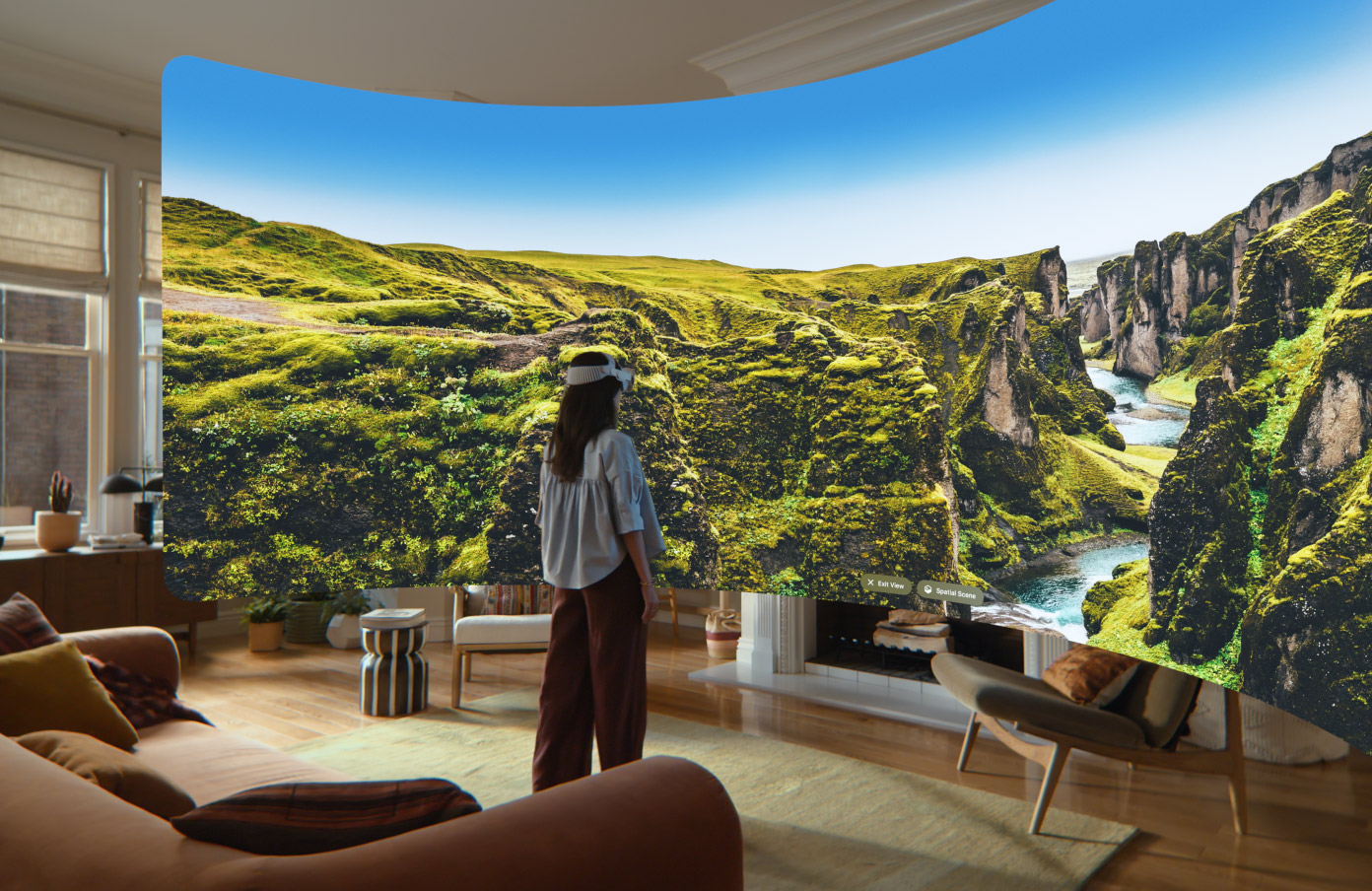
New in visionOS 27
Make your own Environment.
Open a panorama in Photos, turn it into a spatial scene, then set it as your personal Environment. Pick a place you would love to step back into.
See personal EnvironmentsFollow Spatial Insider.
Stay up to date.